58 Operation (under Launcher source)
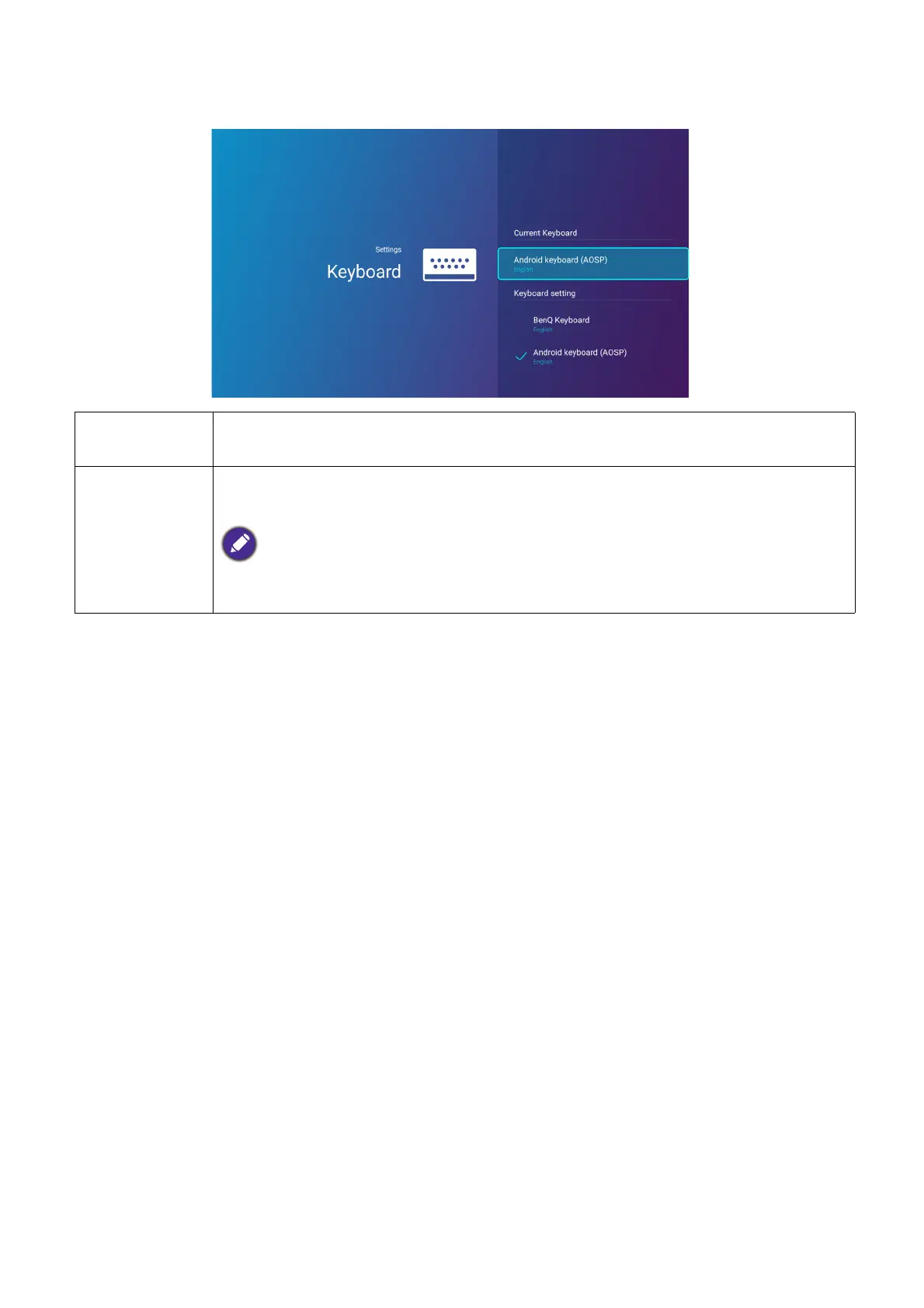
Keyboard
Current
Keyboard
Displays the current keyboard setting.
Keyboard
Settings
Sets the projector’s virtual keyboard for inputting text. The available options are
BenQ Keyboard and Android keyboard (AOSP).
To input Chinese characters, set the language preference to traditional Chinese or simplified
Chinese, and set the keyboard to BenQ Keyboard.












 To Next Page