28 How to adjust your monitor
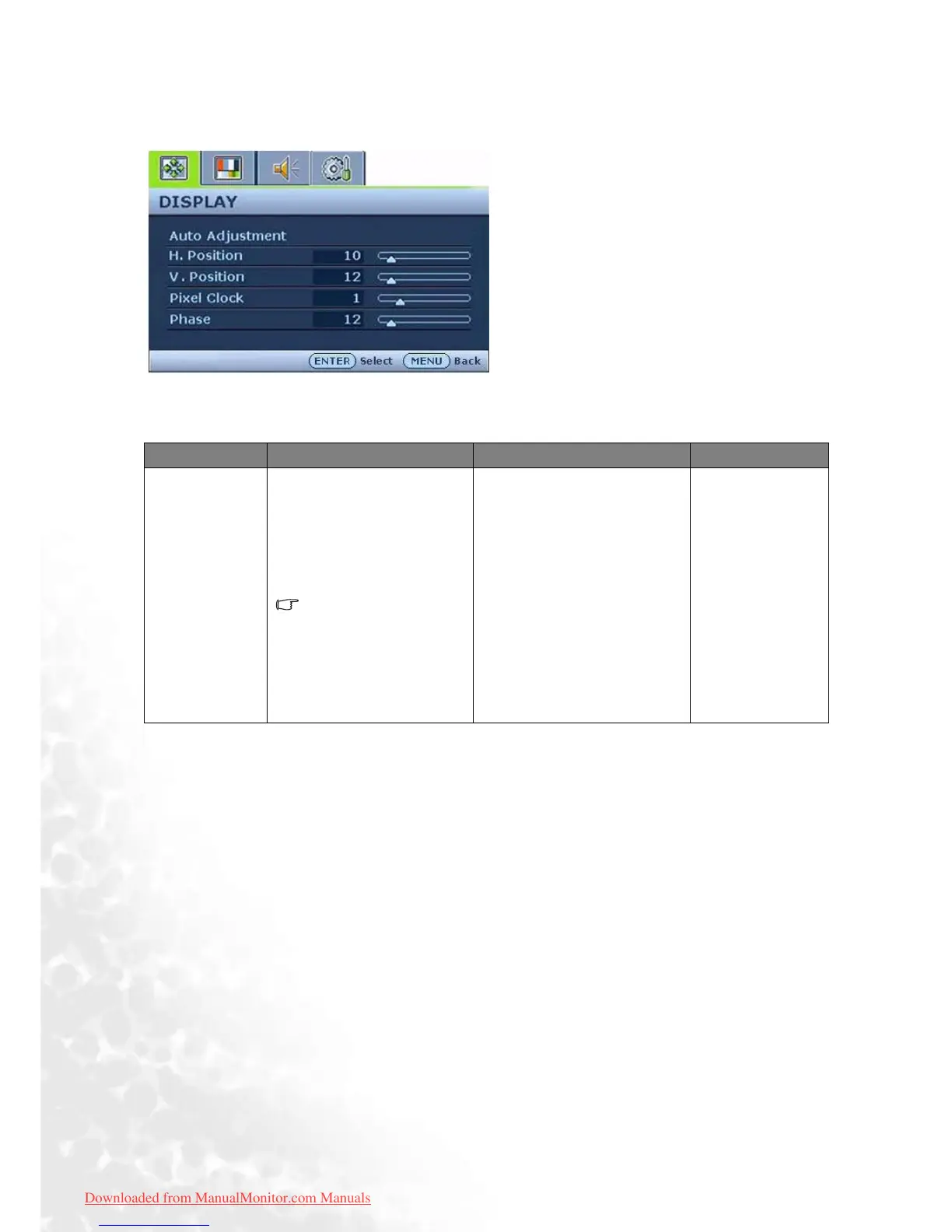
Display menu
1. Press the MENU key to display the main
menu.
2. Press the W or X keys to select DISPLAY
and then press the ENTER key to enter the
menu.
3. Press the W or X keys to move the high-
light to a menu item and then press the
ENTER key to select that item.
4. Press the W or X keys to make adjust-
ments or selections.
5. To return to the previous menu, press the
MENU button.
Item Function Operation Range
Auto
Adjustment
Optimizes and adjusts the
screen settings
automatically for you. The
i
key is a ‘hot-key’ for this
function.
When you connect a
digital video output
using a digital (DVI)
cable to your monitor,
the i key and the Auto
Adjustment function
will be disabled.
Press the ENTER key to
select this option and make
adjustment.
Downloaded from ManualMonitor.com Manuals



 To Next Page