32 How to adjust your monitor
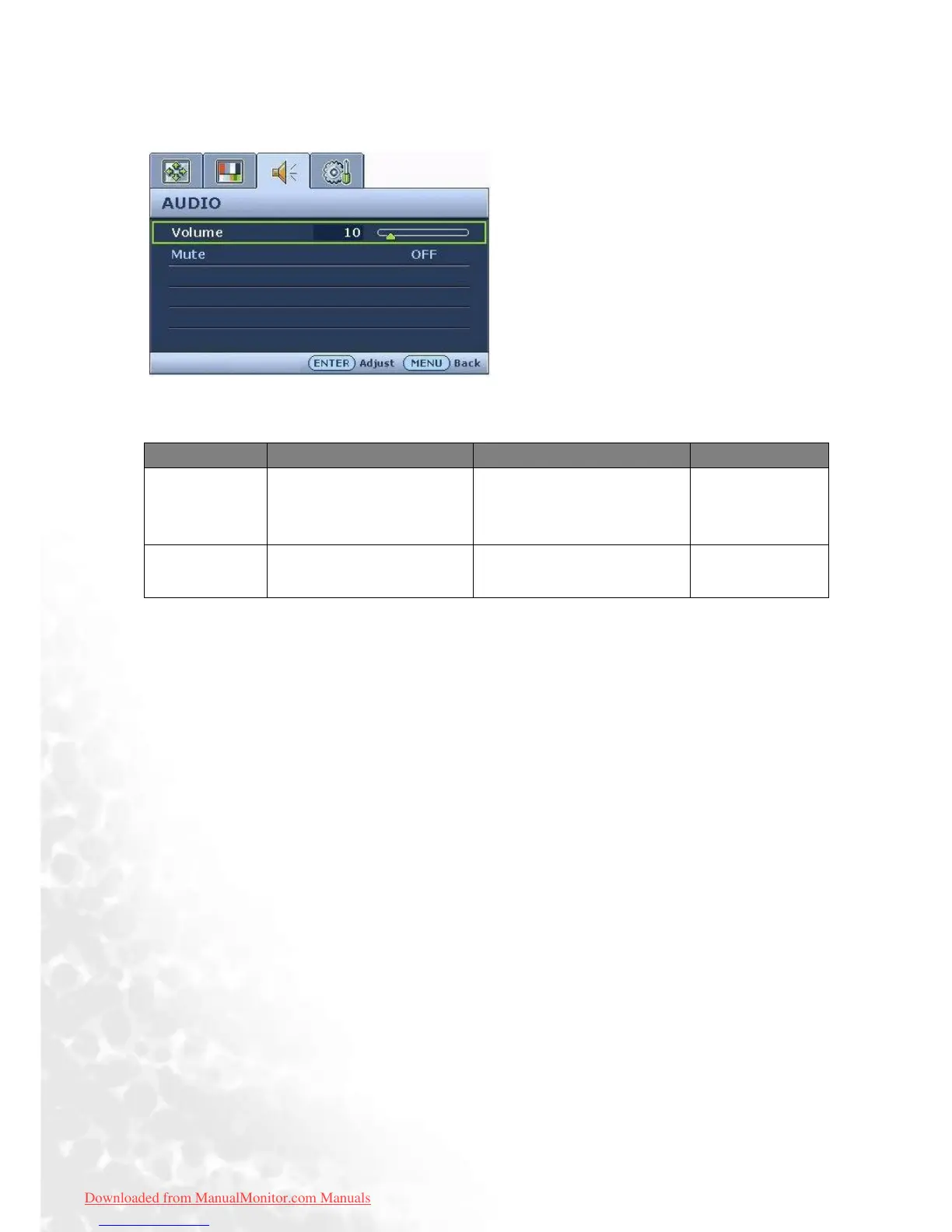
Audio menu
1. Press the MENU key to display the main
menu.
2. Press the W or X keys to select AUDIO
and then press the ENTER key to enter the
menu.
3. Press the W or X keys to move the high-
light to a menu item and then press the
ENTER key to select that item.
4. Press the W or X keys to make adjust-
ments or selections.
5. To return to the previous menu, press the
MENU button.
Item Function Operation Range
Volume Adjusts the level of
volume.
Press the X key to increase
the volume and press the W
key to decrease the volume.
0 to 100
Mute Mutes the audio input.
Press the W or X keys to
set the changes.
• ON
• OFF
Downloaded from ManualMonitor.com Manuals



 To Next Page