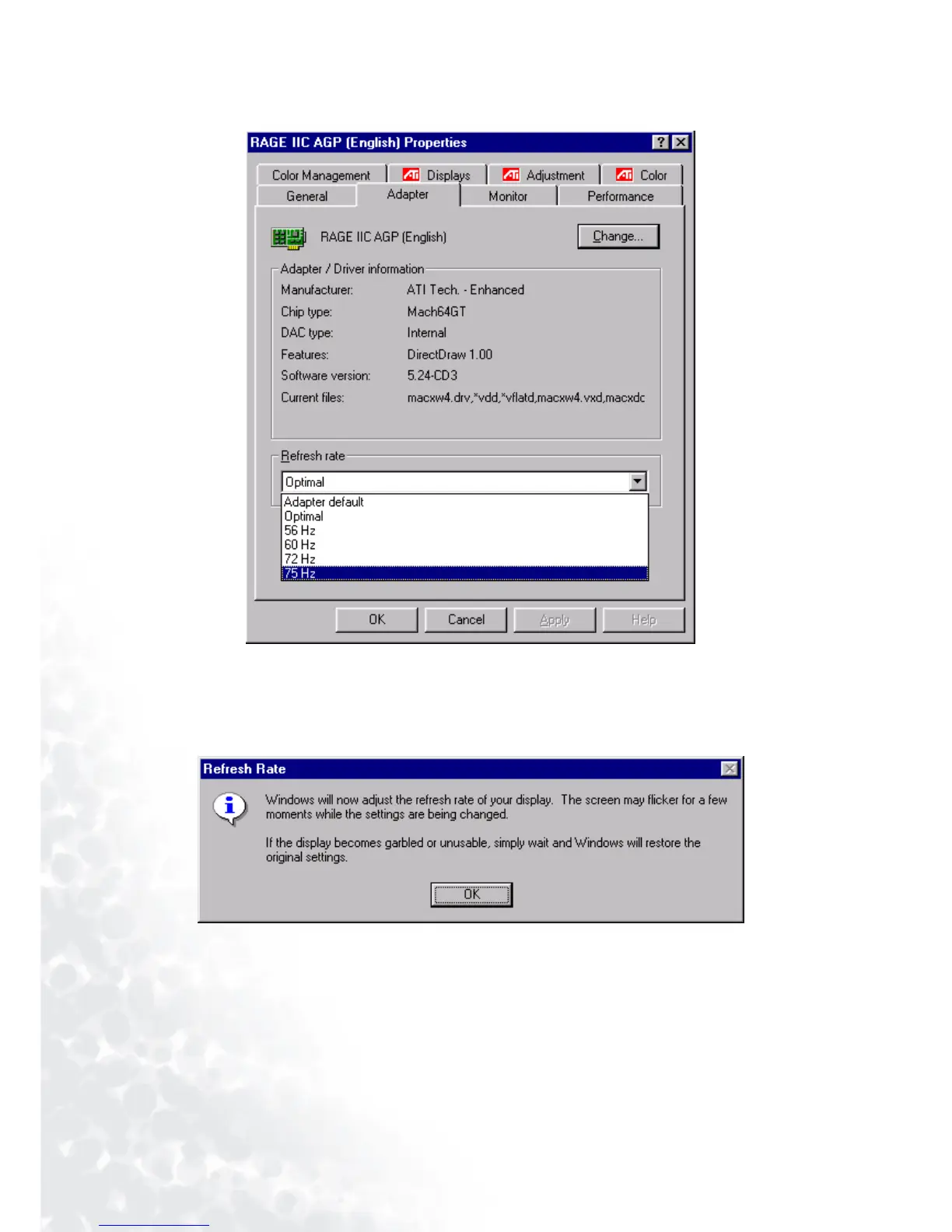
40 How to choose the right Refresh Rate
3. Select the “Adapter” tab. The refresh rate selection field is located in the center at the bottom of the
window.
4. Choose a refresh rate from the table with the factory modes, which can be found in the user’s
guide, and select this in the settings field.
5. In the subsequent windows press “Change”, “ OK” and “Ye s”.
6. You can now close “Display Properties”.



 To Next Page