Operation54
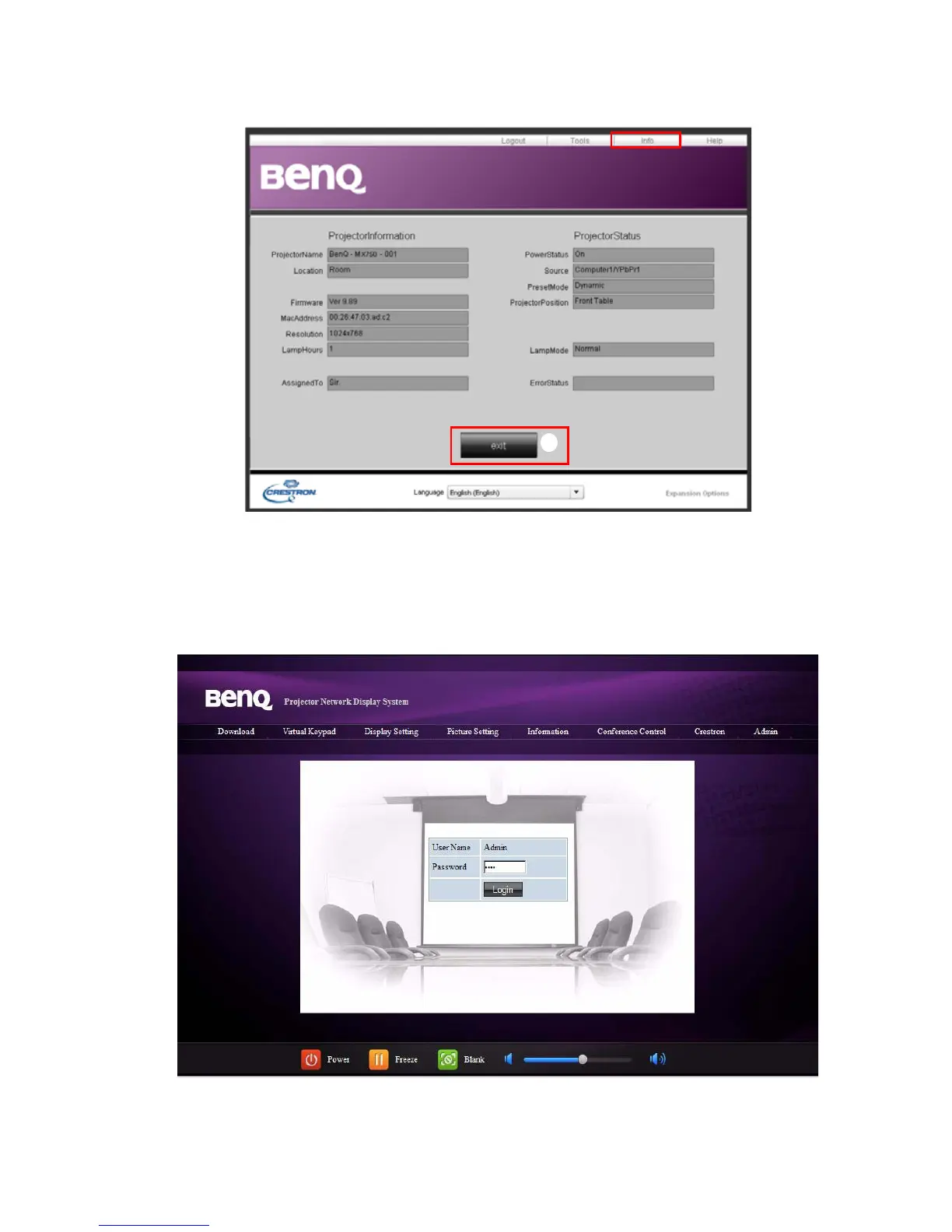
The info page displays the information and status of this projector.
i. Press exit to go back to the Crestron remote network operation page.
The Admin page allows you to enter Basic, Wired LAN, Wireless LAN and Mail pages once
the password is entered. The default password is “0000”. If you want to change the password,
please enter Basic page.
i



 To Next Page