Operation 67
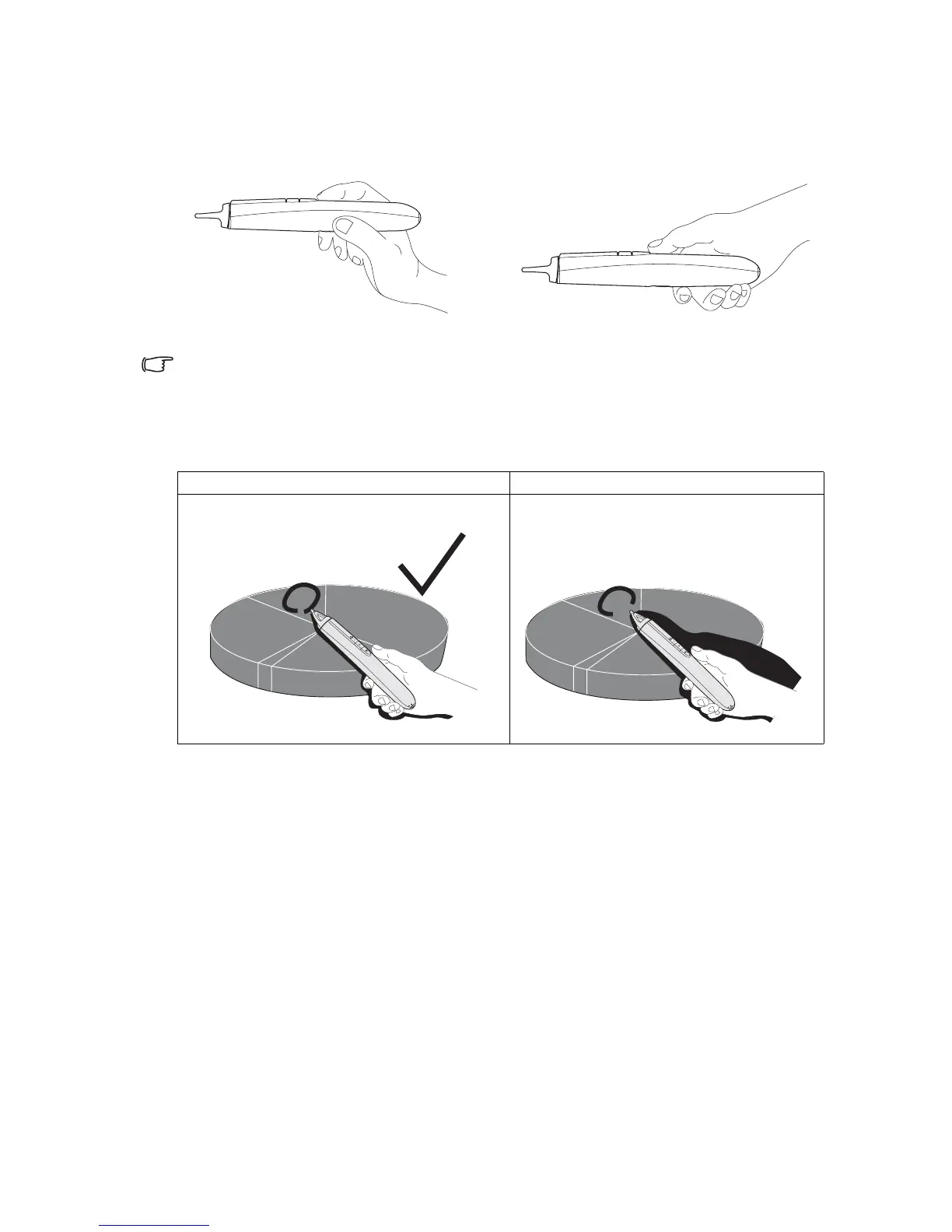
How to hold the PointDraw
TM
pen
You can hol d the Po i n tD r aw
TM
the way you would hold a normal pencil or pen, or you can
hold it like a remote control - use in whichever position is most comfortable.
If the PointDraw
TM
pen is far away from the screen, be sure to press the left mouse button to
click and drag.
Avoid shadows!
The PointDraw
TM
pen won't work if its tip is in a shadow or if it is pointing at a shadow:
or
Correct (no shadow) Incorrect (shadow)
28%
12%
28%
28%
28%
12%
28%
X
28%



 To Next Page