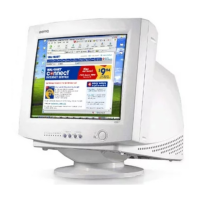
Benq Color Monitor User’s Manual
English 5
English
5. Panel Key Introduction
1. Exit key : returns to last page, quits the menu system.
2.
3
/ : adjusts the parameter setting to
a lower value or adjusts contrast setting.
3.
4
/ : adjusts the parameter setting to
a higher value or adjusts brightness setting.
4. Enter key : goes into submenus or selects
items.
5. Status Indicator
6. Power Switch: turns the monitor on or
off.
Menu Item Sub-Menu Item Function
Luminance Contrast adjusts the difference between the light and dark areas
Brightness adjusts the brightness of the display
Geometry Hor. Position adjusts the horizontal position of the display.
Hor. Size adjusts the display width
Ver. Position adjusts the vertical position of the display
Ver. Size adjusts the vertical display height
Rotation
corrects the slanted screen



 To Next Page