54
Warnings and Precautions
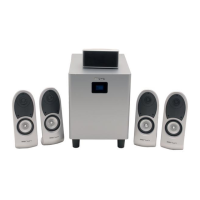
If installed and maintained properly, your Benwin speaker system will provide
years of safe trouble-free operation. Please observe the following warnings to
avoid electrical shock, personal injury, and damage to the product.
During lightning, never touch the power cable or plug, mini-plug cables,
or any PC connections.
Never disassemble the hardware. If taken apart it can become cause of
electrical shock or damage to the product.
Do not touch the AC plug with wet hands.
Do not let water or any liquid come in contact with any of the speakers
or their components.
Be sure to use an AC120V (60Hz) power supply.
Do not rest objects on the power cord or any of the components.
Do not use excessive force when handling the AC plug.
When not in use for extended periods, disconnect the AC plug from the
outlet.
Before cleaning, disconnect the AC plug from the power outlet.
Keep these products safe from children
Do not use any thinner, benzene, or other solvents including typically
treated cloths on any of the components.
Keep away from high temperature.
Before you install, please read this:
Set Up procedure
1. Turn the power off and the volume all the way down on the
PC or stereo system.
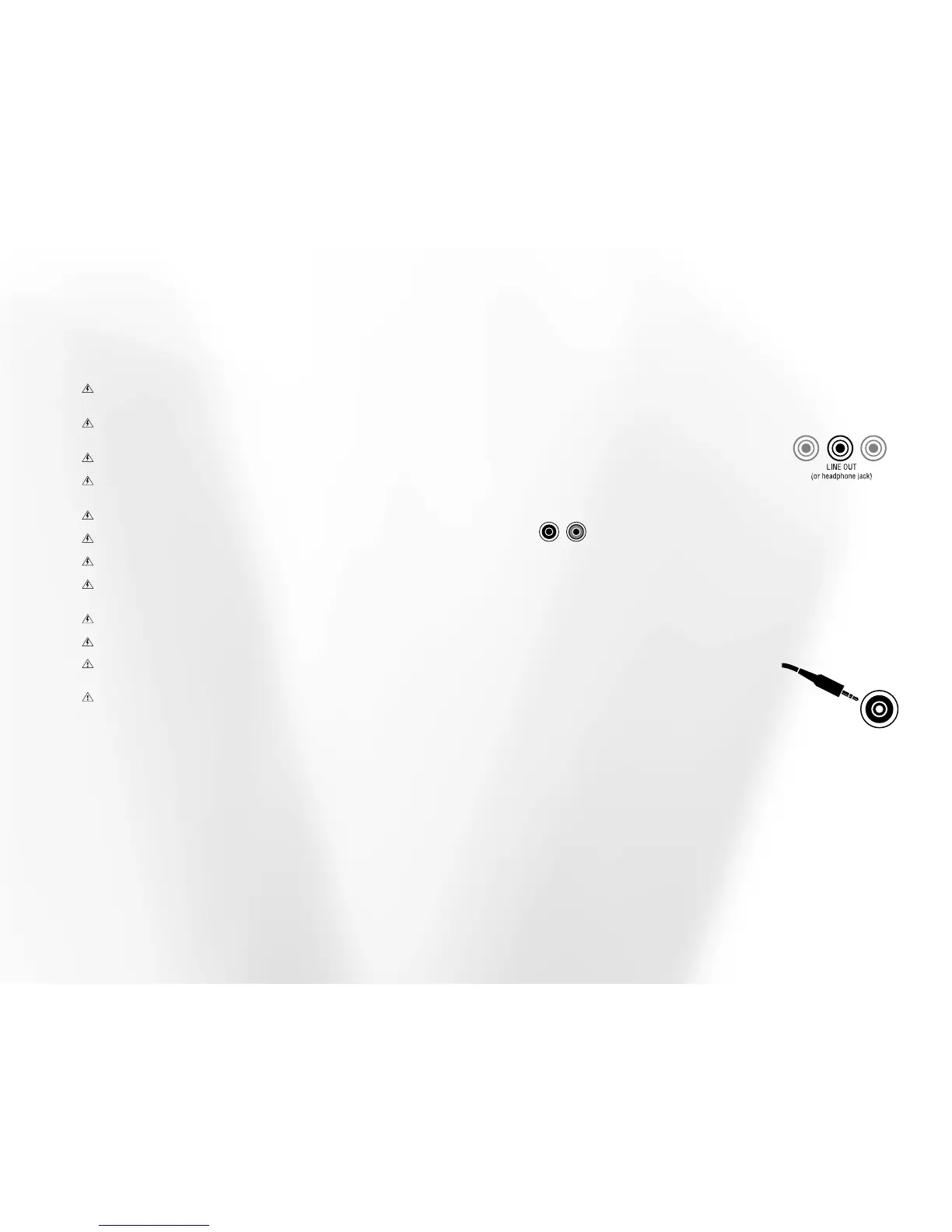
2. Determine where the LINE OUT terminal is on your PC or
stereo system. Normally there are several ports on the back of
your PC. Refer to the owners’ manual for the
PC or stereo system to determine location.
If it is not a stereo mini-plug, (plug supplied
will not fit easily), use an appropriate
adapter. If a line out is unavailable, you may
use the headphone jack.
Note: If your system has two RCA jacks (left and right stereo) instead
of a stereo mini-plug, you will need to purchase a 6’ stereo cable
with two male RCA plugs at one end and a stereo mini-plug at the
other.
3. Plug the stereo mini-plug into the LINE
OUT terminal of the PC, stereo system or
stereo television (or the headphone jack if a
line out is unavailable).
4. Plug the Stereo mini-plug at the other
end of this cable into the INPUT JACK on the
subwoofer.


 To Next Page
 Loading...