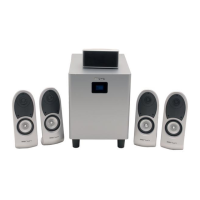
76
No sound - check all stereo mini-plug connections and turn connectors
slightly to insure proper contact. Make sure you inserted the other end
of the stereo mini-plug cable into the LINE OUT of your PC or stereo
system. On some systems this may also be the headphone jack. Refer
to the systems manuals for these products to find the LINE OUT, and
for information on adjusting line out volume. Also, make sure sound is
coming from your PC or stereo system.
Sound is too high/too low - adjust the volume on the PC or stereo
system. Also you may adjust the volume on the speakers.
Sound suddenly cuts out - check all connections to insure proper
contact. Restart the PC.
Constant buzzing - check all stereo mini-plug connections and turn
connectors slightly to insure proper contact.
Constant howling/feedback - turn down the volume and/or move the
speakers further away from the microphone. You may also turn the
microphone off. To do this, refer to the manual that came with your PC.
If none of the above solve your problem, please contact the place of
purchase, e-mail Benwin technical support at
techsupport@benwin.com, or call Benwin technical support at 626-935-
8888 (9am-5pm PST only).
Thank you for buying Benwin!
Visit our web site at www.benwin.com
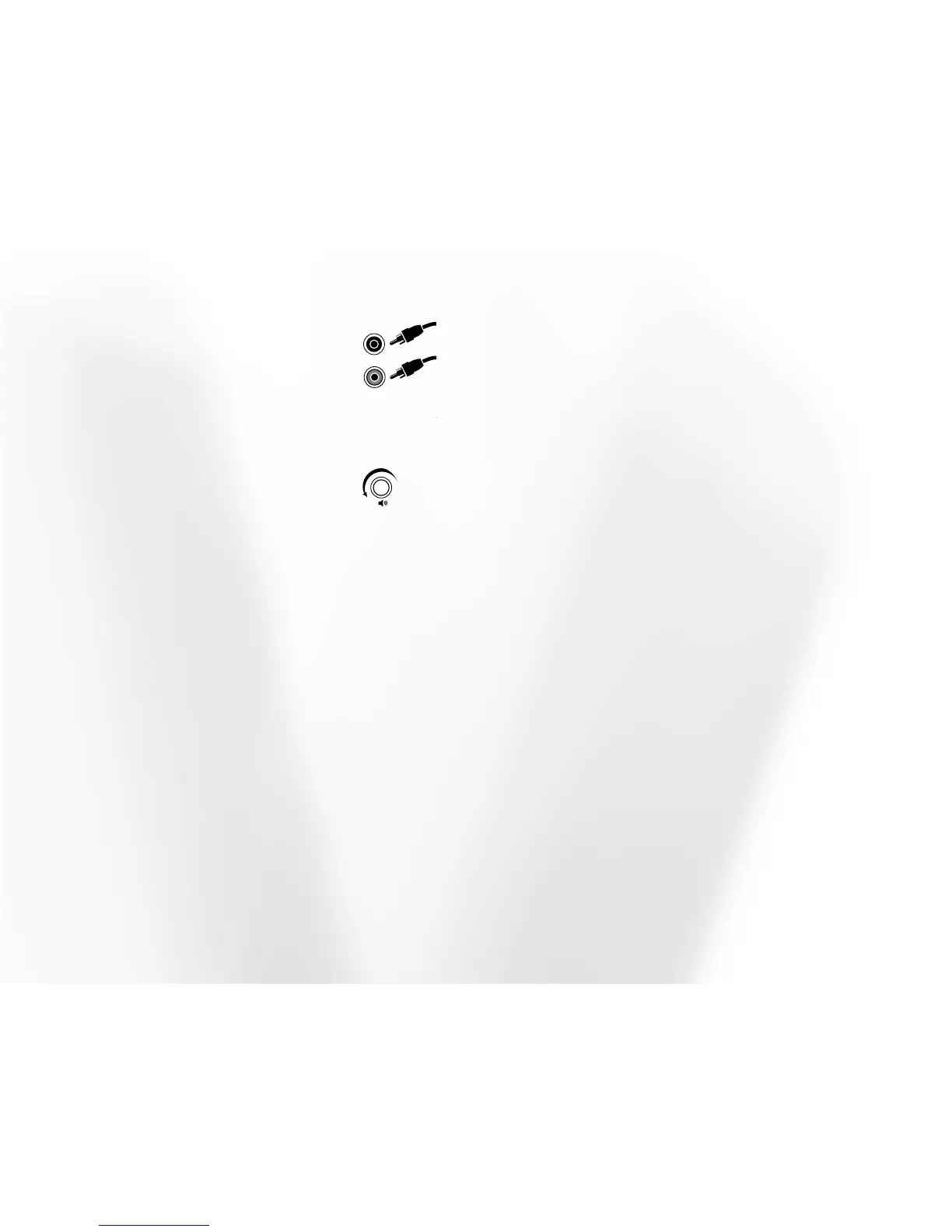
5. Plug each RCA mono cable from the satellite
speakers into the SPEAKER OUT on the back of
the subwoofer.
6. Turn the VOLUME on your new Benwin
subwoofer all the way down, (fully counter
clockwise).
7. Plug the AC plug into an electrical outlet.
8. Press POWER on the Benwin subwoofer, and start your PC or
turn on your stereo system. Play a CD, the radio or other sound.
You should now be enjoying your new Benwin speakers. Adjust
the volume control of your new Benwin speakers, along with the
controls of your PC or stereo system to your liking. The
subwoofer volume can be controlled independantly.
Troubleshooting
Please check the following if you have problems:
Make sure the AC plug is plugged into an electric outlet and the power
switch is on.
On subwoofer
On back of subwoofer


 To Next Page
 Loading...