7
STEP 4
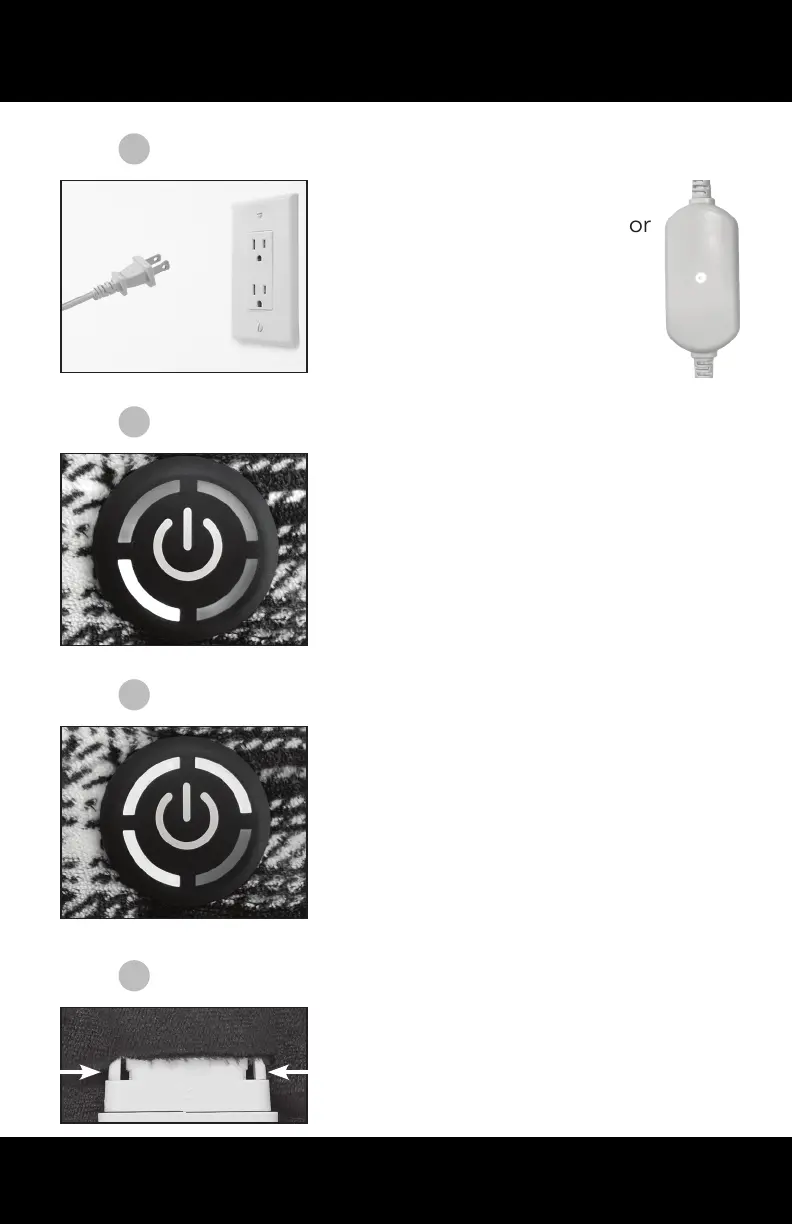
Turn on using the ON/OFF button
located on the silicone disk found
on the product itself.
Heat level will default to the lowest
level when rst turned on.
STEP 5
Adjust heat settings using short
presses of the ON/OFF button.
Heat settings will be indicated on
the disk itself (see page 4).
To turn off, press ON/OFF button
until it is no longer lit. Note: the
indicator light on the circuit box will
still be lit.
STEP 6
To disconnect the controller, rst
unplug the cord from the outlet,
then pinch sides of the connector
and pull apart.
STEP 3
Plug the power cord into a
120V wall outlet and look for
the light on the circuit box
on the cord to light up.


 To Next Page