Option 2:
Read out only the alarms directly on the
device - use Alarm-Super- Jump function
(30 day history)
2
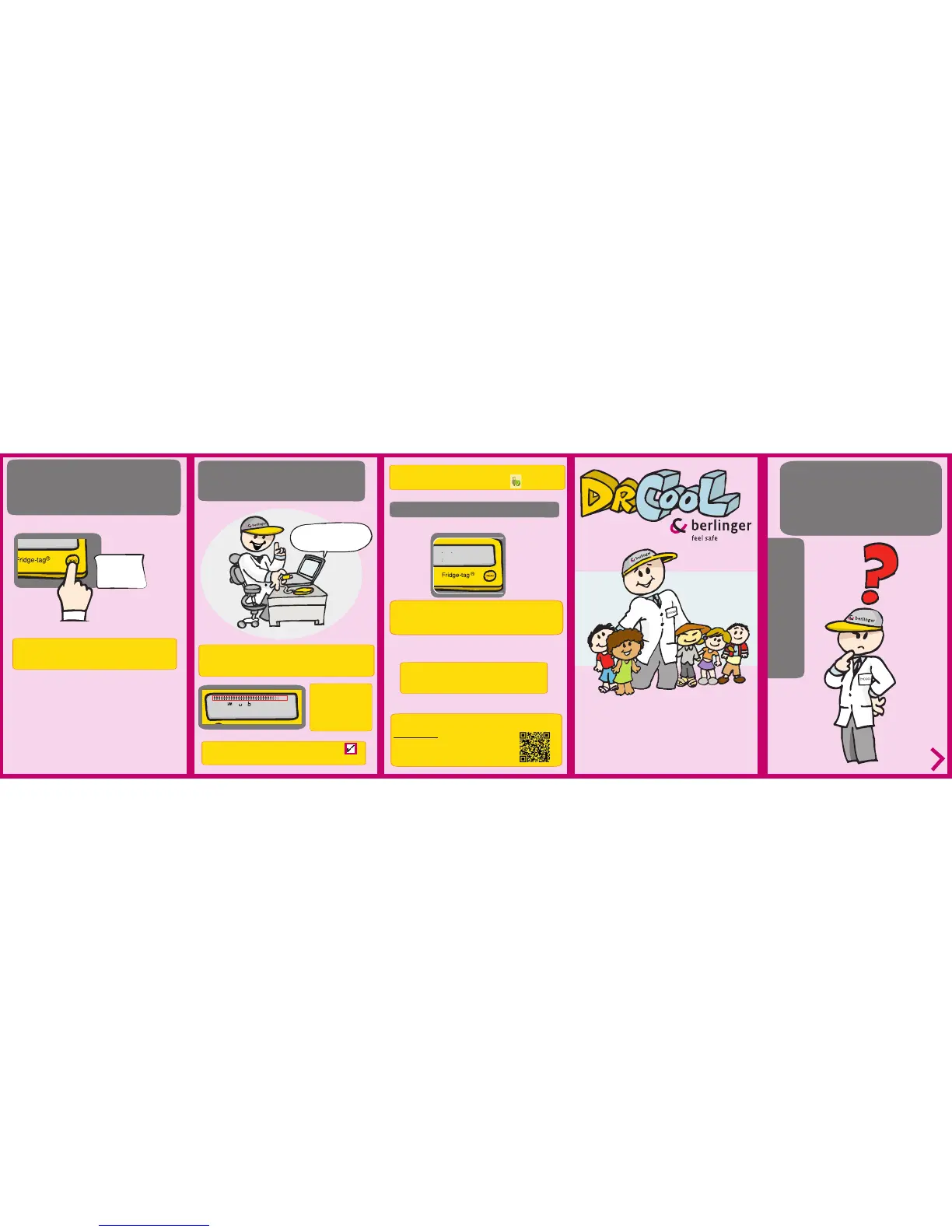
Press and hold
READ for
3 seconds
Option 3:
Read out data from the les generated by
connecting the device with a computer
Connect the device via
USB with your PC / MAC
The device will now generate a PDF and ASCII report of the last 60
days. Depending on the programming, this process may take up to 30
seconds.
Note: Press and hold the READ button again for at least 3
seconds and the next alarm event will appear on the screen
QUICK INFO
User guide of
Fridge-tag
®
2 E
with internal /
external sensor
You can see that the
device is working from
the coninuously appea-
ring arrows in the upper
display area.
For more information visit our website:
www.berlinger.com
or watch our traning videos
(www.youtube.com - Chanel: Berlinger & Co. AG):
Note: This process must not be interrupted, until the tick
appears on the display.
Note: For a proper USB-port disconnection of the device, please
always use the “safely remove hardware” function on your PC/Mac.
with internal sensor
with external sensor
back to normal operation
The device resumes the measuring operation right away.
Connect it immediately to the external sensor to avoid a
possible connection error.
The display indicates the word LOC for a period of 10 minutes,
during this time the device does not measure the temperature to avoid
false readings. Place the device immediately to the supervised goods.
Berlinger & Co. AG
Mitteldorfstrasse 2
9608 Ganterschwil
Switzerland
20161110_V1.0
Tel.: +41 71 982 88 11
Fax: +41 71 982 88 39
info@berlinger.com
www.berlinger.com


 To Previous Page
 Loading...