4
Attach Thermostat to Sub-Base
5
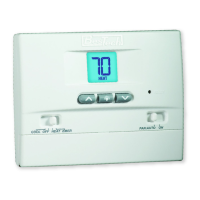
1.Lineupthethermostatbodywiththesub-base.
2.Carefullypushthethermostatbodyagainstthesub-baseuntilitsnaps
intoplace.
NOTE: The thermostat hinges from the top and latches at the bottom.
3
Setting User Options
Advanced User Options
Useroptionsallowyoutocustomizesomeofyourthermostatsfeatures.
Mostuserswillnotneedtomakeanychangestothesettingsin
thissection.
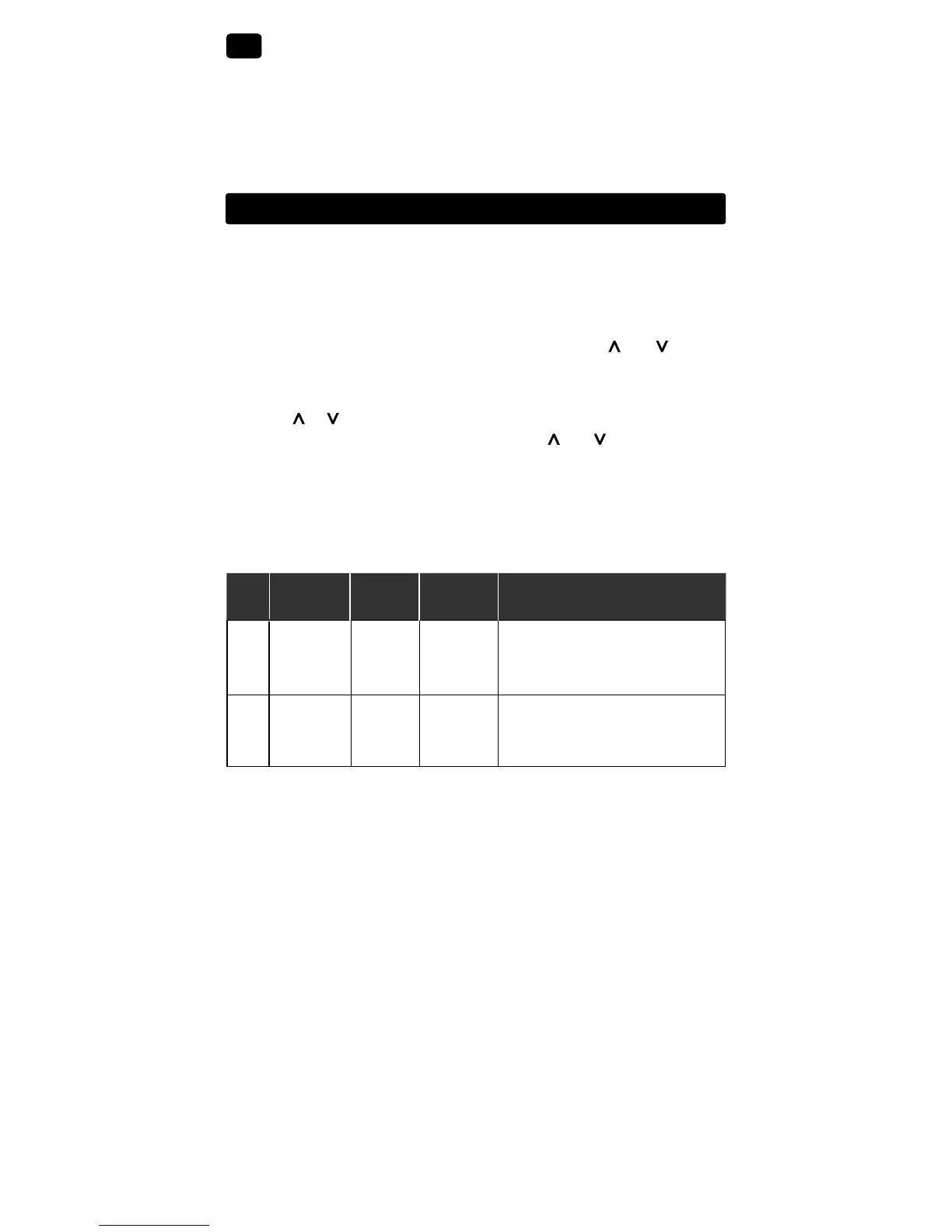
To access the User Options menu, hold down both the and buttons
for approximately 3 seconds until the screen changes and displays
the first User Option.
PresstheorbuttontochangethesettingforthedisplayedUserOption.
Afteryouhavemadeyourdesiredsetting,pressandtogetherto
advancetothenextUserOption.
Thethermostatwillreturntonormalmodeafteryourlastuseroptionis
madeorafternokeyshavebeenpressedfor5seconds.
User Factory Setting
No. Options Default Options Comments
1 1ststage
0.5
0.5, 1.0
Selecta1ststagetemperature
differential
or 2.0 differentialof0.5˚,1.0˚or2.0˚F
(0.2˚,0.5˚or1.0˚C)
2 2ndstage
2.0
1.0, 2.0,
Selecta2ndstagetemperature
differential
3.0, 4.0
, differentialof2˚,3˚,4˚,5˚or6˚F
(BT21NPOnly
)
5.0 or 6.0
(1.0˚,1.5˚,2.0˚,2.5˚or3.0˚C)
Table of User Options
Detailed Explanation of User Options:
Temperature Differential
(User Option 1 and 2)
Thedifferentialsettingisthetemperaturecontrolrangethatyourthermostat
willprovide.Thesmallerthesetting,thetighteryourrangeoftemperature
controlandcomfortwillbe.The2ndstagedifferentialisonlyforsystems
withasecondstageofheating(auxiliaryheat).



 To Next Page