EasyManua.ls Logo

Bestok M330 - User Manual

Bestok M330
18 pages
Print Icon
To Next Page IconTo Next Page
Loading...
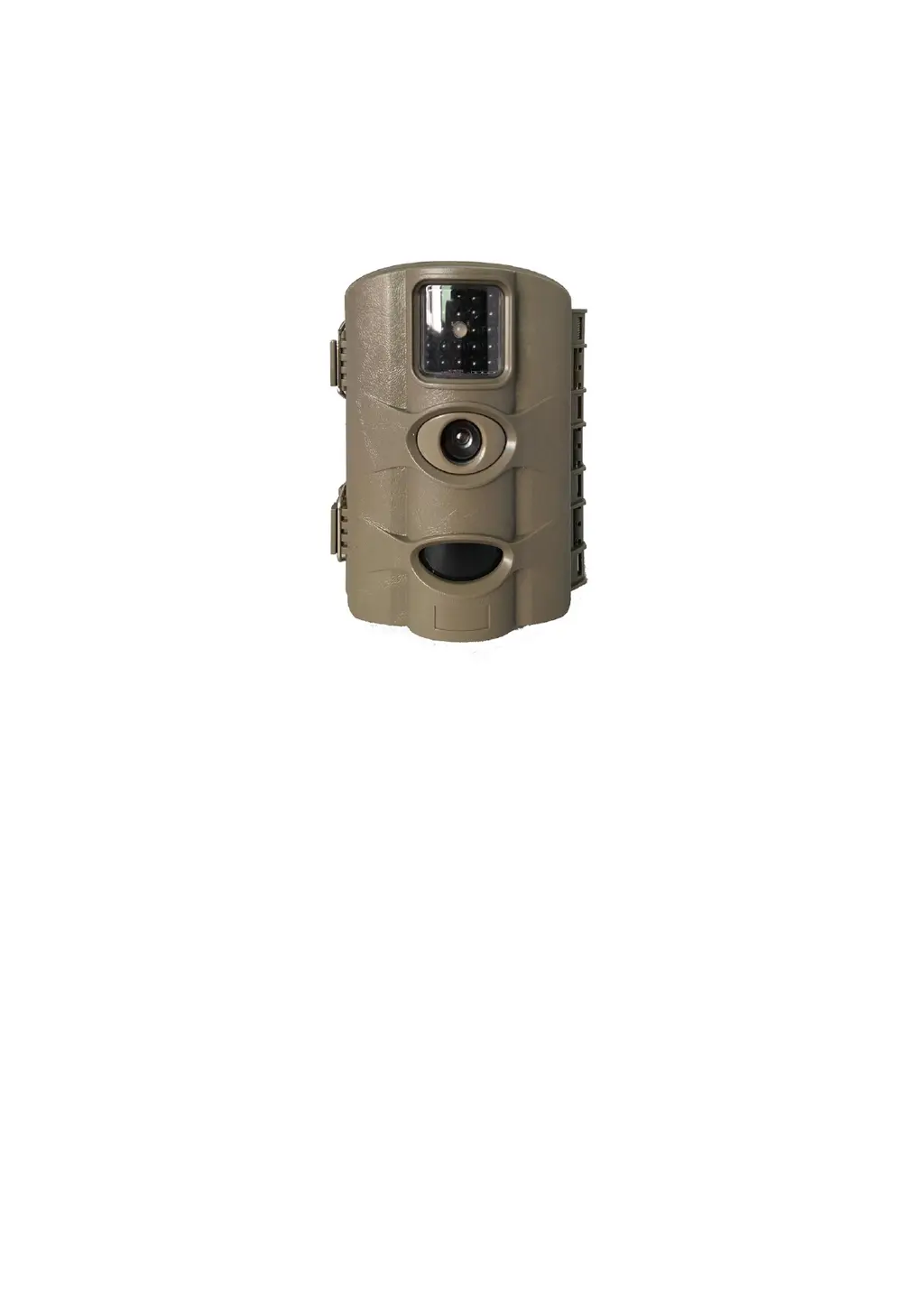
12MP Infrared
Digital Trail Camera
User Manual
Thank you for purchasing the trail camera, for making best use of all the
functions of this camera, please read this manual carefully before you use the
camera and keep it as handy reference.

Questions and Answers

  • N
    nicole68Jul 28, 2025
    How to fix a Bestok Thermographic Camera that won't turn on?
    • M
      Mrs. Jessica HahnJul 28, 2025
      If your Bestok Thermographic Camera isn't working, first ensure that 8 x 1.5 V batteries are correctly inserted into the battery slots. If the batteries are already inserted, they might be dead. In this case, replace them. For extended service life, consider using a solar panel (not included).
  • L
    Linda GonzalezAug 4, 2025
    Why is my Bestok Thermographic Camera recording too much?
    • N
      Nicholas PerryAug 4, 2025
      If your Bestok Thermographic Camera is recording too frequently, it might be triggered by environmental factors. The cause may be that branches moving in the wind are triggering the motion sensors, so try changing the installation location or adjusting the camera's alignment. Alternatively, the sensitivity of the motion sensors could be set too high; try reducing the sensitivity.
  • T
    Todd PhamAug 11, 2025
    What to do if Bestok M330 images are overexposed?
    • J
      Joy DavisAug 12, 2025
      If the images from your Bestok Thermographic Camera are overexposed, it might be due to the camera pointing at reflective objects. Try changing the alignment of the camera to avoid these reflections.
  • D
    Dana SmithAug 18, 2025
    Why isn't my Bestok Thermographic Camera recording wildlife?
    • S
      Sarah OrrAug 18, 2025
      If your Bestok Thermographic Camera isn't recording wildlife, it could be because the camera is installed in a location where animals cannot be detected by the motion sensors. Try changing the installation location of the camera to ensure wildlife enters the detection range.

Summary

Safety Cautions

General Usage Precautions

Essential safety guidelines for handling the camera, battery, and SD card to prevent damage or malfunction.

Setup and Connection

Power Supply Setup

Instructions for installing batteries and connecting external power sources.

SD Card Insertion and Management

Guide on inserting, removing, locking, and handling the SD memory card.

Function Settings - Part 1

Function Settings - Part 2

Function Settings - Part 3

Function Settings - Part 4

Function Settings - Part 5

Default Settings and Live Mode Activation

Restoring factory defaults and activating the camera's normal operating mode.

Troubleshooting

Common Problems and Solutions

A guide to diagnose and resolve frequently encountered issues with the camera.

Bestok M330 Specifications

General IconGeneral
Temperature Range-20°C to 300°C
Frame Rate9Hz
FocusFixed
Display3.2" LCD
Battery Life4 hours
Protection LevelIP54
Accuracy±2°C or ±2%
Thermal Sensitivity (NETD)<0.05°C
Emissivity Correction0.1 to 1.0 adjustable
Image ModesThermal
File FormatJPEG
Battery TypeLi-ion rechargeable
InterfaceUSB
Thermal Sensitivity<0.05°C
Spectral Range8-14μm