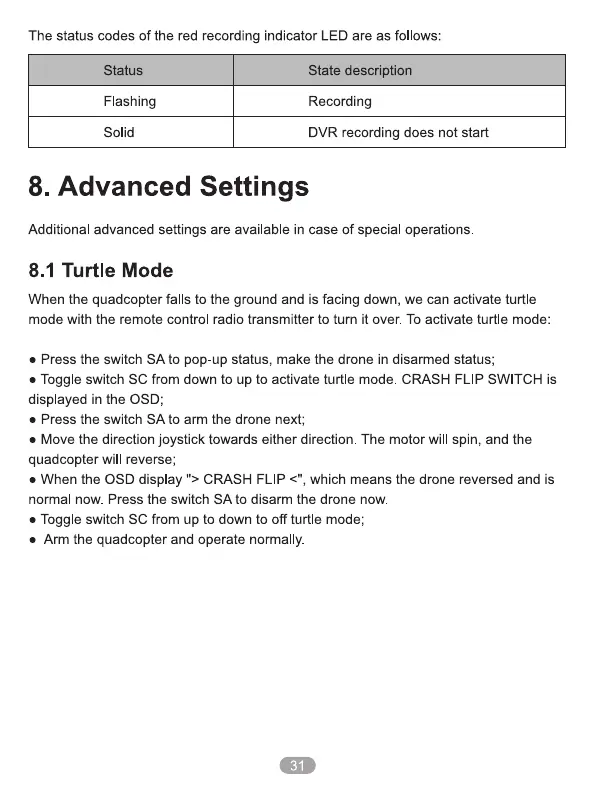
The status codes of the red recording indicator LED are as follows:
Status
Flashing
Solid
State description
Recording
DVR recording does not start
8. Advanced Settings
Additional advanced settings are available in case of special operations
8.1 Turtle Mode
When the quadcopter falls to the ground and is facing down, we can activate turtle
mode with the remote control radio transmitter to tum it over. To activate turtle mode:
• Press the switch SA to pop-up status, make the drone in disarmed status;
• Toggle switch SC from down to up to activate turtle mode. CRASH FLIP SWITCH is
displayed in the OSD;
• Press the switch SA to arm the drone next;
• Move the direction joystick towards either direction. The motor will spin, and the
quadcopter will reverse;
• When the OSD display CRASH FLIP <", which means the drone reversed and is
normal now. Press the switch SA to disarm the drone now.
• Toggle switch SC from up to down to off turtle mode;
• Arm the quadcopter and operate normally.
31


 To Next Page
 Loading...


