7
3. USE INSTRUCTIONS
1. Recording / Saving
*Do not plug in the earphones when recording*
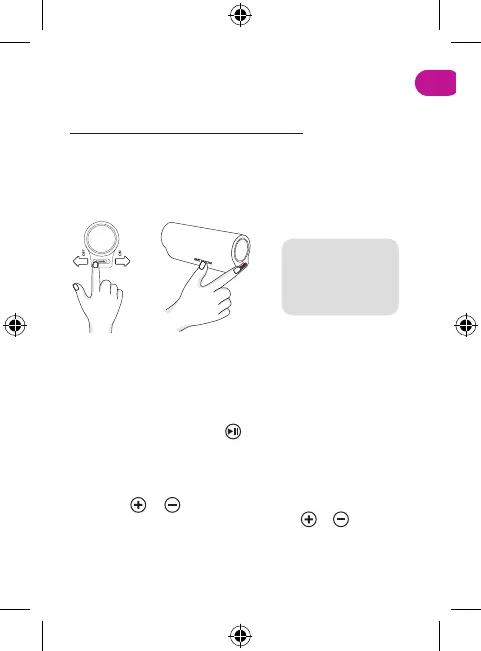
Start Recording: Slide the switch button to the right to start recording
(red light flashes a few times).
Save the recording: Slide the switch button to the left to automatically
save the recording and turn the device off.
*Note: the computer
cannot be connected
during recording,
otherwise the file being
recorded will be lost.*
2. Music / Recording
Plug the earphones adapter cable into the device and then insert
the earphones. Slide the switch button to the right to enter the
music mode.
Music / Recording: Short press to switch between music mode
or recording mode.
3. Volume adjustment / Track switching
Long press or button on the earphones adapter cable to
increase or decrease the volume. Short press or to switch
between the next or previous song.


 To Next Page