EasyManua.ls Logo

betteries betterGen - User Manual

Default Icon
73 pages
Print Icon
To Next Page IconTo Next Page
Loading...
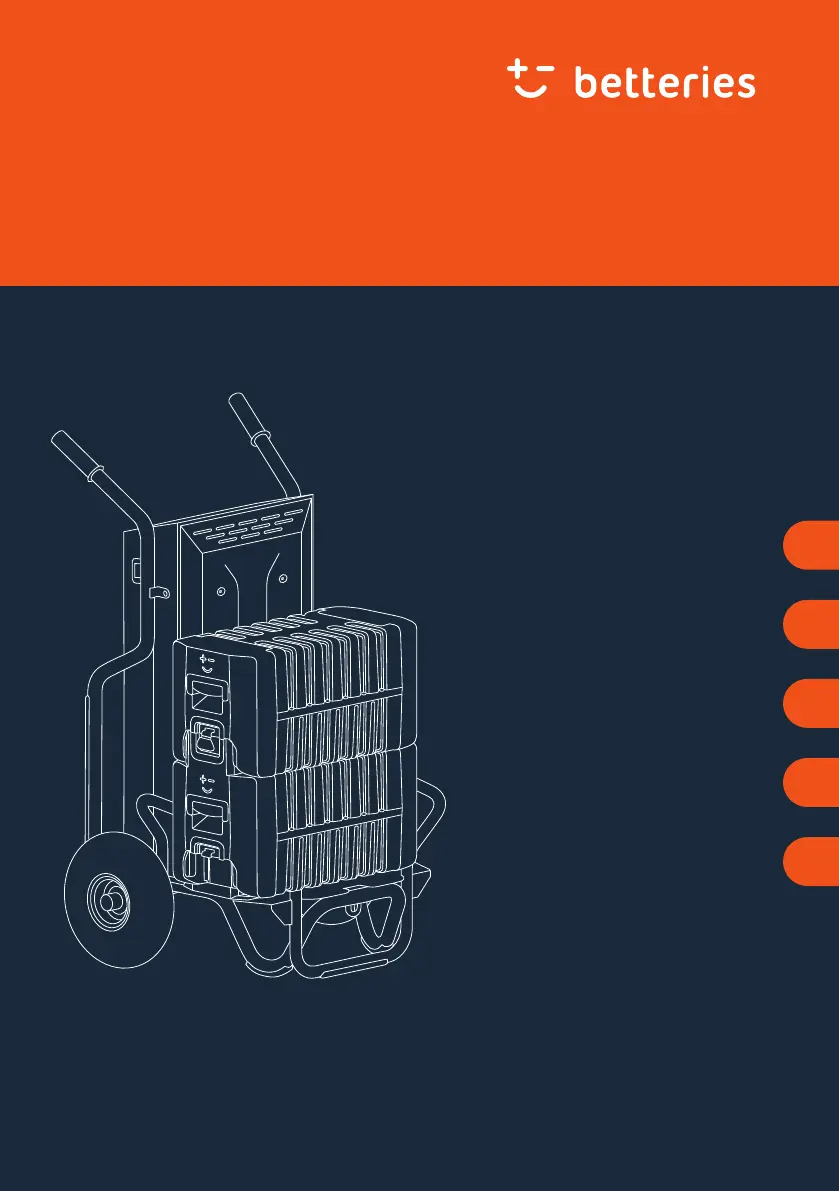
betterGen
User Manual
Mobile Inverter and Charger
EN
Gebrauchsanleitung
Mobiler Wechselrichter
und Ladegerät
DE
Manuel d’utilisation
Onduleur et chargeur mobile
FR
Manual do utilizador
Conversor móvel e carregador
PT
Manual de usuario
Inversor y cargador móvil
ES
(AC Dock 3000)

Table of Contents

Questions and Answers

Summary

Overview

Overview of the betterGen

Diagram and labels identifying the components of the betterGen.

Scope of delivery

Lists the items included in the product package.

Product line

Details compatible products and where to find more information.

Spare parts

Information on ordering original spare parts from customer service.

Better Be Safe

Intended Use

Defines the proper usage and limitations of the betterGen.

Disclaimer

States liability limitations for improper use or failure to follow instructions.

Safety Instructions

Provides critical safety warnings regarding electric current, fire, and tipping.

If a Product is Broken

Instructions on what to do if the product is damaged and contact details.

Setting Up

Unpacking the betterGen

Step-by-step guide to unpacking the device.

Conditions for the Installation Site

Requirements for safe and effective placement of the betterGen.

Using

Checking the betterGen

Pre-use checks for the betterGen, including tyre pressure.

Stacking the betterPacks

Instructions on how to properly connect and stack betterPacks.

Turning the betterGen On and Off

Steps for powering the device on and off.

Understanding the LEDs

Explains the meaning of status and charge indicator LEDs.

Charging betterPacks

Procedure for charging the betterPacks.

Connecting and Disconnecting Appliances

Guide to connecting and disconnecting external devices.

Changing the Location

Steps for safely moving the betterGen to a new location.

Connecting to WiFi (Optional)

Information on setting up WiFi connectivity.

Maintaining

Checking Tyre Pressure

Importance and procedure for checking tyre pressure.

Changing Tyre

Instructions for replacing a flat tyre.

Cleaning

Transporting

Storing

Troubleshooting

Status LED Lights Up Yellow

Potential causes and solutions for yellow status LEDs.

Status LED Lights Up Red

Potential causes and solutions for red status LEDs.

Red Status LED and Charging Stops

Troubleshooting when charging stops due to red LEDs.

Status LEDs Change Colour

Explanation for changing status LED colours during initialization.

Power LED Lights Up Yellow

Troubleshooting for yellow power LED, indicating system overload.

First State-of-Charge LED is Red

Steps for addressing a red first state-of-charge LED.

System Does Not Turn On

Solutions for when the system fails to power on.

System Locked with Yellow LEDs

Troubleshooting for system lock-up with yellow LEDs.

Incorrect LEDs with Stacked BetterPacks

Solutions for missing or incorrect LED indications with stacked betterPacks.

Visible Cracks or Damage

Actions to take if the betterGen shows physical damage.

Unusual Changes (Smell;Deformation)

What to do if the betterGen exhibits unusual signs like smell or deformation.

BetterGen Not Standing Straight

Solutions for stability issues related to tyres.

BetterGen Cannot Be Moved

Troubleshooting for mobility issues, likely tyre-related.

Connected Appliance Not Working

Solutions for when connected appliances are not functioning.

Clicking Sound with Appliance

Explanation for clicking sound and socket usage.

Appliance Turns Off Unexpectedly

Troubleshooting for unexpected appliance shutdown, related to fuses.

Technical Data

Dimensions and Weight

Specifications for the physical size and mass of the betterGen.

Electrical Values

Details on voltage, frequency, power, and charge capacity.

Operating Conditions

Environmental limits for temperature, humidity, slope, and pollution.

Nameplate

Information found on the product's nameplate.

Disposing

betteries betterGen Specifications

General IconGeneral
Brandbetteries
ModelbetterGen
CategoryDocking Station
LanguageEnglish