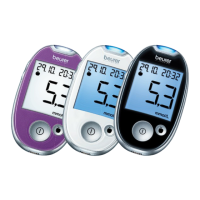
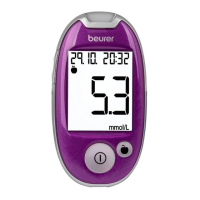
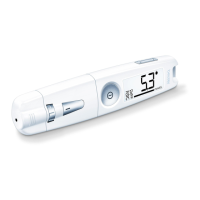
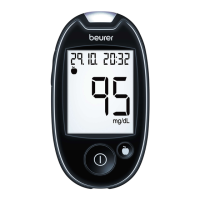
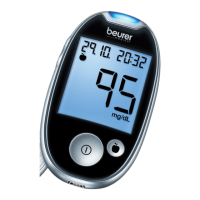
Beurer GL50 evo mg/dL 33
No. Cause Solution
Strip
error
Used or contaminated test strip
inserted.
Insert unused test strip that has not expired.
Repeat the blood glucose measurement.
Error 1 System error Contact our customer service.
Error 2 Insucient amount of blood on
the test strip.
Repeat the measurement using a new test
strip.
Error 5 System error Contact our customer service.
Unknown error messages. Remove batteries, reinsert batteries. Contact
Customer Services if the problem persists.
Problem: device does not switch on
Cause Solution
The sliding switch is in the “o” position To activate the device set the sliding switch to
setting “on”
Battery empty. Charge the blood glucose monitor via the USB
port on a computer.
Test strip inserted incorrectly or not completely.
Firmly insert the test strip into the slot on the
device with the contacts first. Make sure that
the front of the test strip is facing you (see “Test
strip” on page 13).
Device faulty. Contact Customer Services.
Problem: the test does not start after inserting the test strip into the device and applying blood.
Cause Solution
Insucient blood or test strip not filled cor
-
rectly.
Repeat test using a new test strip and a larger
drop of blood.
Faulty test strip.
Repeat the test using a new test strip.
Blood was applied while the device was
switched o.
Repeat
the test using a new test
strip and only
apply blood when finger is shown on display.
The basic settings of the device have been
changed and these changes were not com
-
pleted (see “4.2 Making and changing basic
settings” on page 15).
Remove the test strip and press the “scroll
wheel” button until the device is switched o.


 To Next Page