5
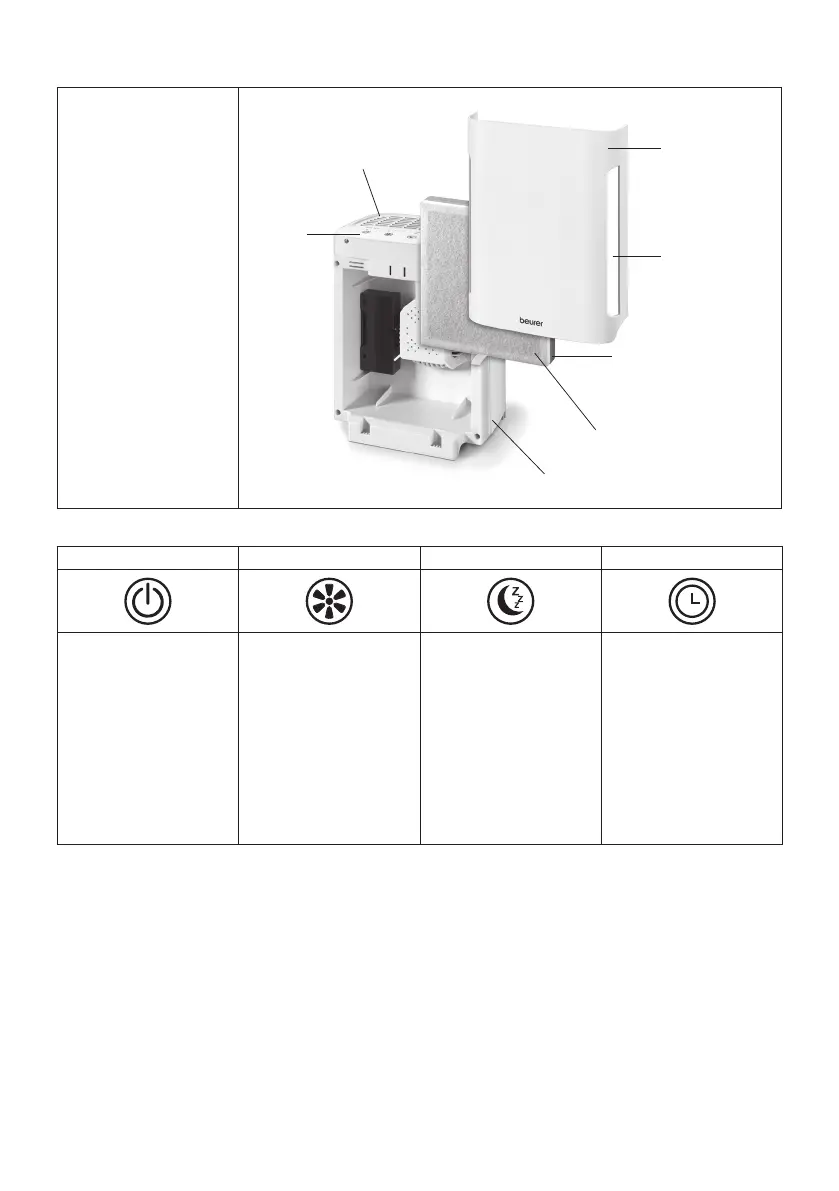
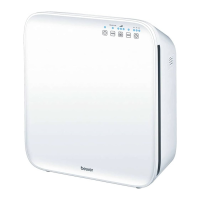
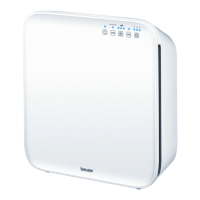
5� Parts and Controls
1. Air Vent
2. Combination Filter
(activated carbon
filter, HEPA filter)
3. Pre-filter
4. Control Panel
5. Front Cover
6. Base
7. Air Inlet
1
4
2
7
5
3
6
Control Panel Description
ON/OFF FILTER I II III SLEEP 2H 4H 8H
On/Off / Filter Reset
Switches the device on
or off. When the LED
underneath “FILTER”
flashes, change the
filter system assembly.
After changing the filter
system, press and hold
to reset.
Fan Speed
Press to select a fan
speed: I (low), II (me
-
dium), or III (high).
Sleep Mode
Switches the Sleep
function on or off.
During Sleep Mode
the device runs at fan
speed level I (low) and
all LEDs are off.
Timer
Press to select how
many hours the air
cleaner will operate: 2H
(two hours), 4H (four
hours), or 8H (eight
hours). To shut the de
-
vice off manually at any
time, press the Power
Button.
6� To Set Up
1.
After taking the device out of its packaging, remove the front cover to access the filter assembly and
remove it.
2. Remove the filter from assembly its plastic bag and place the assembly back into the air purifier in the
same orientation.
3. Place the Air Purifier onto a flat, level, stable, steady surface in a place where it cannot be easily knocked
over. Make sure the Air Purifier has at least one foot (~30 cm) of clearance on all sides and that the air
inlet and air vent are not blocked.
4. Connect the power cord to a standard electrical outlet. Route the power cord so that it does not pose a
trip hazard. When moving the Air Purifier, always carry it by the handle.


 To Next Page