19
6. Operation
6.1 Switching on the air cleaner
1. Always follow the instructions in chapter “5 Initial use”.
2. Press the ON/OFF button (
) to switch on the air cleaner. The current ambient humidity is shown on
the display.
When the air cleaner is used for the first time it is set to the middle humidity level.
6.2 Timer function
The air cleaner features a timer function that you can use to determine the number of hours the air cleaner
should run for before it automatically switches itself o. You can set the timer for between 1 and 12 hours
and can choose from the following targets:
01 - 02 - 03 - 04 - 05 - 06 - 07 - 08 - 09 - 10 - 11 - 12 - 00 (continual)
•
To set the timer, press the TIMER button ( ) until your desired hourly value (e.g. 02) appears on the dis-
play. The air cleaner will now automatically switch o after the set number of hours has passed.
6.3 Selecting the humidity level
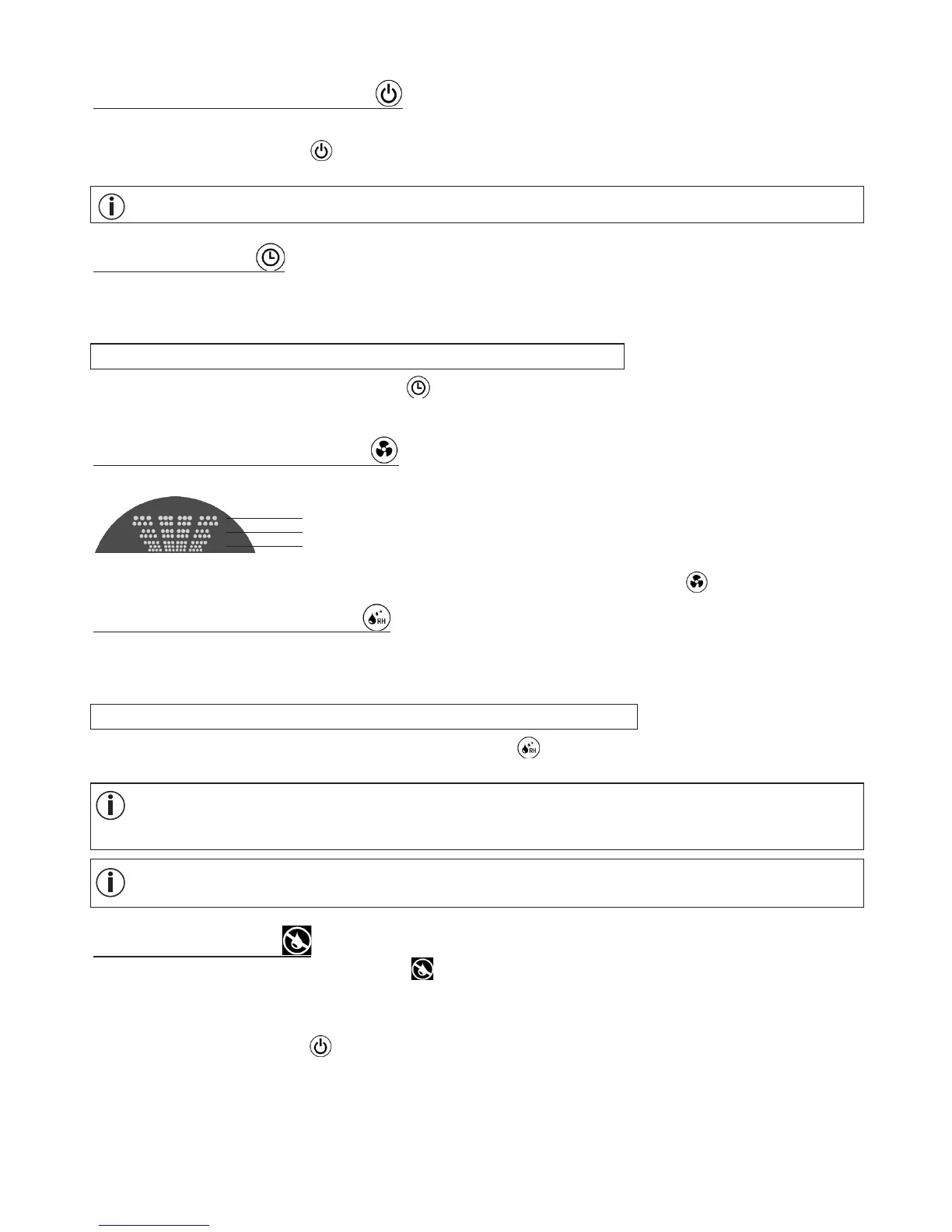
The air cleaner has three humidification levels that are shown in the display.
•
To switch between the individual humidification levels, press the fan speed button ( )
6.4 Setting the target humidity
The air cleaner can also be used to set a target humidity level. As soon as the set target humidity is reached
in the room, the air cleaner automatically switches o.
You can choose from the following target humidities:
40% - 45% - 50% - 55% - 60% - 65% - 70% - 75% - CO (continual)
•
To set a target air humidity, press the air humidity button ( ) repeatedly until your desired target humidity
is reached in the display.
After one minute the display and tank illumination automatically switch o. The air cleaner is not
switched o at this time. You can reactivate the display and the tank illumination by pressing any but-
ton (except ON/OFF button).
If continual target air humidity (“CO”) is selected, the air cleaner does not switch o. It humidifies un-
til the water tank is empty.
6.5 Empty water tank
As soon as no water is left in the water tank, appears in the display and the device automatically switch-
es o.
To top up the water tank, proceed as follows:
1. Press the ON/OFF button ( ) to switch o the air cleaner.
2. Pull the mains plug out of the socket.
3. Remove the top housing cover.
4. Carefully pull out the water tank from above.
5. Unscrew the seal on the water tank. Fill the water tank right to the top (approx. 4.6 l) with fresh, cold
tap water.
High
Middle
Low


 To Next Page