22
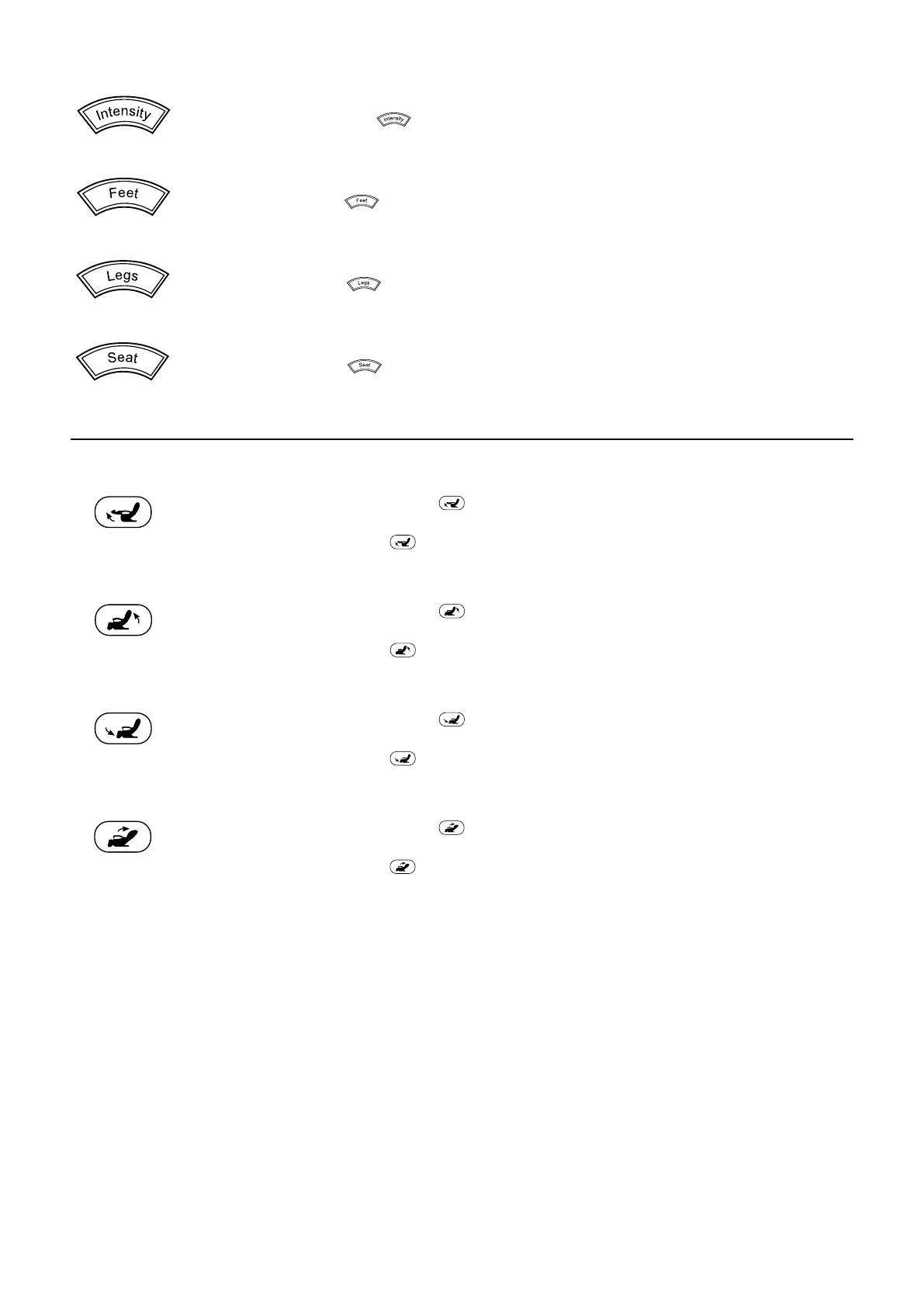
Air pressure massage; intensity
The settings low, medium, high and o are available.
> Press the intensity button .
Each time the button is pressed, the next setting is selected.
Air pressure massage, feet
The settings on and o are available.
> Press the feet button .
Each time the button is pressed, the function is switched on or o.
Air pressure massage, legs
The settings on and o are available.
> Press the legs button .
Each time the button is pressed, the function is switched on or o.
Air pressure massage, seat
The settings on and o are available.
> Press the seat button .
Each time the button is pressed, the function is switched on or o.
Position buttons for upright and flat position
The functions are available when a massage programme is on or o.
Raise leg rest position button
> Press and hold the position button .
The leg rest is raised.
> Release the position button
.
The leg rest stays in the current position.
Raise back rest position button
> Press and hold the position button .
The back rest is raised.
> Release the position button
.
The back rest stays in the current position.
Lower leg rest position button
> Press and hold the position button .
The leg rest is lowered.
> Release the position button
.
The leg rest stays in the current position.
Lower back rest position button
> Press and hold the position button .
The back rest is lowered.
> Release the position button
.
The back rest stays in the current position.


 To Next Page