1. Press the Power Button on the main unit. The LED light
should light up to indicate that the unit is functioning.
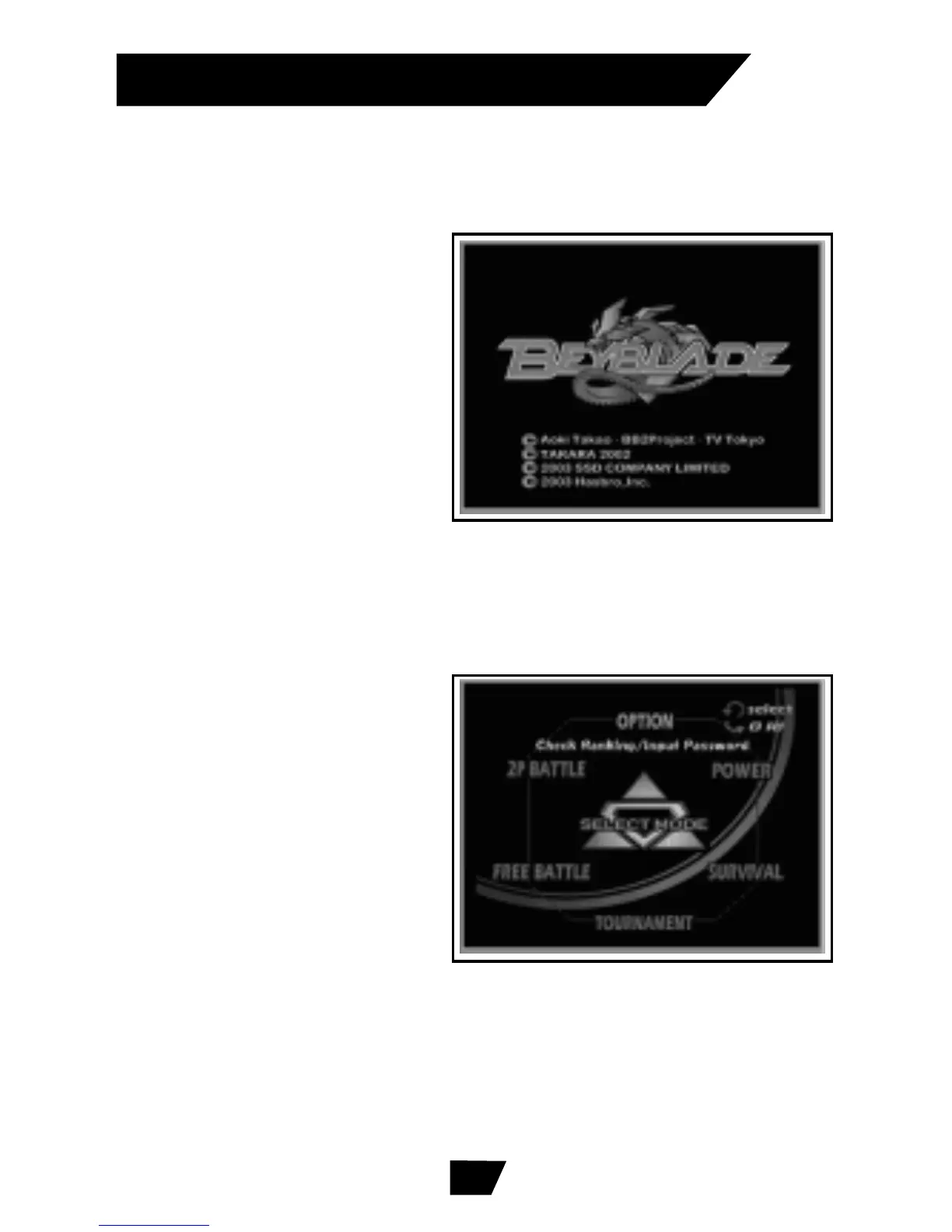
2. Turn your TV on. Once
your TV is on, you will
see a title screen
appear. After one
minute of the title
screen, a demo game
will begin. Press any
button to return to the
title screen.
There are a total of 5 Game Modes to choose from.
1. Tournament Mode:
Choose a BEYBLADE top
to battle through the
tournament.
2. Free Battle Mode:
Choose your opponent
to train for the battle.
3. Power Mode: Measure
the power of your ripcord.
4. Survival Mode: Crush the enemy one by one!
5. 2-Player Battle Mode: Battle with your friend!
See who’s stronger!
STARTING A GAME
Selecting a Game Mode
5
(2-Player Connector Cable required, but
not included. See back for order form.)


 To Next Page
 Loading...