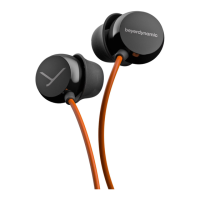
Help with problems / FAQ
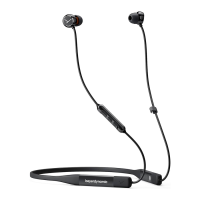
12/14 Blue BYRD ANC (2nd generation)
Settings for be sound
To achieve the be possible Bluetooth® sound with
your in-ear headphones, please observe the following
practical tips:
1. Set the volume to minimum on the in-ear headphones
and to maximum on the playback device.
2. Then adju the volume only on the in-ear headphones,
not on the playback device.
This applies only to playback devices that do not
automatically synchronise the volume. On playback
devices that automatically synchronise the volume
(e.g.iPhone, iPad and various Android smaphones), the
headphone volume is always identical to the volume of
the playback device.
3. Deactivate any audio eects that may be present in
the soware of the playback device.
HELP WITH PROBLEMS / FAQ
In-ear headphones will not switch on
Battery is empty or almo
empty.
► Charge the battery.
No audio output.
There is no Bluetooth®
connection.
► Pair in-ear headphones
with the playback
device.
The in-ear headphones do not appear among the
available Bluetooth® devices on the playback device.
The in-ear headphones are
switched o.
► Switch on the in-ear
headphones.
The in-ear headphones are
not in pairing mode.
► Set the in-ear head-
phones to pairing mode.
There is already a
Bluetooth® connection to
another playback device.
► Disconnect the
Bluetooth® connection
to the other playback
device and connect the
in-ear headphones to
the desired device.
Playback volume is too low, although set to maximum on
the in-ear headphones
The audio signal being
played back is too quiet.
► Set playback volume on
the playback device to
maximum.
The sound is harsh and the bass reproduction too low
Insuicient seal on the
earphones.
Try out alternative le and
right eaips until sound is
ideal.
The wireless range is too low, or the connection is
disrupted
There is inteerence with
other devices.
► Keep your diance
from WLAN routers and
microwave ovens.
► Do not and between
playback device and
in-ear headphones.
BATTERY LIFE
• Disconnect the USB connection cable from the charger
and in-ear headphones when battery is fully charged.
• High temperatures, especially with a high charge level,
can cause irreversible damage.
• For battery orage, see Seite 7.
• Switch o the battery-powered product aer use.
CLEANING AND MAINTENANCE
• Use a so cloth moiened with alcohol cleaner to
clean all pas of the in-ear headphones. Make sure
that no liquid enters the housing or the transducer.
• Do not use cleaners containing solvents, as these can
damage the suace.
SPARE PARTS
Spare pas for the in-ear headphones can be found at
www.beyerdynamic.com/service.
DISPOSAL
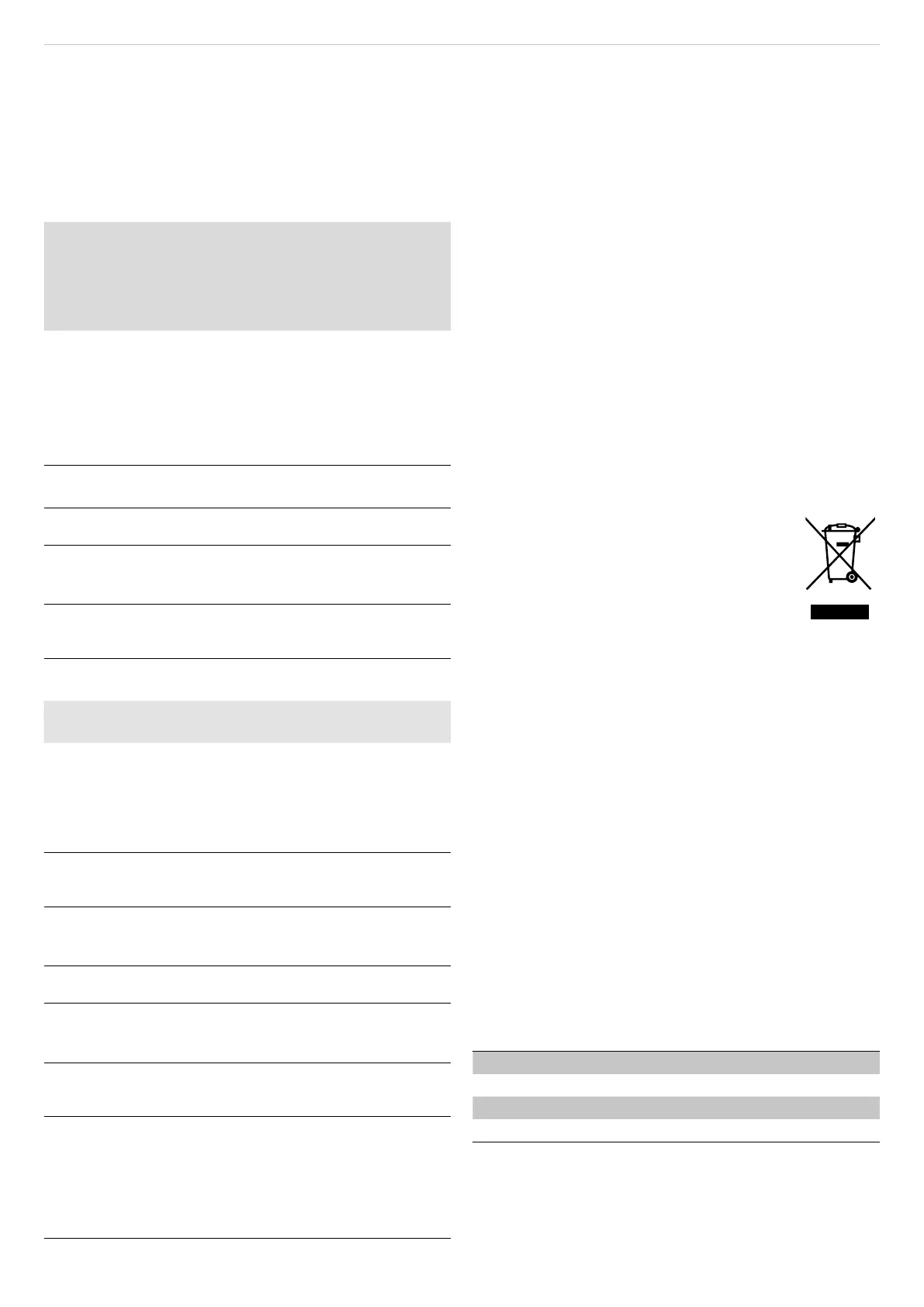
This symbol on the product, in the user
manual or on the packaging means that
your electrical and electronic devices mu
be disposed of separately from household
wae at the end of their life cycle. For
fuher information, please contact your
local authorities or the dealer where you
purchased the product.
► Always dispose of used batteries or devices with
batteries in accordance with the applicable
regulations. Returning batteries is free of charge.
► Please dispose of discharged batteries only.
► This product’s built-in lithium-ion battery cannot be
easily replaced by the user.
EU/UK DECLARATION OF
CONFORMITY
beyerdynamic hereby declares that this radio
transmission device complies with the EU Directive
2014/53/EU and the UK Directive “The Radio Equipment
Regulations 2017”.
► The full text of the EU/UK declaration of conformity can
be found on the Internet at: www.beyerdynamic.com/
cod
TECHNICAL DATA
Bluetooth® frequency range 2.400–2.4835GHz
Transmitting power 10dBm
Operating temperature range -10 to +60°C
Charging temperature range 0 to +45°C
► You can find more detailed information about the
technical data online at:
www.beyerdynamic.com/blue-byrd-anc


 To Next Page
 Loading...