english
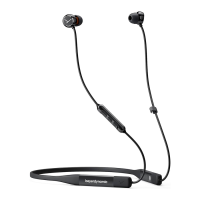
Blue Byrd – In-ear Headphones
15
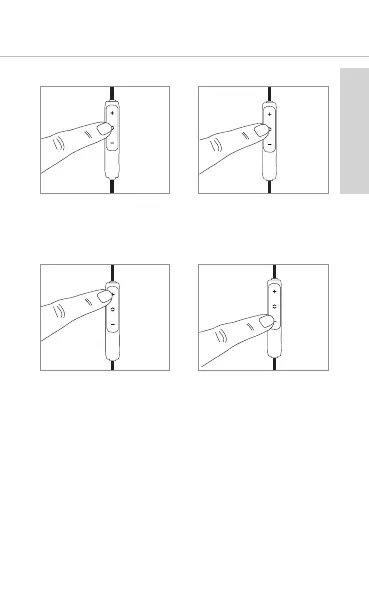
Call control
• Accept / end a call
Briefly press the
multifunction button.
• Reject a call
Press the multi-
function button for
approx. 2 seconds.
• Increase call volume
Press the (+) button.
• Reduce call volume
Press the (-) button.
2 sec
Charging
For charging the rechargeable battery, we
recommend using the supplied USB charging cable
only.
1. Switch in-ear headphones o.
2. Connect the in-ear headphones with the supplied
USB charging cable to any compliant USB Type A
po supplying voltage (e.g. USB power supply).
3. During charging the LED on the rear of the remote
control will flash red.










 To Next Page