english
6 | 7
CUSTOM Style
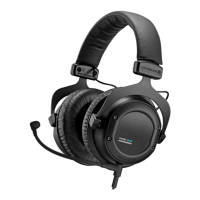
The headphones are not only interactive in terms of sound but also design. The
rings, covers and ear pads of the headphone shells can be exchanged just as
easily as the headband pad. All accessories can be found at:
www.beyerdynamic.com/custom
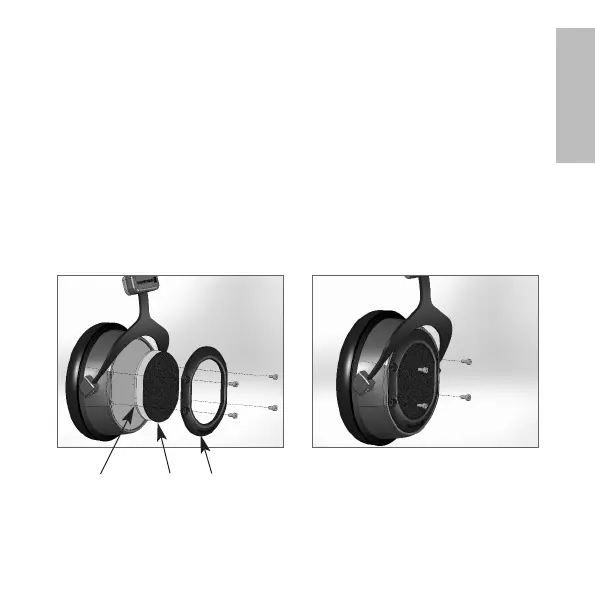
Changing covers and/or rings
1. Unscrew the four screws on the ring using the Allen key included with the
headphones and remove the ring, the cover and the inlay.
2. Place the new cover and inlay in position and screw the ring back in place.
1. 2.
CoverInlay Ring













 To Next Page