EasyManua.ls Logo

Beyond BY-M41A - Page 6

Beyond BY-M41A
12 pages
Print Icon
To Next Page IconTo Next Page
To Previous Page IconTo Previous Page
Loading...
6
1 Press "Menu" to "Set DMX Address",and press"ENTER" keys to enter into
2 Show "Set DMX Address DMX Address:001",Press the "UP and DOWN"
keys to amended
3 Press "ENTER"keys to save and Exit,Press the"MENU"Keys does not save and
Exit
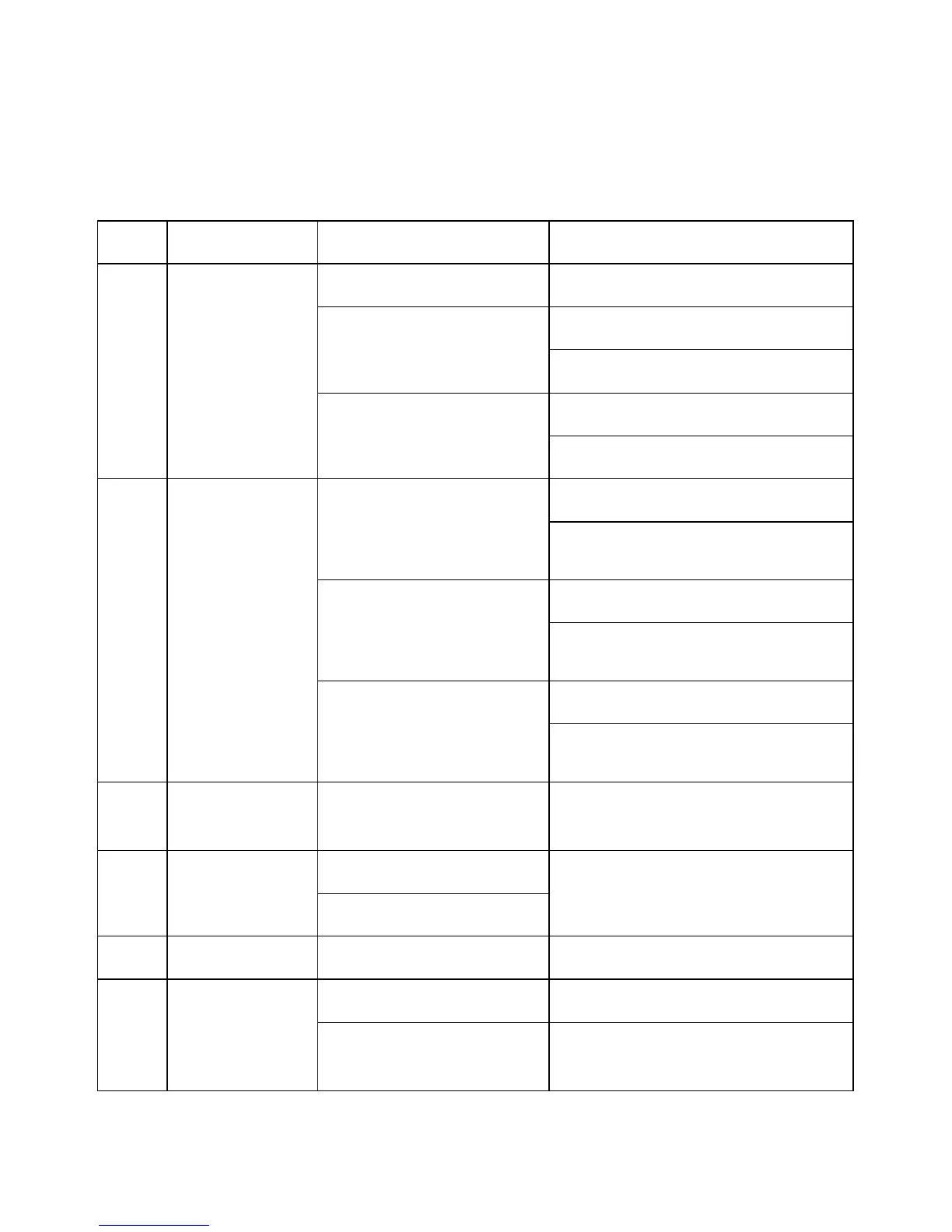
1
Address
Address 001
512
Address setting 001-512
2
Run Mode
1.DMX512
Console control
2.Auto
1.Master
2.Alone
3.Sound
1.Master
2.Alone
3
Reverse
1.Pan
Pan forward or
reversed setting
1.Yes
2.No
2.Tilt
Tilt forward or
reversed setting
1.Yes
2.No
3.Display
Display forward or
reversed setting
1.Yes
2.No
4
Channel
17 channels
17 channel mode
5
Pan Degree
540
Pan angle 540°/360°
Rotation
360
6
Mic sense
001-100
Sound sensitivity 001-100
7
Inform
1.CH Value
Each channel show CH value
2.Temp ____
Show the temperature of led
board