PAGE 3
WINDOWS 10 OPERATING INTERFACE/
FUNCIONAMIENTO EN WINDOWS 10
1. Installation
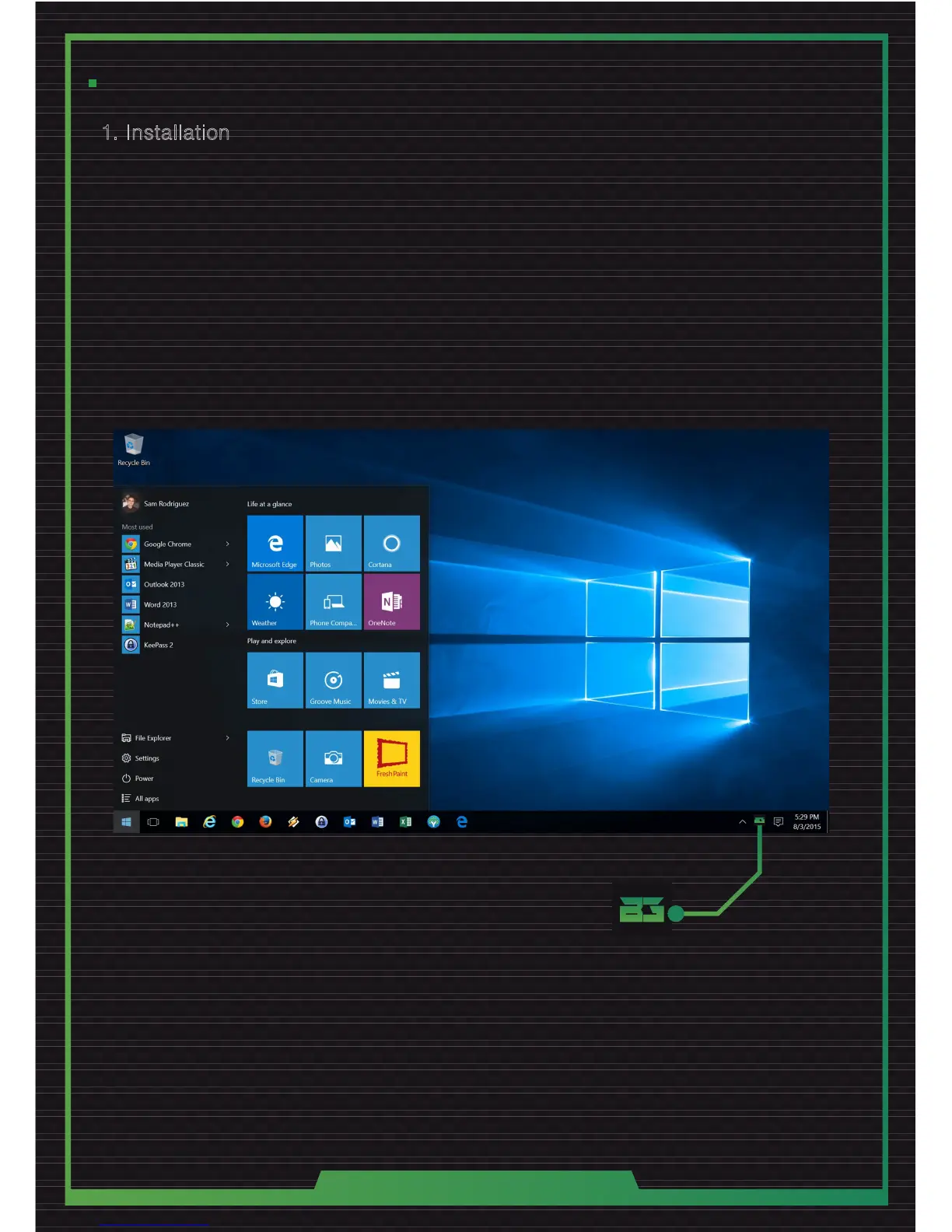
1. Connect the headsets on an USB port.
2. Xonar-X6 gaming headset software will run automatically.
Note: If you close the software accidentally, disconnect the USB of the headsets and connect it again.
The software will start automatically.
1. Conecta los auriculares en un puerto USB.
2. El software del auricular gaming Xonar-X6 se iniciará automáticamente.
Nota: Si cierra el software de forma accidental, desconecte el USB de los auriculares y vuelva a conectarlo.
El software se iniciará automáticamente.



 To Next Page