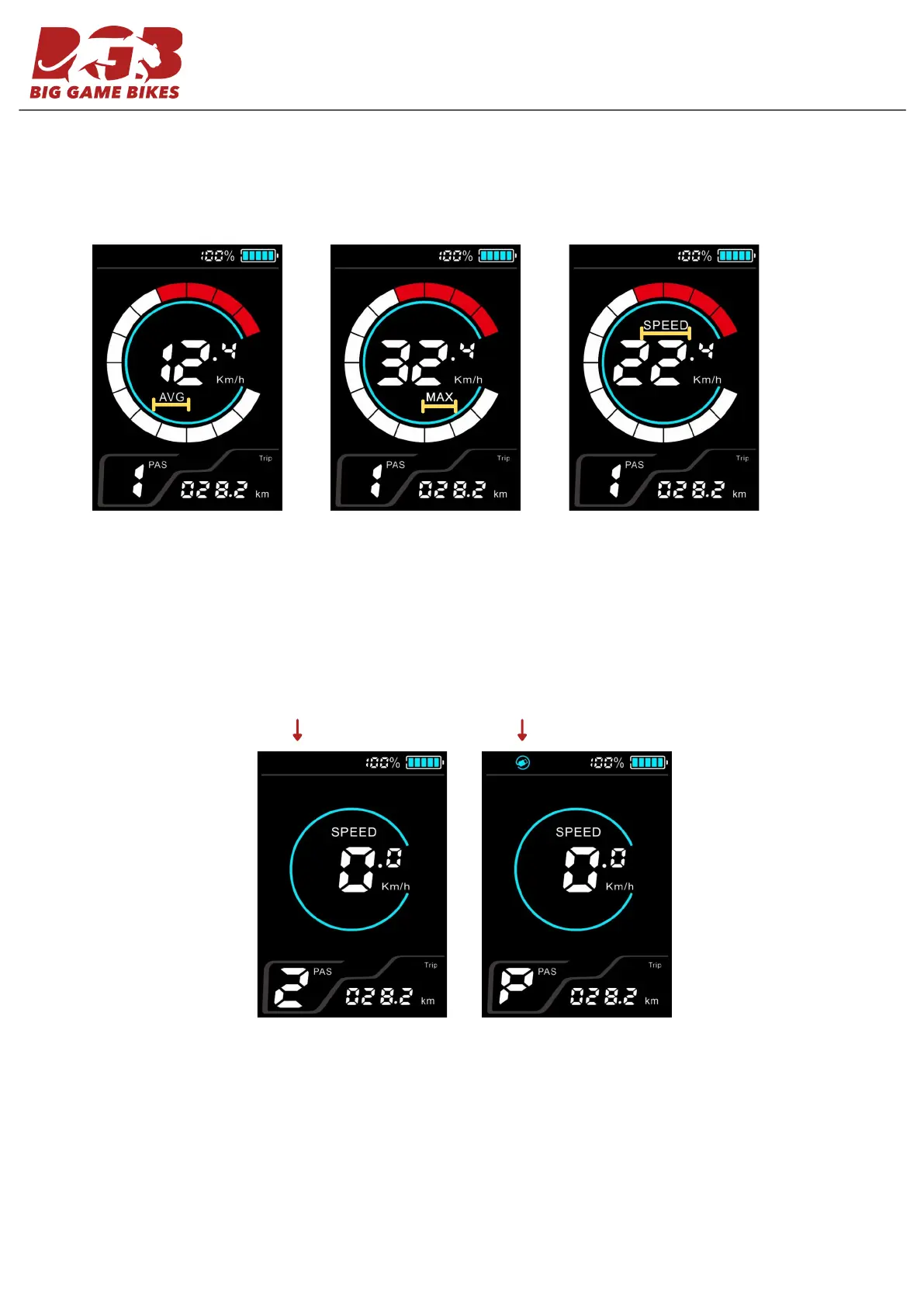
AVG (Average speed)
Speed Information: Short pressing the POWER button scrolls through the AVG (Average speed), MAX (maximum
speed) and SPEED ( real time speed)
MAX (Maximum Speed) SPEED (Real Time Speed)
Walk Mode (6 kph): Press and hold the MINUS button to use walk mode.
USB Function: Long press (1 second) the MODE button to turn on the USB port located at the bottom of the display.
Great for charging for phone - DC 5V max 500ma.
USB ONUSB OFF
Clear logs: Press the PLUS and MINUS button for 1 second to clear average, max, trip and time data.
3



 To Next Page