5. Once your preferred child
lock mode has been selected,
touch to save the setting.
6. To return to the menu touch
and to return to the home
screen touch again.
Once the child lock setting has
been enabled, you will only
be able to dispense boiling
hot water by first touching
and then holding for
3 seconds.
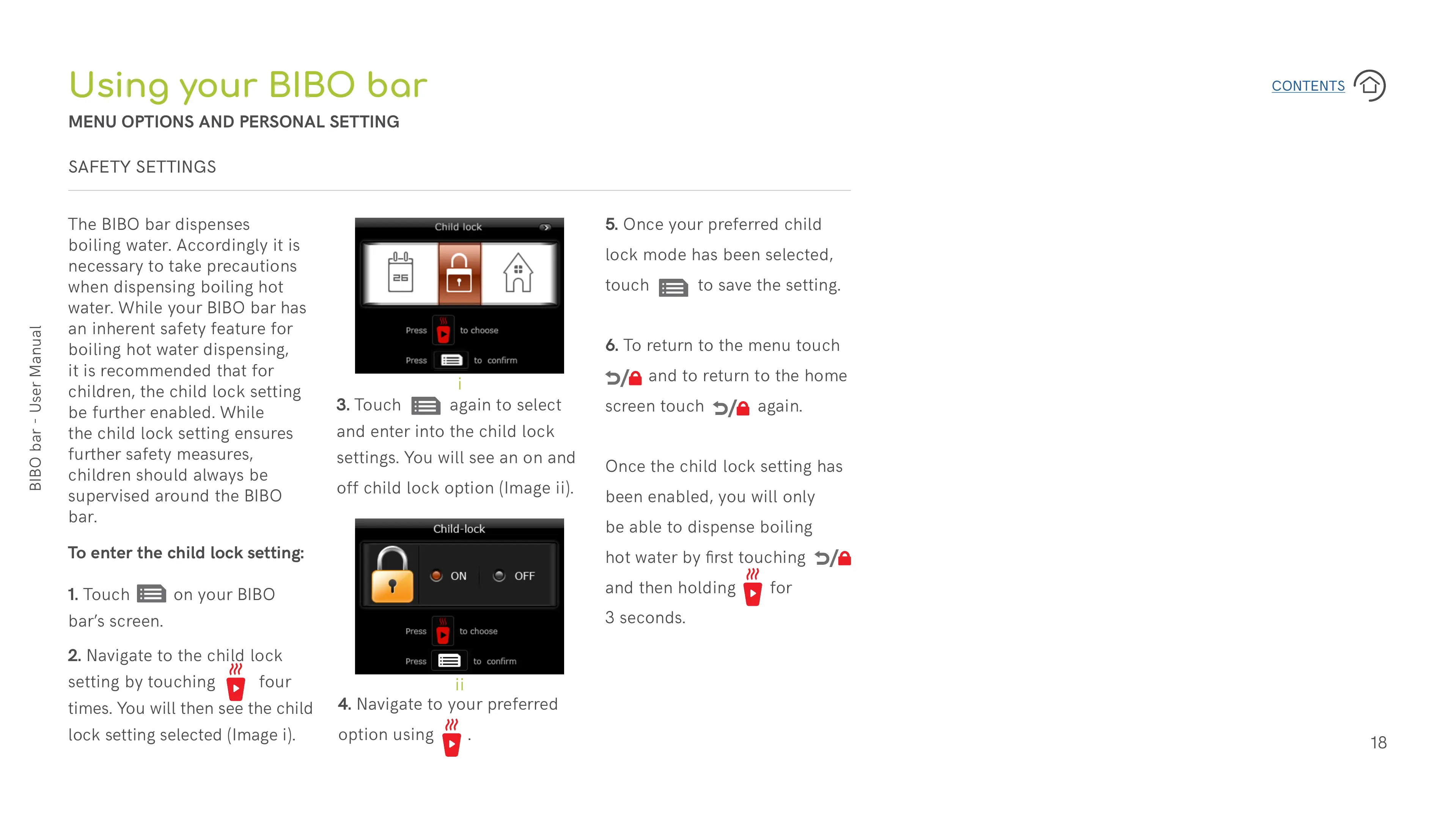
To enter the child lock setting:
1. Touch on your BIBO
bar’s screen.
2. Navigate to the child lock
setting by touching four
times. You will then see the child
lock setting selected (Image i).
4. Navigate to your preferred
option using .
3. Touch again to select
and enter into the child lock
settings. You will see an on and
off child lock option (Image ii).
The BIBO bar dispenses
boiling water. Accordingly it is
necessary to take precautions
when dispensing boiling hot
water. While your BIBO bar has
an inherent safety feature for
boiling hot water dispensing,
it is recommended that for
children, the child lock setting
be further enabled. While
the child lock setting ensures
further safety measures,
children should always be
supervised around the BIBO
bar.
Using your BIBO bar
MENU OPTIONS AND PERSONAL SETTING
SAFETY SETTINGS
i
ii


 To Next Page
 Loading...