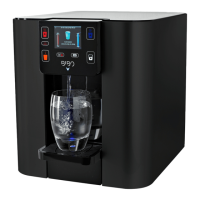
Using your BIBO bar
DISPENSING WATER
DISPENSING BOILING WATER DISPENSING CHILLED WATER DISPENSING AMBIENT/MIXED WATER
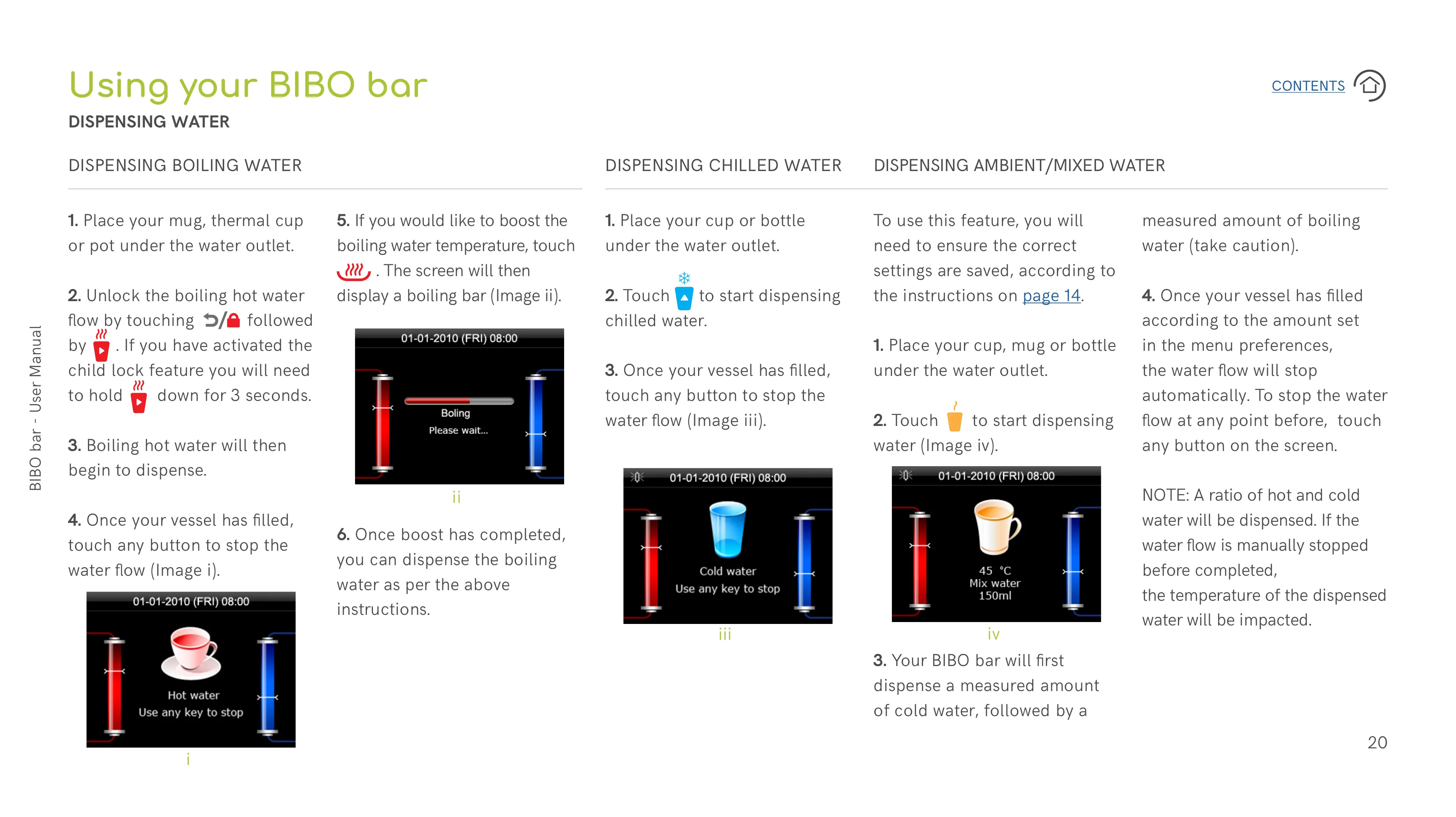
1. Place your mug, thermal cup
or pot under the water outlet.
2. Unlock the boiling hot water
flow by touching followed
by . If you have activated the
child lock feature you will need
to hold down for 3 seconds.
3. Boiling hot water will then
begin to dispense.
4. Once your vessel has filled,
touch any button to stop the
water flow (Image i).
1. Place your cup or bottle
under the water outlet.
2. Touch to start dispensing
chilled water.
3. Once your vessel has filled,
touch any button to stop the
water flow (Image iii).
To use this feature, you will
need to ensure the correct
settings are saved, according to
the instructions on page 14.
1. Place your cup, mug or bottle
under the water outlet.
2. Touch to start dispensing
water (Image iv).
5. If you would like to boost the
boiling water temperature, touch
. The screen will then
display a boiling bar (Image ii).
6. Once boost has completed,
you can dispense the boiling
water as per the above
instructions.
3. Your BIBO bar will first
dispense a measured amount
of cold water, followed by a
i
ii
iii
iv
measured amount of boiling
water (take caution).
4. Once your vessel has filled
according to the amount set
in the menu preferences,
the water flow will stop
automatically. To stop the water
flow at any point before, touch
any button on the screen.
NOTE: A ratio of hot and cold
water will be dispensed. If the
water flow is manually stopped
before completed,
the temperature of the dispensed
water will be impacted.


 To Next Page
 Loading...