REPLACING YOUR BIBO ZAPPER CLEANING YOUR BIBO bar
Maintaining your BIBO bar
FILTER AND ZAPPER REPLACEMENT
13. Touch
to select and
enter into the filter settings. You
will then see the maxi filter and
zapper options.
14. Navigate to your preferred
option using
. In this instance
touch
once to select the
BIBO zapper option.
15. Touch
to enter into the
BIBO zapper settings. You will
then see how many days are
left on your BIBO zapper filter
along with the option to change
the current BIBO zapper.
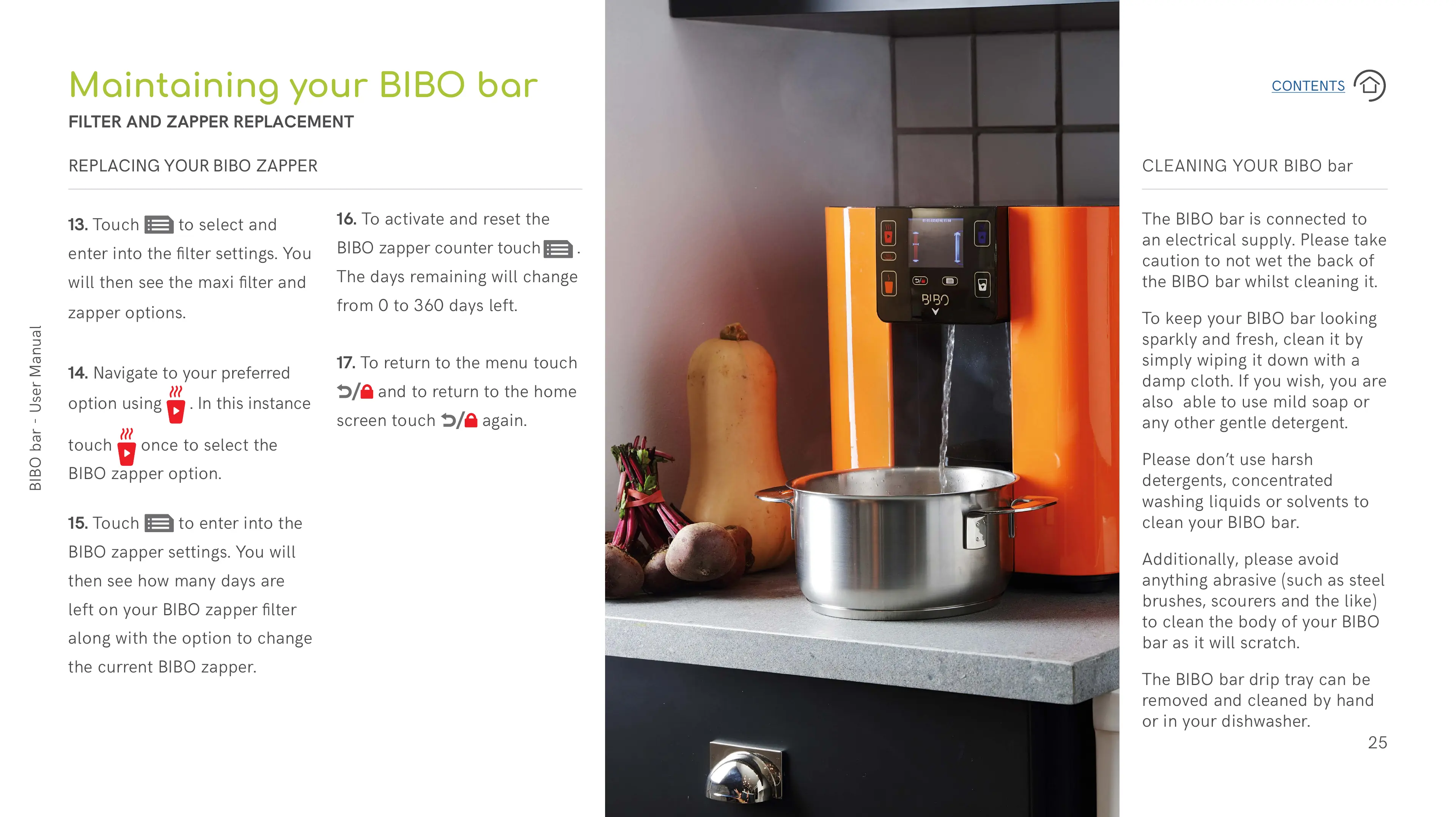
The BIBO bar is connected to
an electrical supply. Please take
caution to not wet the back of
the BIBO bar whilst cleaning it.
To keep your BIBO bar looking
sparkly and fresh, clean it by
simply wiping it down with a
damp cloth. If you wish, you are
also able to use mild soap or
any other gentle detergent.
Please don’t use harsh
detergents, concentrated
washing liquids or solvents to
clean your BIBO bar.
Additionally, please avoid
anything abrasive (such as steel
brushes, scourers and the like)
to clean the body of your BIBO
bar as it will scratch.
The BIBO bar drip tray can be
removed and cleaned by hand
or in your dishwasher.
16. To activate and reset the
BIBO zapper counter touch
.
The days remaining will change
from 0 to 360 days left.
17. To return to the menu touch
and to return to the home
screen touch
again.


 To Next Page
 Loading...