Technical Parameters
Mode
Parameters
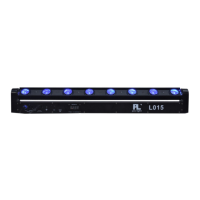
L015 L015N
Light source 8pcs*12W 4in1 led (RGBW) 8pcs*8W 4in1 led (RGBW)
Power supply 100-240V/50-60HZ
Rating power 120W 90W
Play mode
Auto-running/Sound-activated/DMX/Mater-slave
DMX channel 10 or 38
Features
8 eyes beam effect light, consist of 8pcs 12W 4-in-1 high
brightness led source, Synthesizing colorful lighting change
through the basic RGBW chip
Dimensions 1065*143*89mm
N.W.
7.5KGS
Standard
configuration
Power cable
DMX512 10 Channel description
CH # Function Description
CH 5
Function
choose
0--20:DMX 10 Channel control;21--70:jumping;
71--120:Shading;121--170:Pulse transform;
171--220:Running;221--240:Sound-activated 1;
241--255:Sound-activated 2
Red dimming,linear dimming,from dark to bright
CH 8
dimming
Green dimming,linear dimming,from dark to bright
CH 9
Blue dimming,linear dimming,from dark to bright
CH 10
White dimming,linear dimming,from dark to bright
Page 5
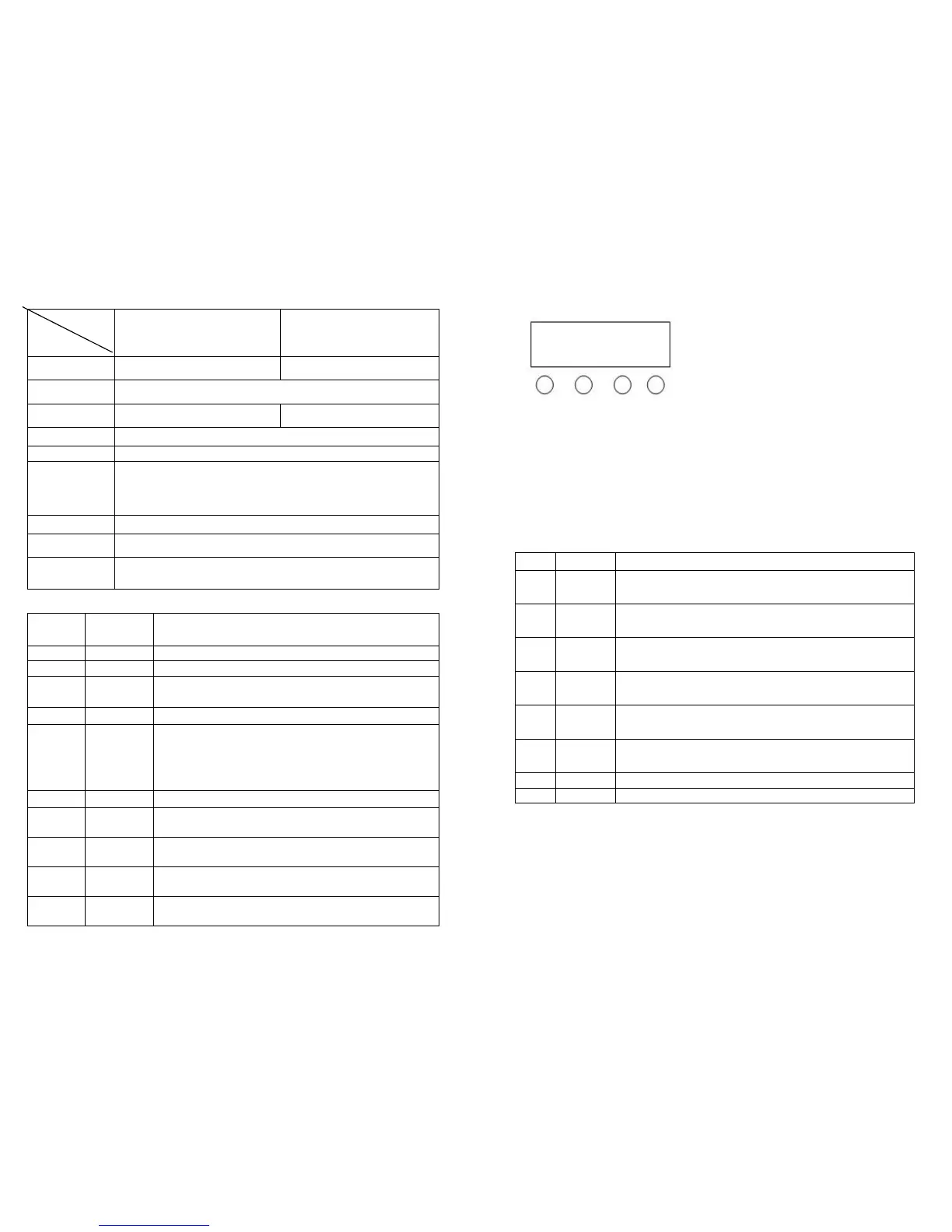
Key descriptions
MENU UP DOWN ENTER
Press menu to see 8 different modes and effects,the first two letters
represent the located function(ref. to the below function table),the last
two figures represent the address or speed of its function; Press up or
down to change the figures。Press enter to enter the mode
LED display window function table
1 A001
10 channels address code,( 001—512)UP、DOWN key
2 D001
38c channels address code,( 001—512)UP、DOWN
3 CC00
Colors jumping, (01—99)UP、DOWN key
4 CP00
Colors shading,( 01—99)UP、DOWN key changes
5 DE00
Colors pulse transform, (01—99)UP 、DOWN
changes pulse transform speed
6 FF00
Running change, (01—99)UP、DOWN key changes
running speed
Colors sound activated running change__1
Colors sound activated running change__2
Press enter,all settings and functions will be saved. When restart, it displays
as saved
Page 2


 To Next Page
 Loading...