10
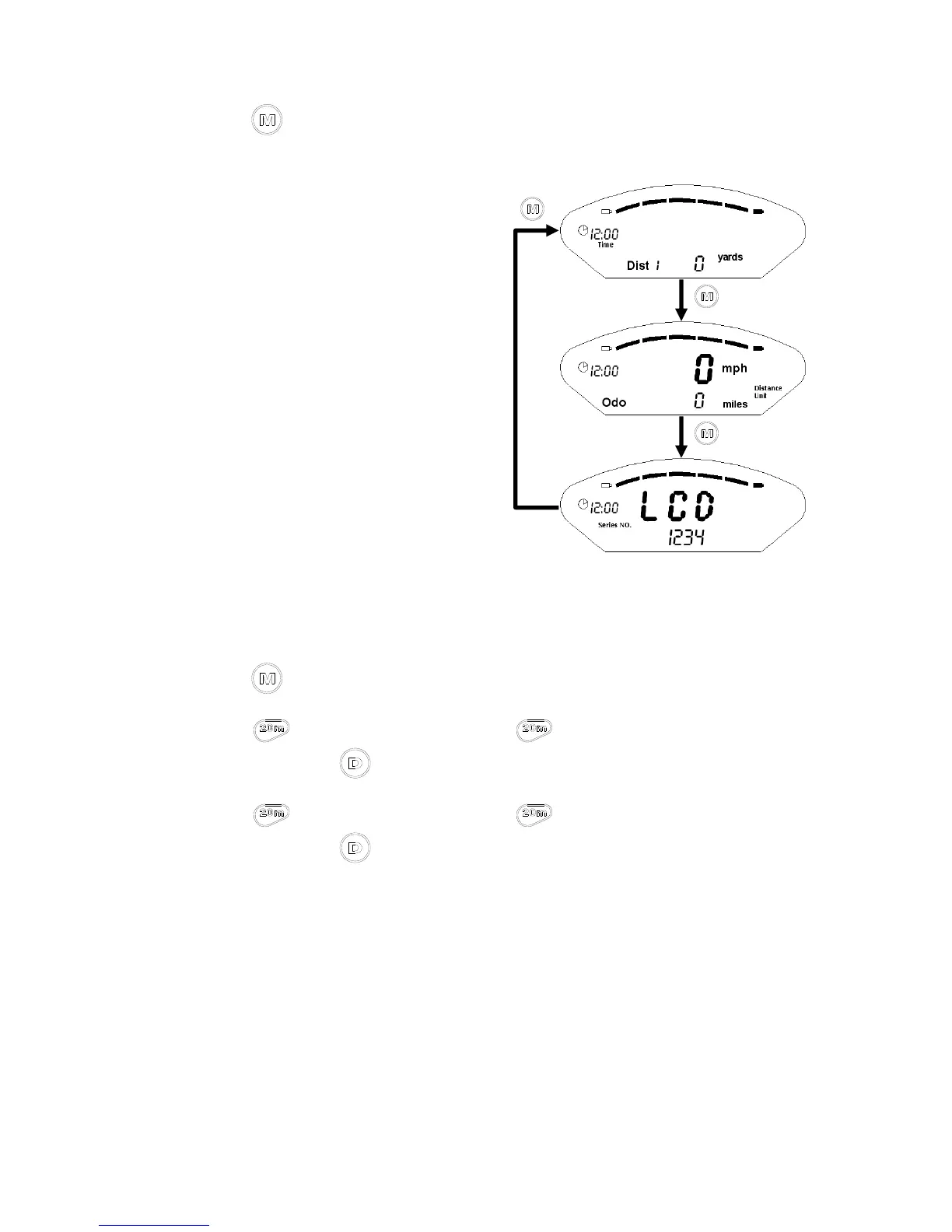
Press ► to search different setting mode.
Time setting
1. Press ► enter time setting.
2. Press the number +1, if you hold the number will keep on
increasing; press to finish setting the hour, then it will switch to 'minute'.
3. Press the number +1, if you hold the number will keep on
increasing; press to input the data then the number will stop flashing.



 To Next Page