USB charging
-EN 5 -
Using the Line in or AUX Input
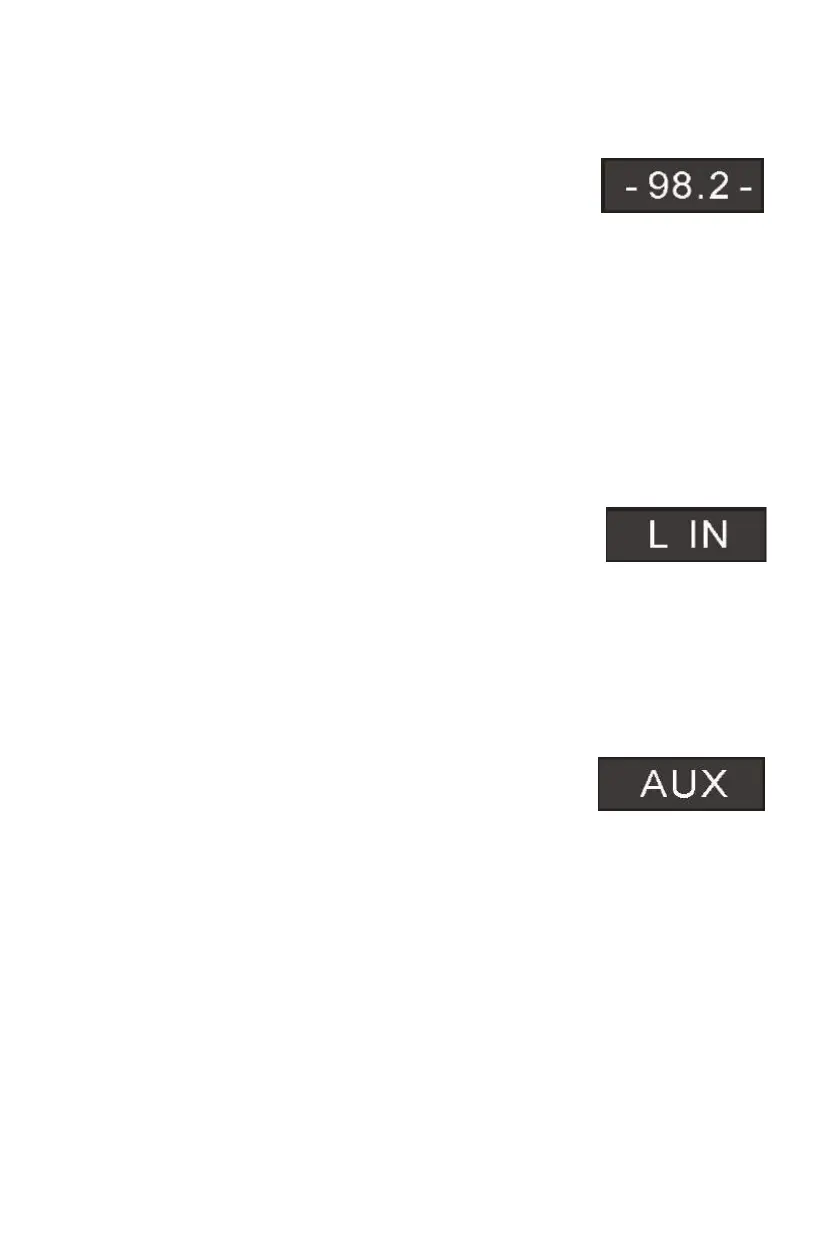
Analogue sound signals from other sources can input to the speaker. To select the Aux function
button on the tower or repeatedly press the source button on the remote control until the
displace shows AUX or LIN.
Line in Jack
Requires a 3.5mm cable
1. Connect a 3.5mm cable to the Aux in 1 jack. Connect the other end of the 3.5mm cable to an
Mp3 player or other audio source.
2. Press the power button to turn the unit on.
3. Press the SOURCE button or source button on the remote to switch
to Line In mode.
4. Use the controls on the connected device to begin playing audio routed through the unit.
AUX In Auxiliary Input RCA
Requires an RCA cable
1. Connect an RCA cable to the Auxiliary Input. Connect the other end of the RCA cable to the
audio output on your DVD player, stereo system, gaming system or television.
2. Press the power button to turn the unit on.
3. Press the SOURCE button
control to switch to Aux In mode.
4. Use the controls on the connected device to begin playing audio
routed through the unit.
Using the USB/SD input
Memory Card to the USB/SD converter, then
connect the converter to the unit.
h folder you want to open. The display will
number of folder first, Otherwise the number of track.
shows the
USB charging
There is a USB charger on the top of the unit to charge small devices such as
smartphones that can be charged via USB.
Output power: 5V/2.1A max
Listening to the radio
1. Press the button on the unit or the remote control to select RADIO mode. The unit will
be in FM radio mode.
PREVIOUS/NEXT button.
3. Press and hold PREVIOUS/NEXT button for 2 seconds,
The unit will automatically start and search the frequencies
for the previous or next strong station and stop on that station.
2. Select the desired radio station by pressing the
4. Once you find a station you want to save, press the MEM button on the remote
control, ”P01” will be shown on the display, press MEM+ or MEM- until the desired
memory position number appears on the display. Press the MEM again to confirm and
save the current station.
1. Plug your USB flash drive/Secure Digital
2. Press SOURCE into the USB mode, the unit can play automatically.
3. Press SOURCE into the SD mode, the unit can play automatically.
4. Press MEM+/MEM- to select whic
5.
Press PREVIOUS/NEXT to select track.
Output power:5V/2.1A max
There is a USB charger on the top of the unit to charge small devices auch as
smartphones that can be charged via USB


 To Next Page
 Loading...