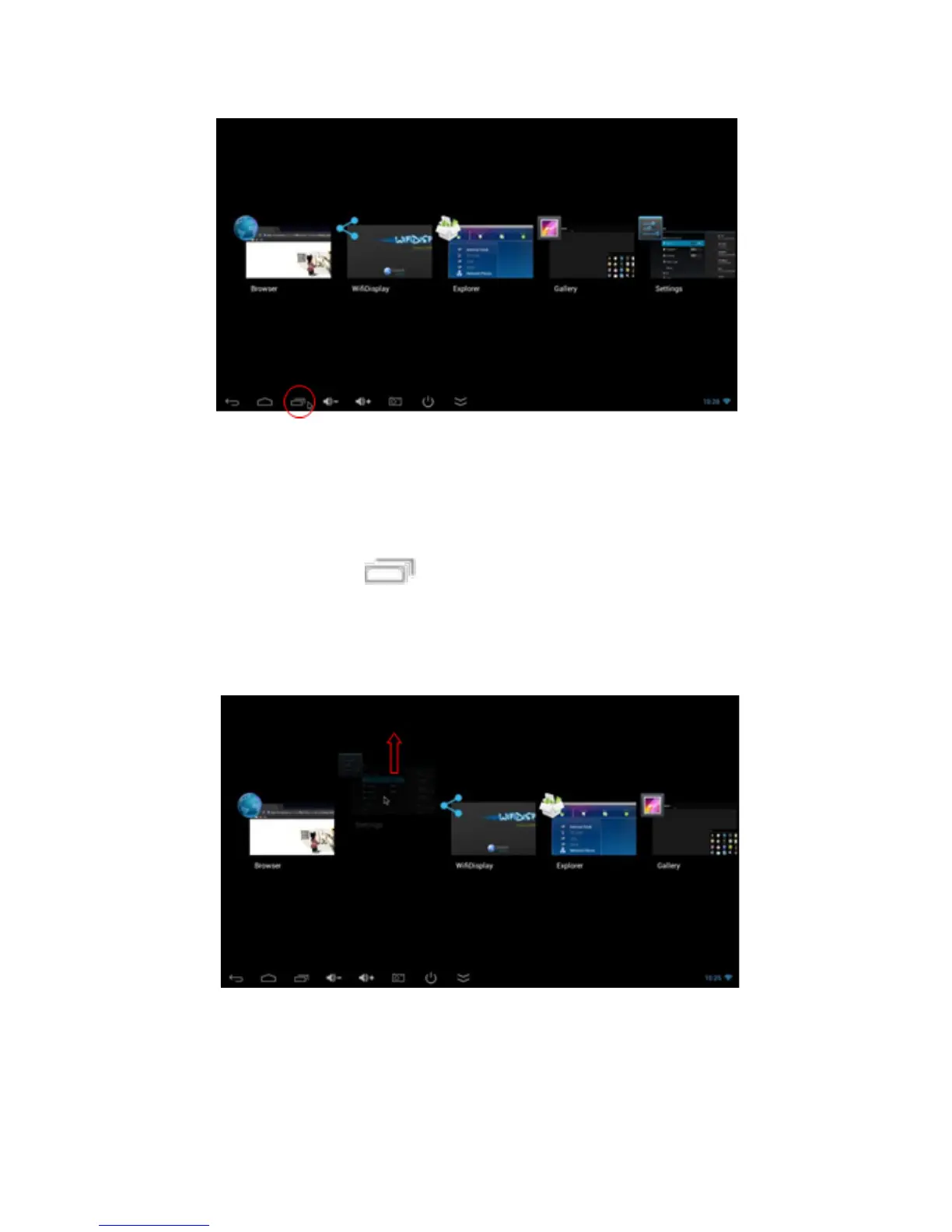
You can select the desired to bring it forward.
How to close applications
Click on the icon to see all running applications,
choose one of them by clicking and holding, drag it to the
upper area until you close the application.
Move between screens on the desktop
Click and hold on the desktop, move left or right to view
other screens.



 To Next Page