Back to the main screen or desktop
Click the icon to return to the main screen.
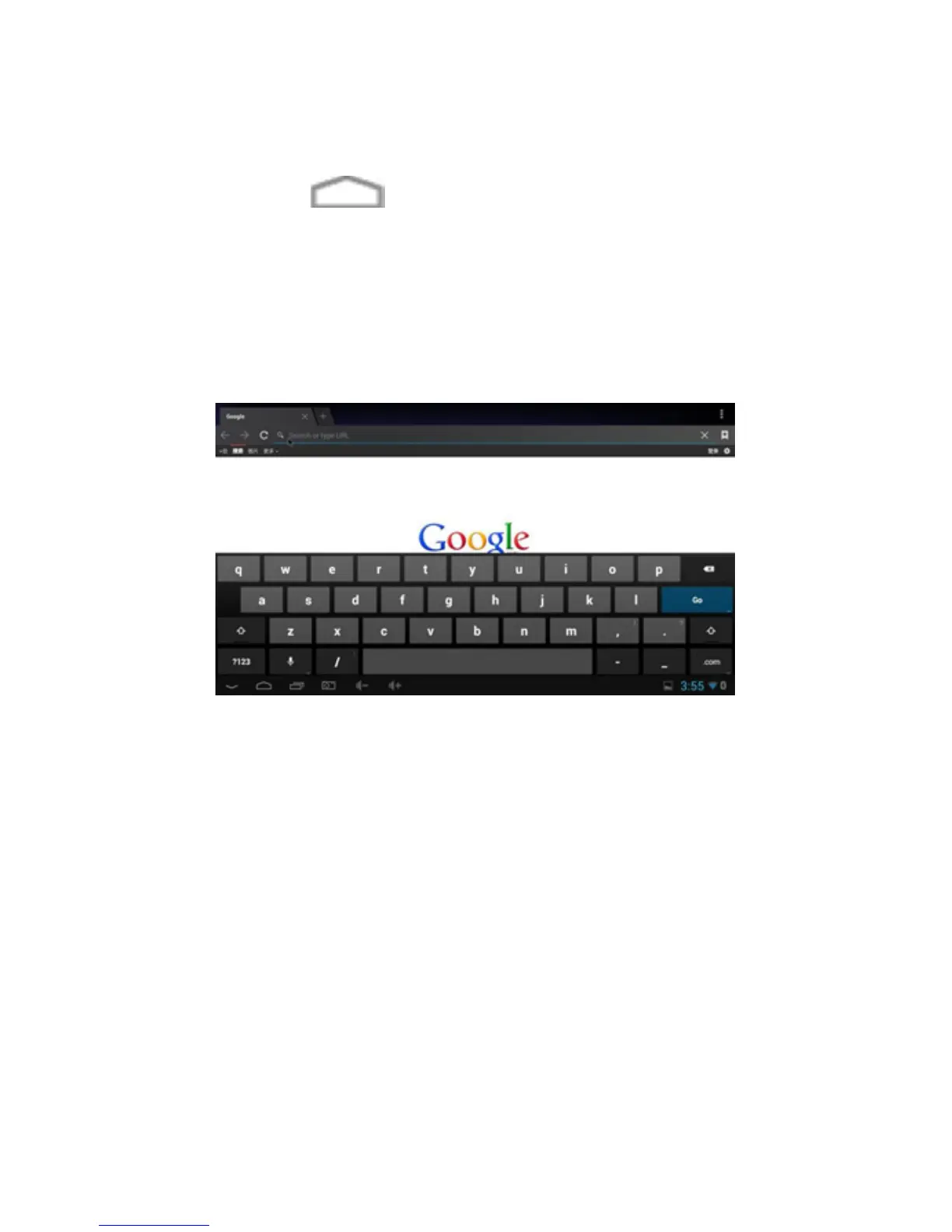
Write
Click the box where you want to write something and the
virtual keyboard will open to enter any text.
Connect and read data from external devices
1.Connect external hard drive:
Connect the external hard drive to a USB port on MD04TV
/ MD05TV click the application FileBrowser.
The “USB” storage will be enabled.



 To Next Page