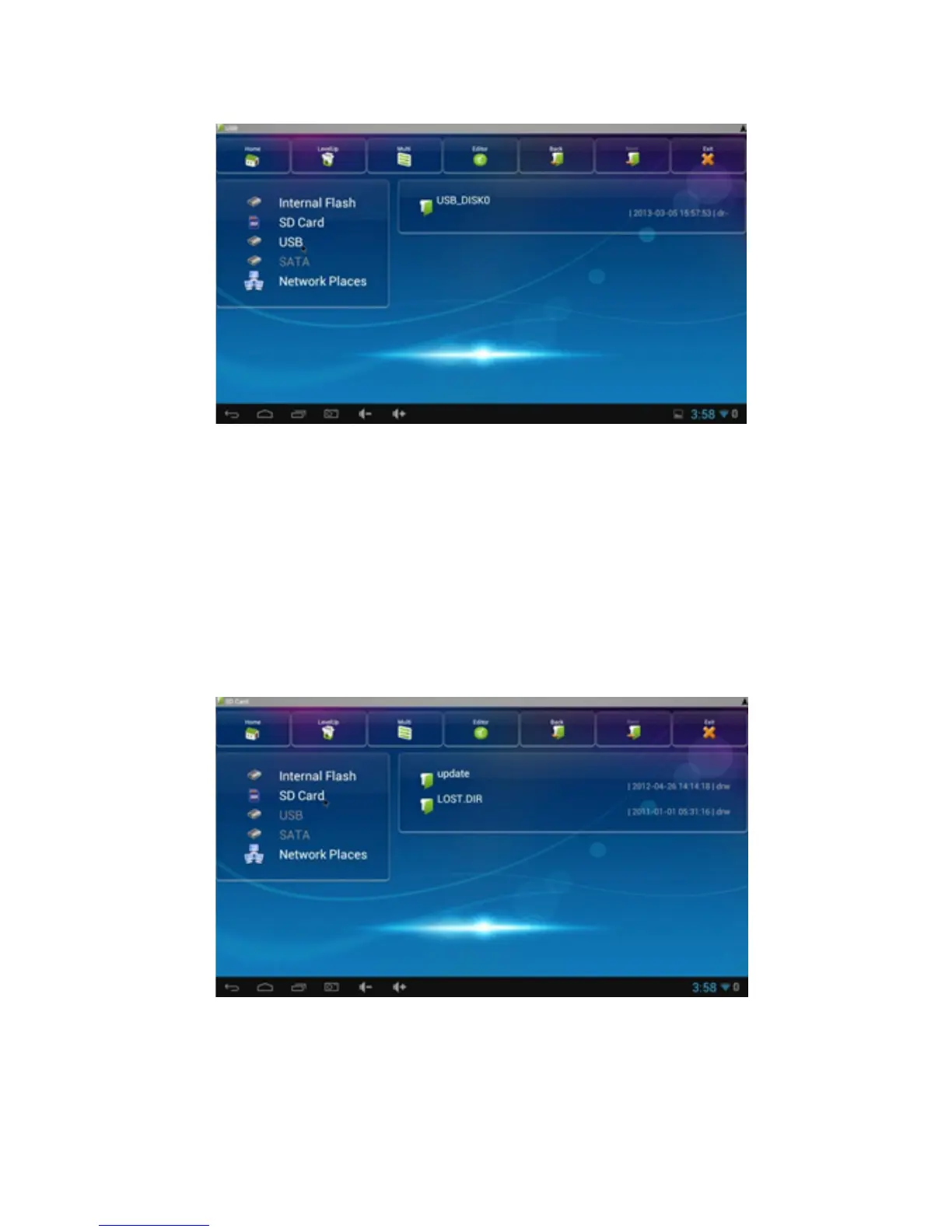
2.Connect the Micro SD Card:
Connect an SD card to the SD port of the MD04TV or
MD05TV or click the browser application.
Storage “SD Card” will be enabled.
WIFI Connection
Click on the Settings icon and the available Wi-Fi access
points will appear in the coverage range.



 To Next Page