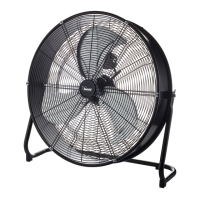
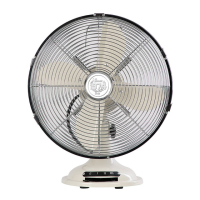
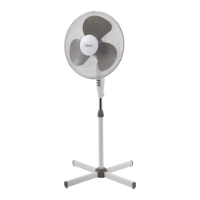
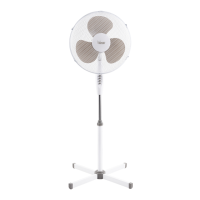
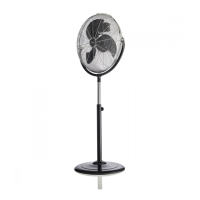
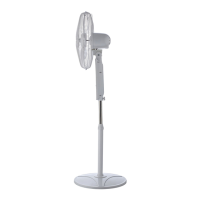
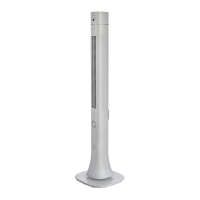
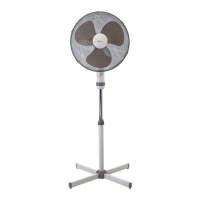
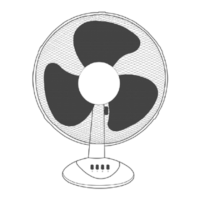
Description
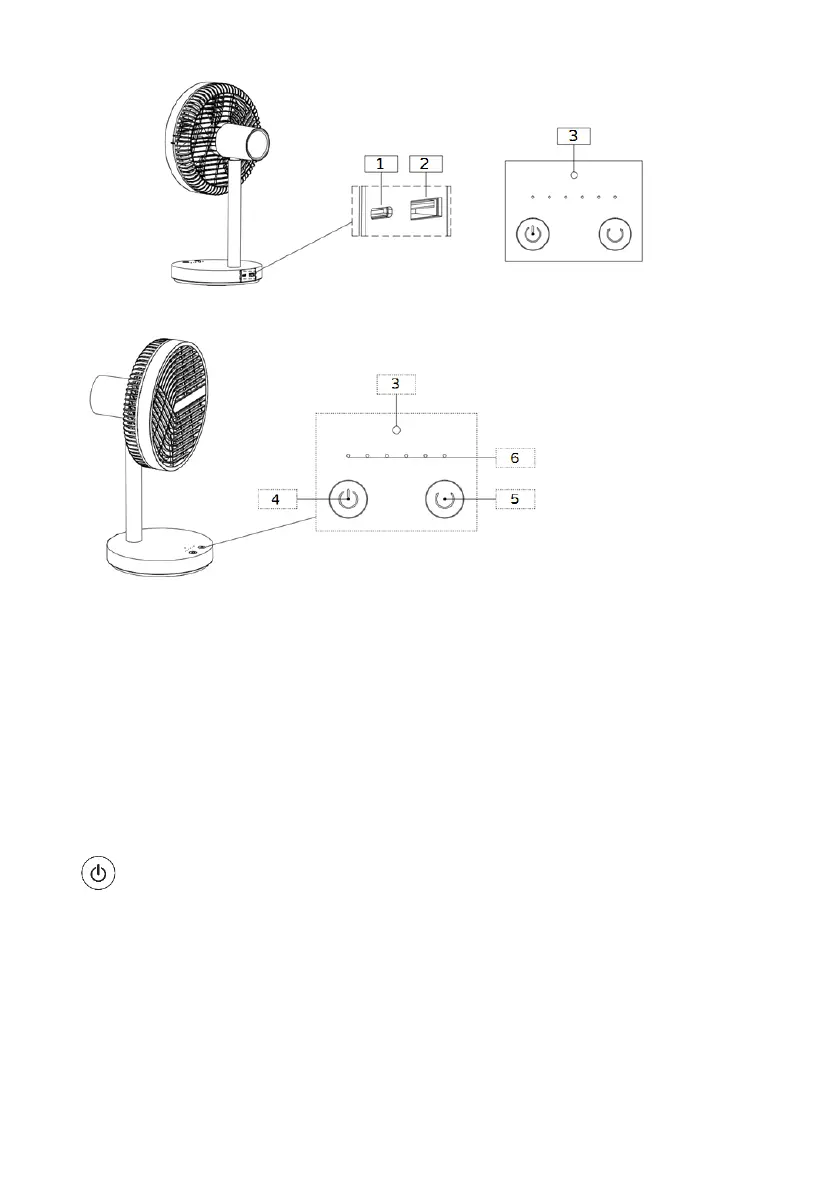
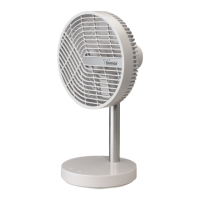
The appliance is equipped with the following control elements and accessories:
Battery: this is located inside the base. To recharge it, proceed as described:
- place the fan on a flat, stable surface
- Insert the cable connector into port C (1).
- Insert the USB plug into the adapter (not included in the package), taking care to correctly
guide the plug into the USB socket, and insert the adapter plug into the power outlet.
- The battery takes around 4 hours to completely recharge. A red LED indicates the charge
status, while a green LED indicates that the battery is fully charged. When charging is
complete, remove the adapter plug from the socket, and the connector from the port.
" " button (4): To switch on, select the desired functions (speed and Natural mode), or
switch off the fan. Press the button repeatedly; each press scrolls through:
I° (first): the fan turns on and runs at the minimum speed
I I° (second): the fan runs at the second speed
I I I° (third): the fan runs at the third speed
I I I I° (fourth): the fan runs at maximum speed
I I I I° (fifth): the fan operates in "Natural" mode (intermittent ventilation)
I I I I I° (sixth): the fan switches off and the corresponding LED lights up.
Press for around three seconds to stop any mode of operation, and to switch the unit off.


 To Next Page