8
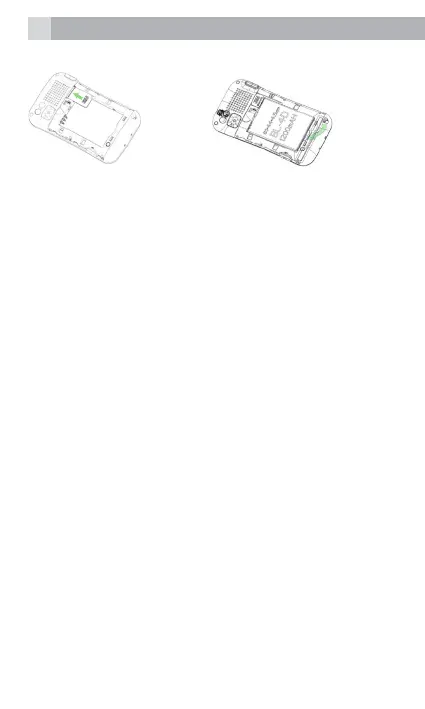
1. 2.
4.2 Charge the battery
Warning:
Use only the supplied/approved batteries and
chargers. Using others may be dangerous and will
invalidate warranty. A battery must be tted.
Do not charge with the back cover removed.
• Connect the charger lead rmly into the USB
socket on the top of the handset, or place the
handset directly in the charging cradle.
• Plug the mains power adapter into an AC mains
socket. If the handset is turned on, “Charger
connected” displays for a few seconds and
the battery symbol bars scroll to indicate that
charging has started.
• If the ‘Charger connected’ does not display,
disconnect and retry. If charging still fails,
contact the helpline.
• The battery is fully charged when the bars
within the battery symbol are continuously on.
Disconnect the charger from the phone and
the AC outlet. “Charger removed” displays for
a few seconds to indicate the charging has
stopped.



 To Next Page