EasyManua.ls Logo

Binatone Speakeasy 600 - User Manual

Binatone Speakeasy 600
92 pages
Print Icon
To Next Page IconTo Next Page
Loading...
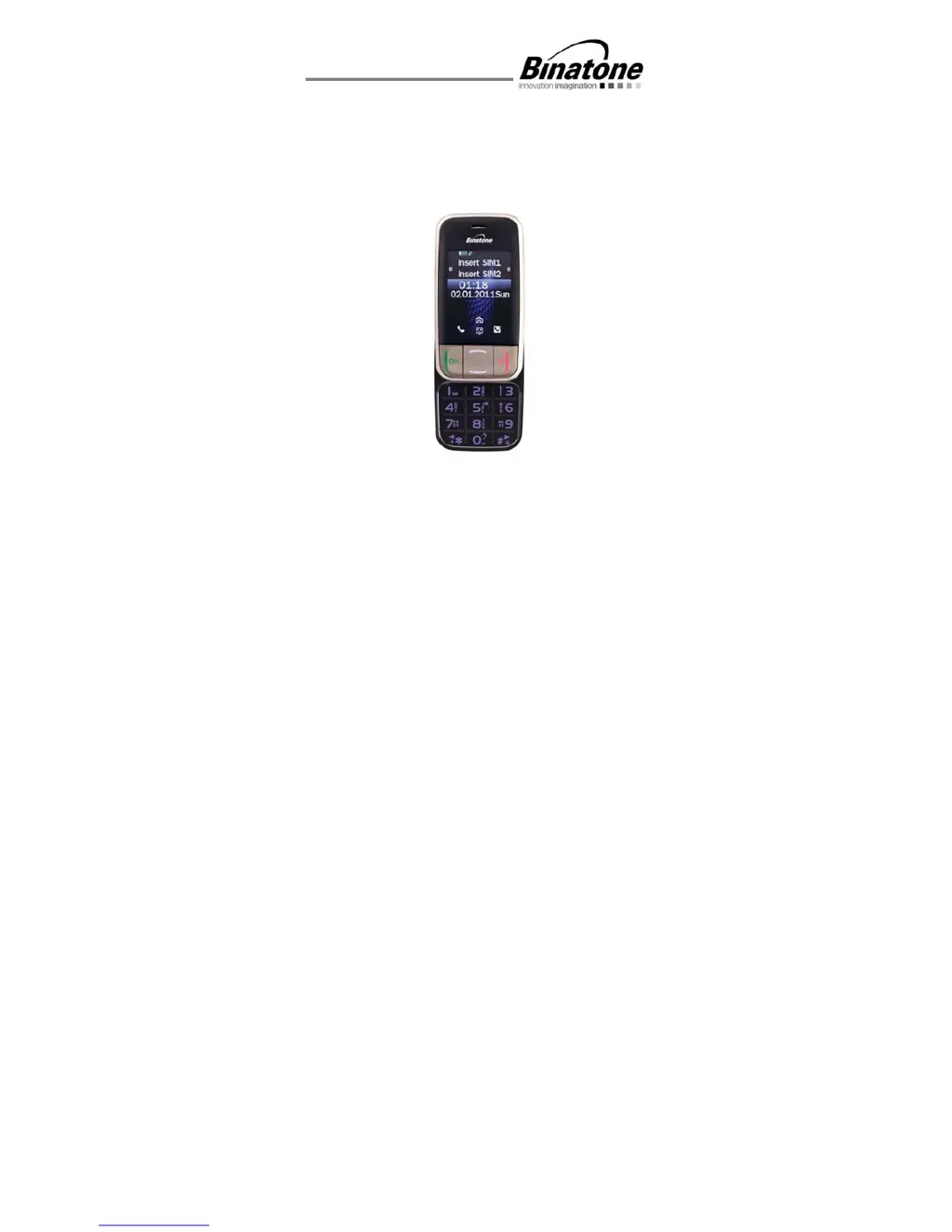
USER GUIDE
Speakeasy 600
Before operating this set,
please read these instructions carefully.

Table of Contents

Questions and Answers

Summary

Navigating the Phone Menu

Important Safety and Care Instructions

Safe Usage, Interference, and Environment

Guidelines for safe operation, potential interference, and temperature limits.

Water Resistance and Cleaning Precautions

Information on phone water resistance and recommended cleaning methods.

Initial Phone Setup Procedures

SIM Card and Battery Installation

Step-by-step guide for inserting SIM cards and the battery.

Battery Charging and Memory Card Insertion

Procedure for charging the battery and inserting a micro SD memory card.

Powering the Phone On and Off

Making and Receiving Calls

Initiating, Answering, and Ending Calls

Steps to make, answer, and terminate phone calls.

Speed Dialing and Volume Adjustment

Using speed dial for quick dialing and adjusting call volume.

SOS Emergency Call Functionality

Using the SOS Button

How to activate the emergency SOS call using the dedicated button.

Configuring SOS Features and Numbers

Steps to activate SOS call, alarm, SMS, and manage SOS contact numbers.

Phonebook and Speed Dial Management

SMS Text Messaging Guide

Phone Settings Configuration

Troubleshooting Common Issues

Power, Charging, and Network Problems

Solutions for phone not turning on, battery charging issues, and network registration failures.

Call, PIN Lock, and SIM Card Errors

Resolving call issues, PIN lock, and SIM card related errors.

Summary

Navigating the Phone Menu

Important Safety and Care Instructions

Safe Usage, Interference, and Environment

Guidelines for safe operation, potential interference, and temperature limits.

Water Resistance and Cleaning Precautions

Information on phone water resistance and recommended cleaning methods.

Initial Phone Setup Procedures

SIM Card and Battery Installation

Step-by-step guide for inserting SIM cards and the battery.

Battery Charging and Memory Card Insertion

Procedure for charging the battery and inserting a micro SD memory card.

Powering the Phone On and Off

Making and Receiving Calls

Initiating, Answering, and Ending Calls

Steps to make, answer, and terminate phone calls.

Speed Dialing and Volume Adjustment

Using speed dial for quick dialing and adjusting call volume.

SOS Emergency Call Functionality

Using the SOS Button

How to activate the emergency SOS call using the dedicated button.

Configuring SOS Features and Numbers

Steps to activate SOS call, alarm, SMS, and manage SOS contact numbers.

Phonebook and Speed Dial Management

SMS Text Messaging Guide

Phone Settings Configuration

Troubleshooting Common Issues

Power, Charging, and Network Problems

Solutions for phone not turning on, battery charging issues, and network registration failures.

Call, PIN Lock, and SIM Card Errors

Resolving call issues, PIN lock, and SIM card related errors.

Binatone Speakeasy 600 Specifications

General IconGeneral
Display diagonal- \
Display resolution- pixels
Internal memory- MB
Flash card support-
Rear cameraYes
Rear camera resolution (numeric)1.3 MP
Data networkGSM
GSM bands supported900, 1800 MHz
SIM card capabilityDual SIM
Multimedia Messaging Service (MMS)Multimedia Messaging Service (MMS) is a standard way to send messages that include multimedia content to and from a mobile phone over a cellular network
Video compression formats3GP, MPEG4
Ringer typePolyphonic
Audio formats supportedAMR, MP3
Talk time (2G)6 h
Battery capacity1050 mAh
Standby time (2G)288 h
Subscription typeNo subscription
Product colorSilver
Form factorSlider
Phonebook capacity300 entries
Personal info management (PIM)Alarm clock, Calculator, Calendar, Converter, Games
Operating temperature (T-T)-10 - 40 °C
Storage relative humidity (H-H)10 - 95 %
Weight and Dimensions IconWeight and Dimensions
Depth18 mm
Width54 mm
Height102 mm
Weight120 g

Related product manuals