www.binatonetelecom.com 54
Image settings
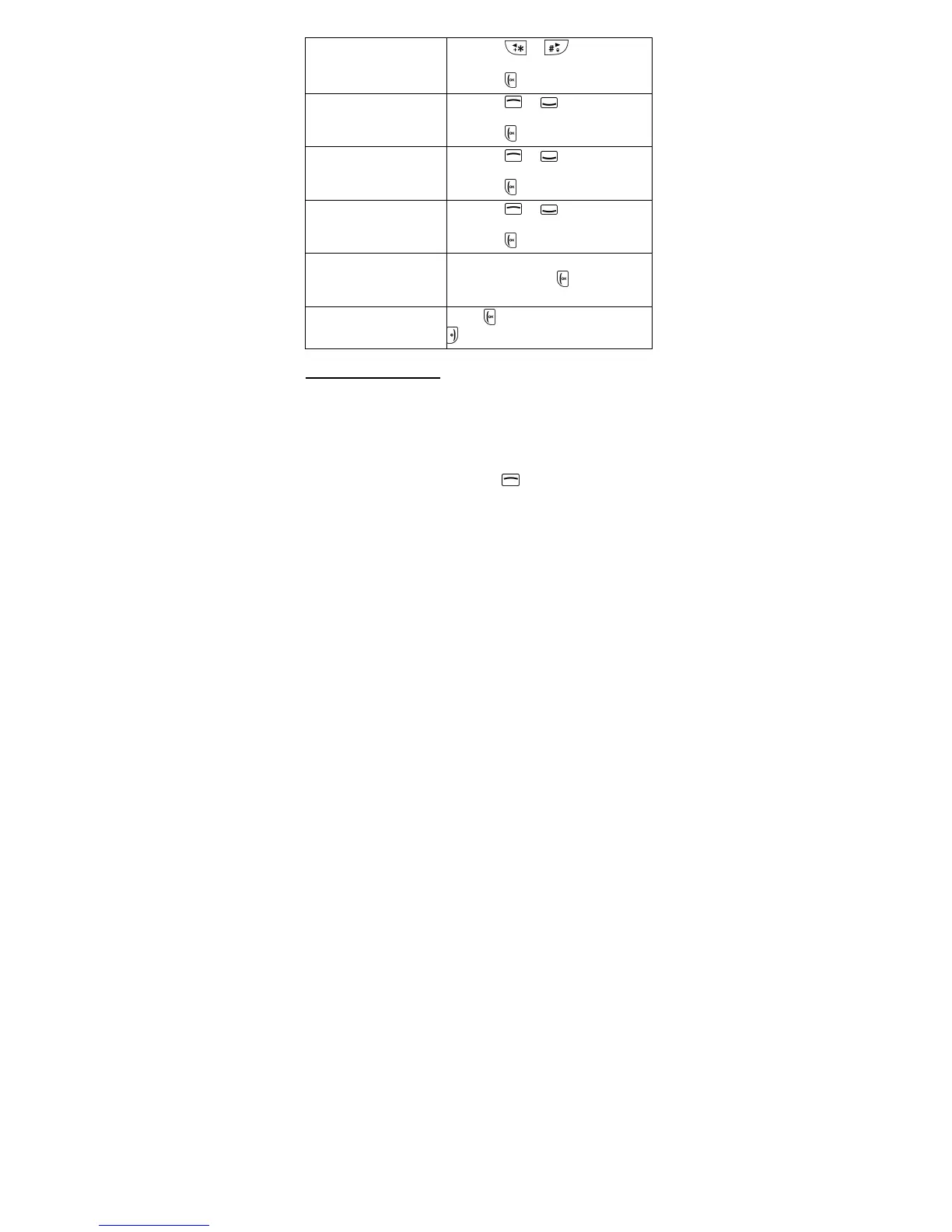
1. Press
or to adjust the
settings.
2. Press
OK to confirm.
White balance
1. Press
or to adjust the
settings.
2. Press OK to confirm.
Scene mode
1. Press
or to adjust the
settings.
2. Press OK to confirm.
Effect settings
1. Press
or to adjust the
settings.
2. Press OK to confirm.
Storage Select your preferred storage
location and press OK to
confirm.
Restore default
Press
Yes to restore or press
No to exit.
16.5 Video recorder
Speakeasy 600 comes with a video recorder that allows
you to record short video clips.
Note: You will need a memory card installed for video
recordings.
16.5.1 Record video
1. From the home screen, press
to enter the main
menu.
2. Scroll to and select Multimedia > Video recorder.



 To Next Page