www.binatonetelecom.com 46
14 CALL HISTORY
Call history provides you with records of your incoming,
outgoing and missed calls. It includes a call settings
option that allows you to set call-related options.
14.1 Check Call history
1.
From the home screen, press to enter the main menu.
2. Scroll to and select Call history.
3. Scroll to SIM1 history or SIM2 history and press OK.
4.
Scroll to the following options and press
OK
to check:
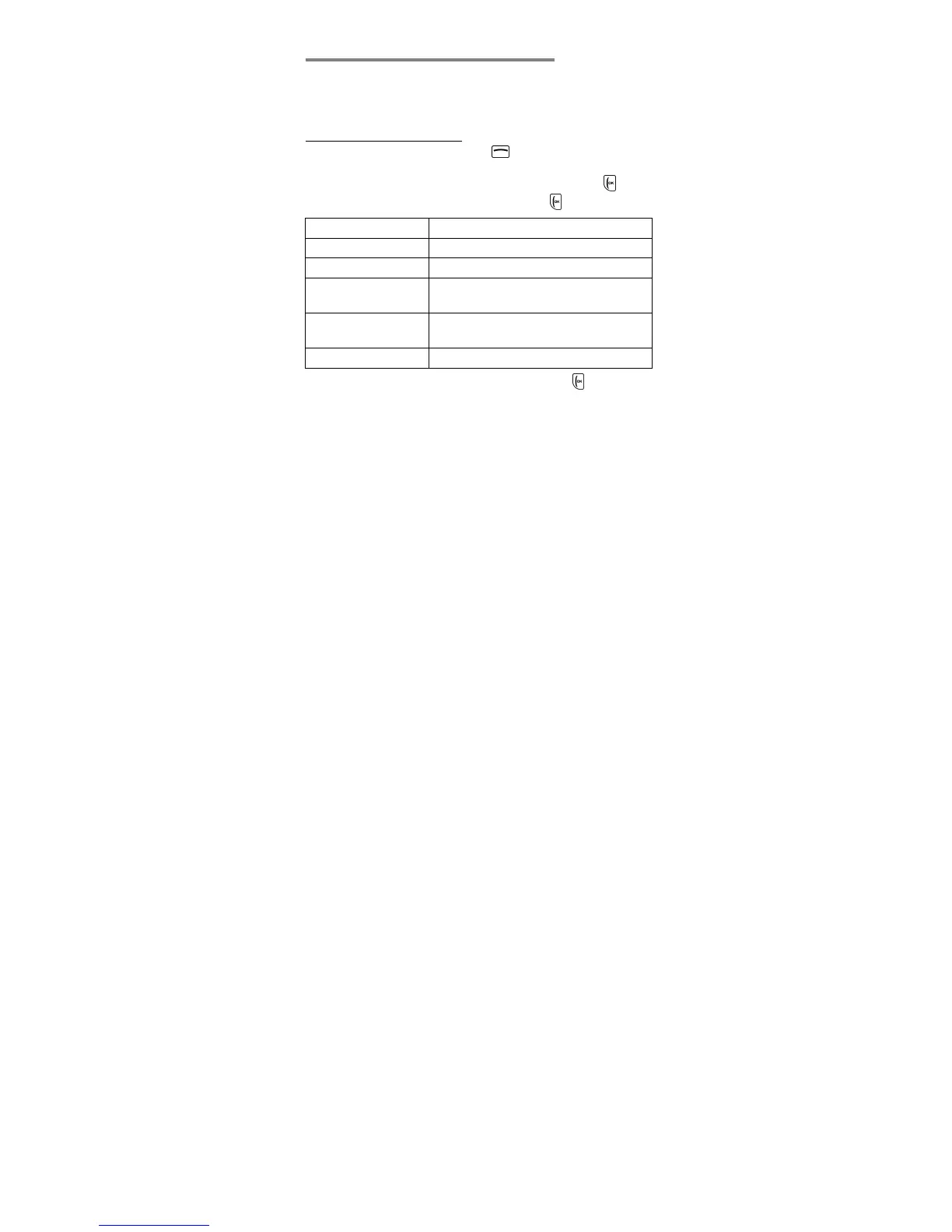
Missed calls
Dialled calls
Received calls
Call timers Check Last call, Dialled calls,
Received calls or Reset all
GPRS counte
ll
sent, All received or Reset counter
Delete call logs
5.
Scroll to an entry in the call history and press
Option
to:
Call
View
Send text message
Send multimedia message
Save to phonebook
Add to Blacklist
Edit before call
Delete



 To Next Page