www.binatonetelecom.com 56
3. Scroll to the video clip you wish to view and press
Option.
4. Press
OK to view the video clip.
5. Press to exit.
16.9 Adjust camcorder settings
1.
From the home screen, press to enter the main menu.
2. Scroll to and select Multimedia > Video recorder.
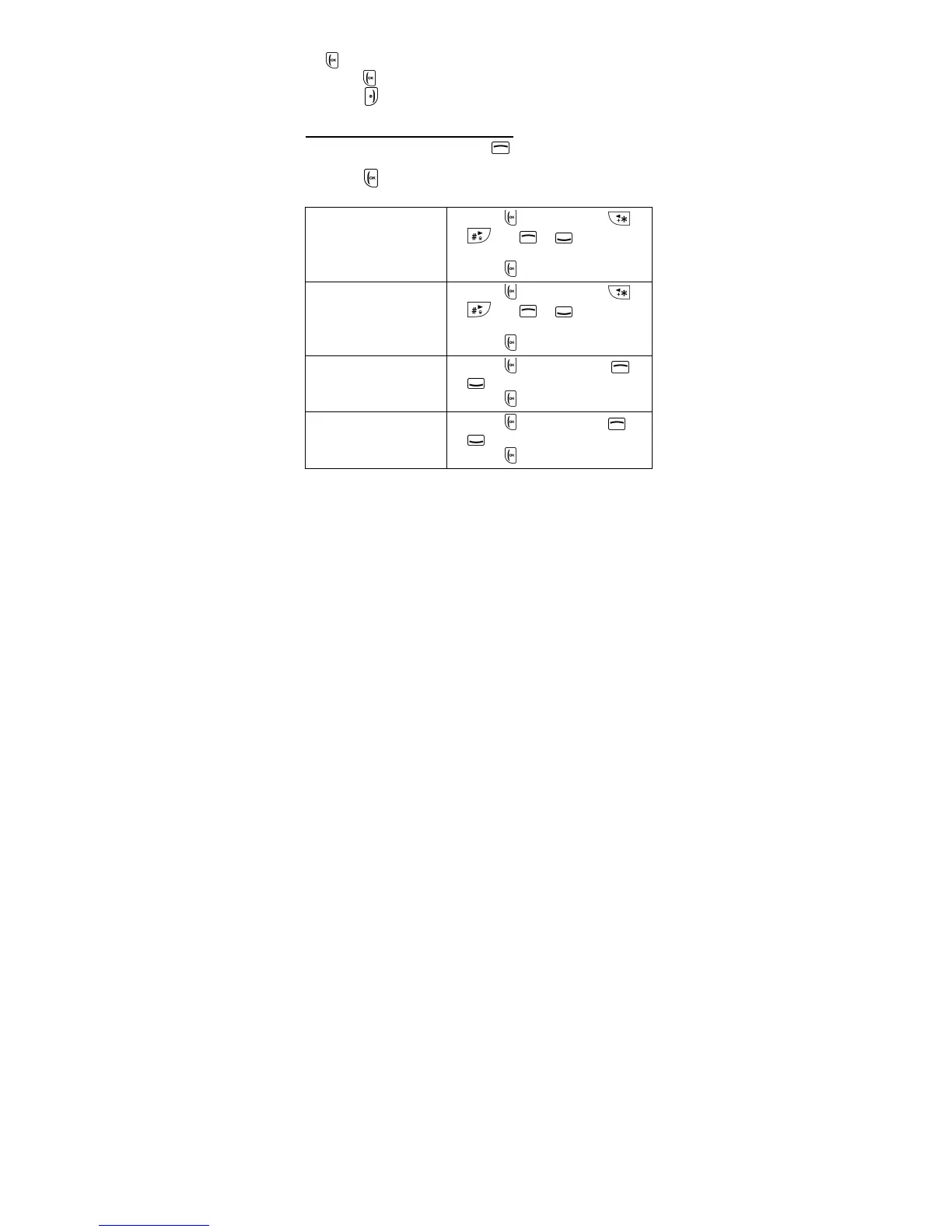
3. Press to enter the options menu and scroll to the
setting you wish to adjust:
Camcorder
settings
1. Press OK then press or
and or to adjust
the settings.
2. Press
OK to confirm.



 To Next Page