57
Binatone Help Line : 0845 345 9677
Storage
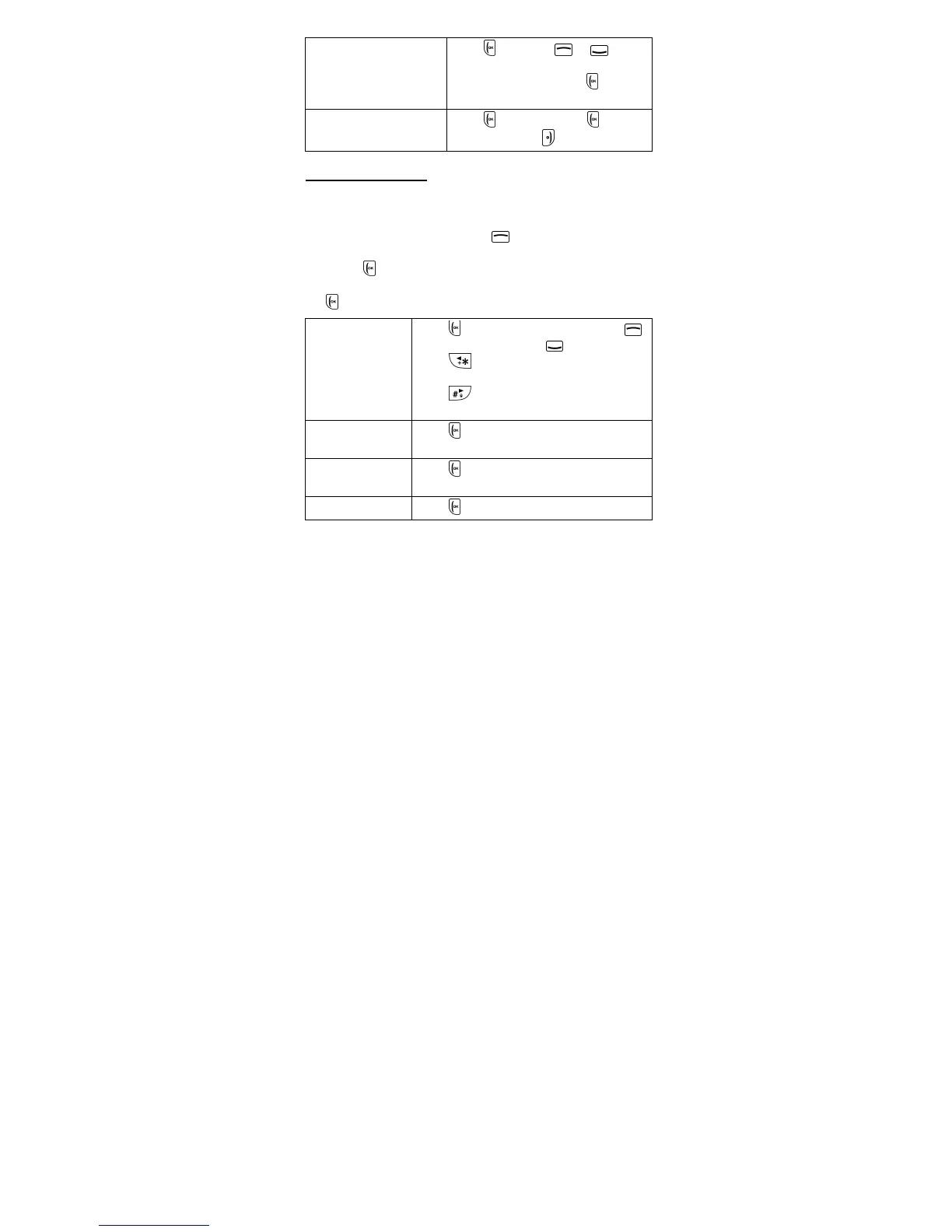
Press OK then or to
select your preferred storage
location and then press
OK to
confirm.
Restore default
Press OK then press Yes to
restore or press
No to exit.
16.10 Audio player
Note: You will need a memory card installed that
contains the audio files (mp3).
1.
From the home screen, press to enter the main menu.
2. Scroll to and select Multimedia > Audio player.
3. Press List to show a list of the available songs.
4. Scroll to the track you wish to play, then press
Option to show the following options:
Play
Press OK to play the song. Press
to pause/restart, press
to stop.
Press to skip back to the previous
song.
Press
to skip forward to the next
song.
Details
Press OK to show details of the size,
time, title, artist and genre of the song.
Add to
ringtones
Press OK to add the song to your list
of ring tones.
Refresh list
Press OK to refresh the song list.



 To Next Page