www.binatonetelecom.com 16
5 INSTALLATION AND SETUP
To use Speakeasy 600, you must first insert a valid SIM
card supplied by your network provider. The SIM card
contains your subscription information, your mobile
telephone number, and a memory in which you can store
phone numbers and messages.
5.1 Install SIM card
Speakeasy 600 supports the use of two SIM cards in one
phone. Follow these instructions to insert the SIM cards. If
only one SIM card is to be inserted, you can use either slot.
See Dual SIM settings on page 62 for more information.
1. Make sure that the phone is switched off.
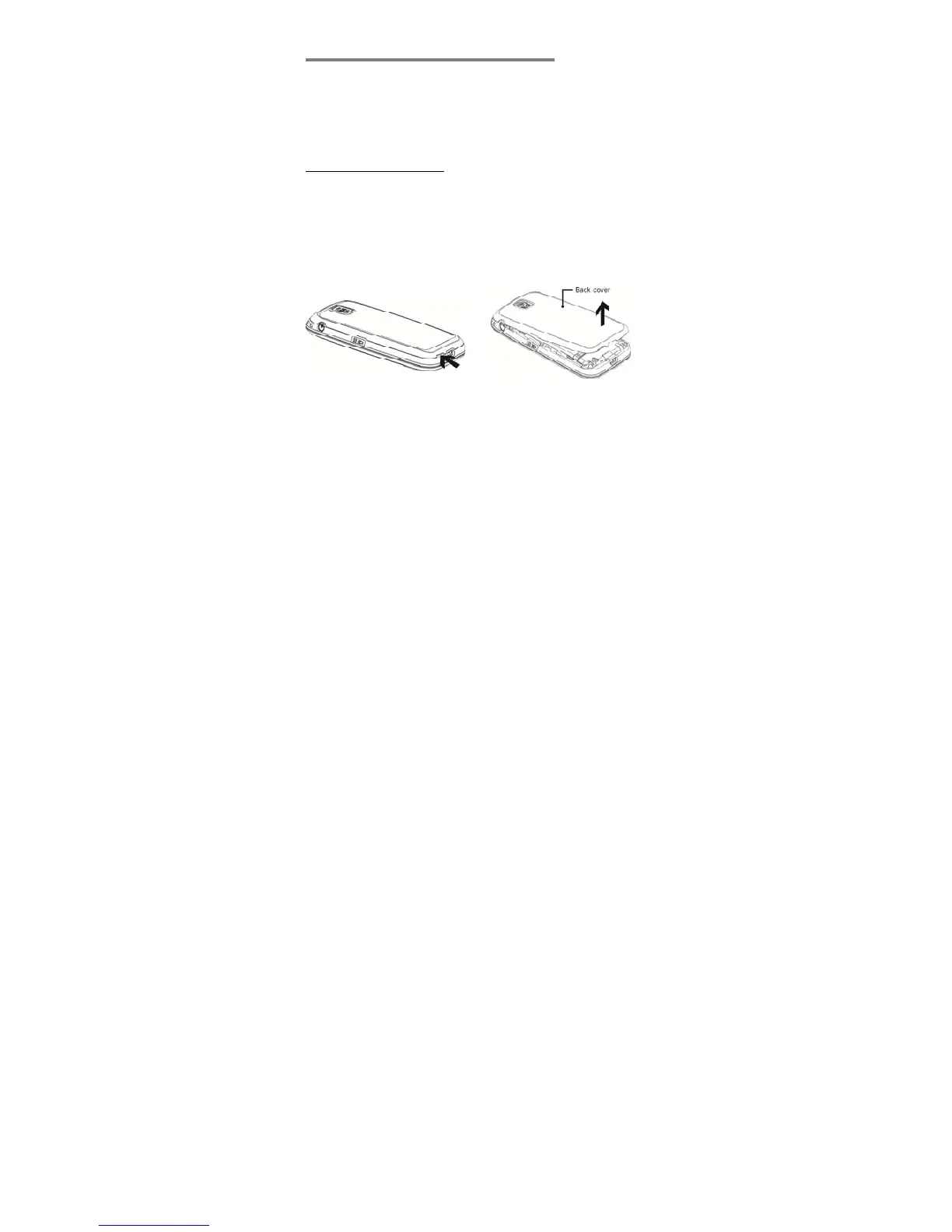
2. Remove the back cover.



 To Next Page