59
Binatone Help Line : 0845 345 9677
16.11 Sound recorder
1.
From the home screen, press to enter the main menu.
2. Scroll to and select Multimedia > Sound recorder.
3. Press Option to show the following options:
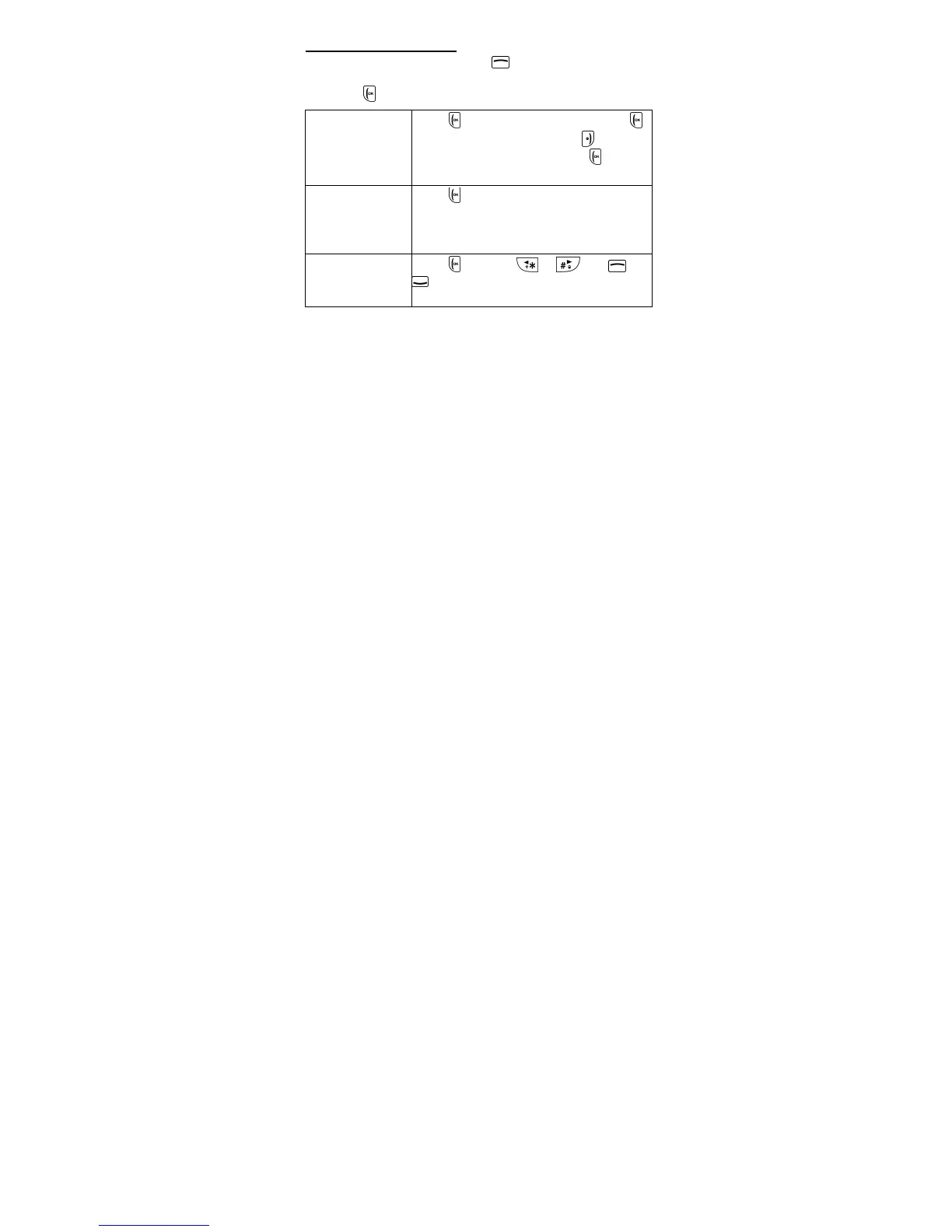
New record
Press OK to start recording. Press
Pause to pause recording or
Stop to
stop recording and then press
Yes to
save the audio.
List
Press OK to list the audio clips you
have recorded. You can then choose to
Play, Append, Rename, Delete,
Delete all files, Use as or Send.
Settings
Press OK then or and or
to set the storage location and audio
file format.



 To Next Page