19
Binatone Help Line : 0845 345 9677
Caution:
Risk of explosion if the battery is replaced by an incorrect
type.
Dispose of used batteries according to the instructions.
IMPORTANT
Use only the rechargeable battery that is provided with
your Speakeasy 600.
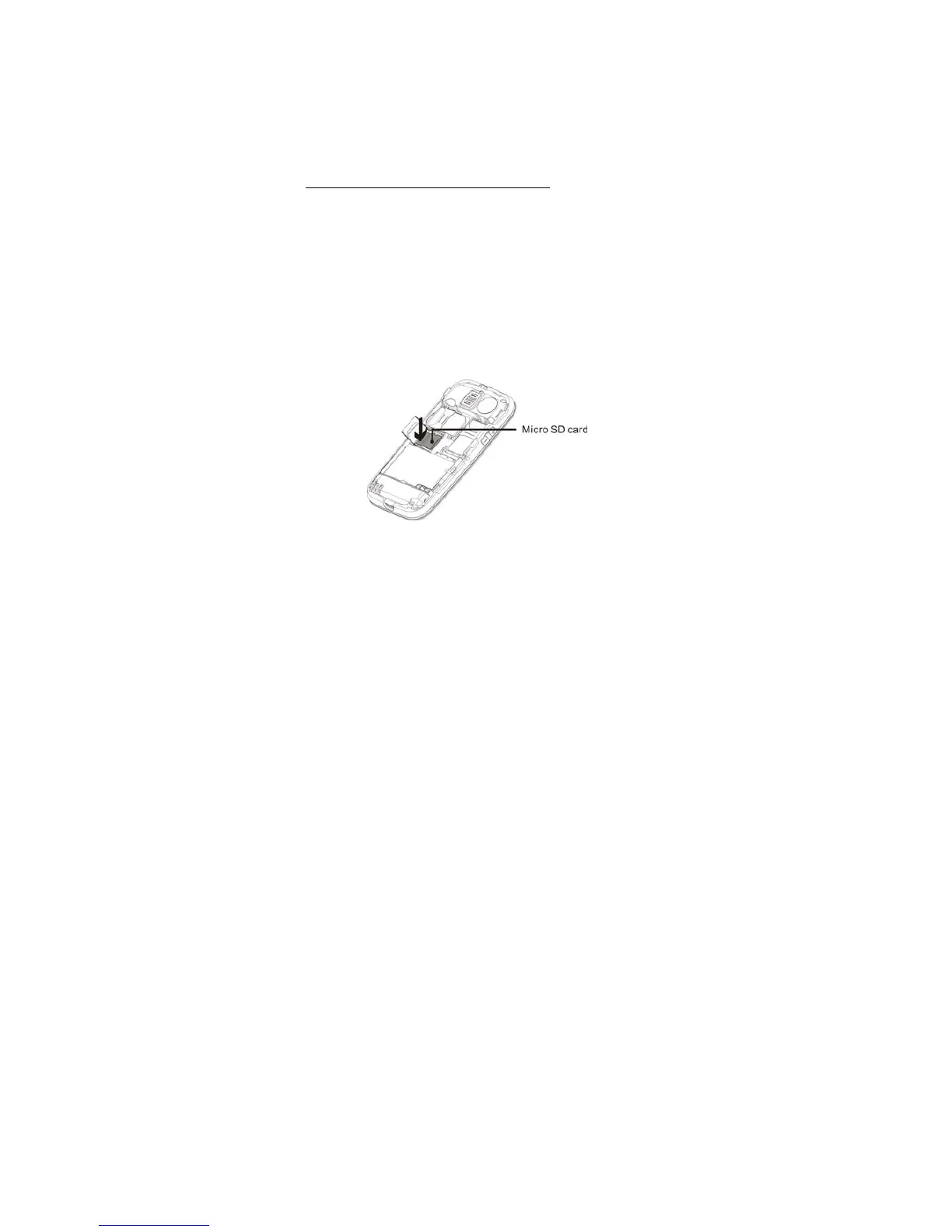
5.4 Insert a Memory (micro SD) card
If you want to download music or pictures using Bluetooth,
record Audio or Video, or store many photos, you will
need to insert a micro SD memory card to store these files.
1. Make sure that the phone is switched off and remove
the back cover, as described in Install SIM card on
page 16.
2. Slide the SD card holder open and insert the micro SD
card into the holder, making sure that the metal contacts
of the card are facing down.
3. Slide the SD card holder closed, and replace the
battery and back cover.



 To Next Page