4-4
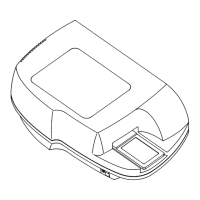
Bio-Tek FL600
CAUTION! It is very dangerous to operate the FL600 with the cover
off, as there is a probability of electrical shock.
Step 3:
Using the 4 mm Allen wrench provided in the accessories kit,
unscrew the five screws holding the reader cover to the base.
Step 4:
Remove the top cover, and set it aside.
Figure 4-4
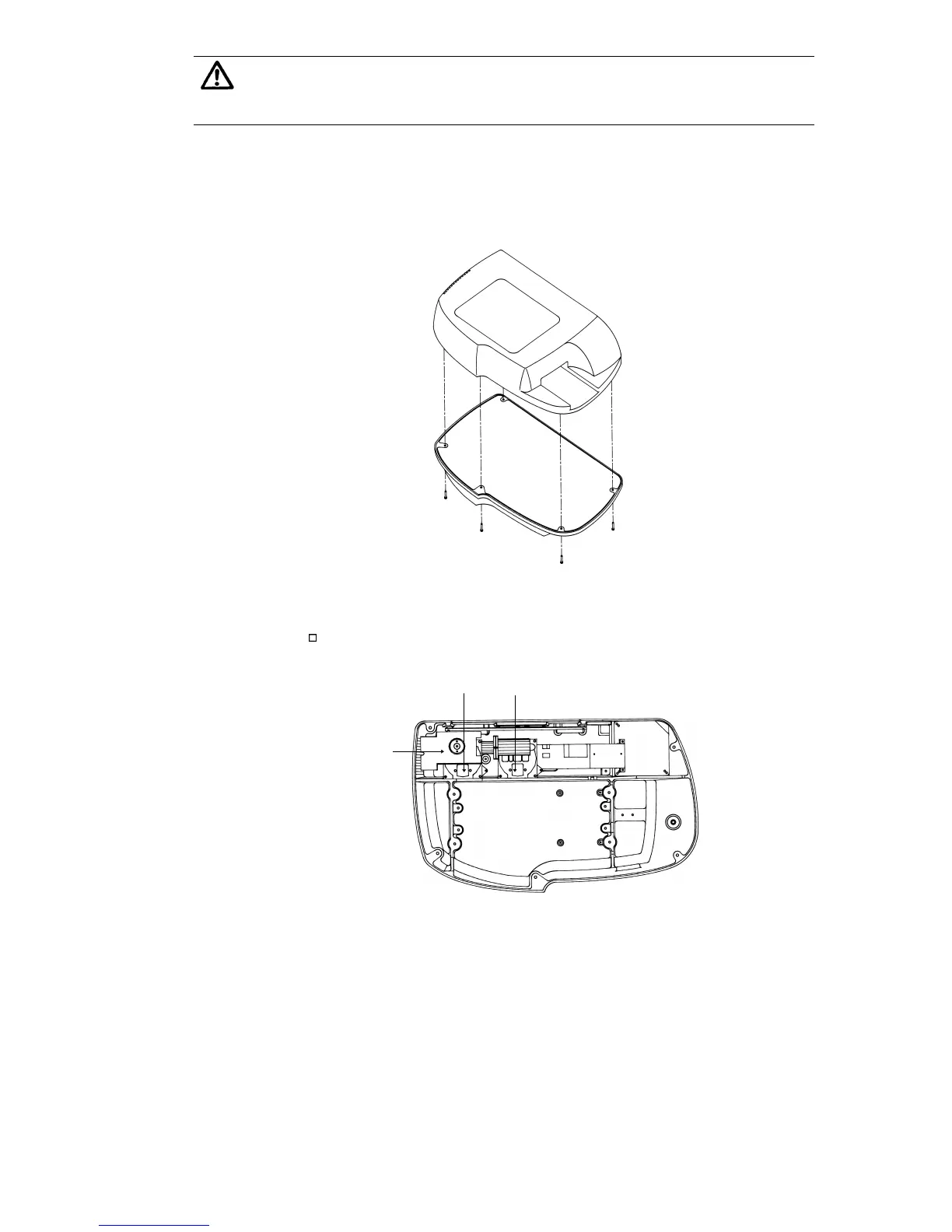
At the back of the FL600, on the left side, you will find the
lamp assembly (as shown below).
Excitation Filter Wheel
Emission Filter Wheel
Lamp
Assembly
Figure 4-5
Step 5:
Remove the two PMT wires from the cable harnesses on the lamp
cover, and disconnect the solenoid cable. (See Figure 4-6.)
Step 6:
Unscrew the two thumb screws that hold the lamp cover onto the
lamp assembly, and lift up the lamp cover. (See Figure 4-7.)


 To Next Page
 Loading...