Pairing your smartdot™ with the growlink™ app
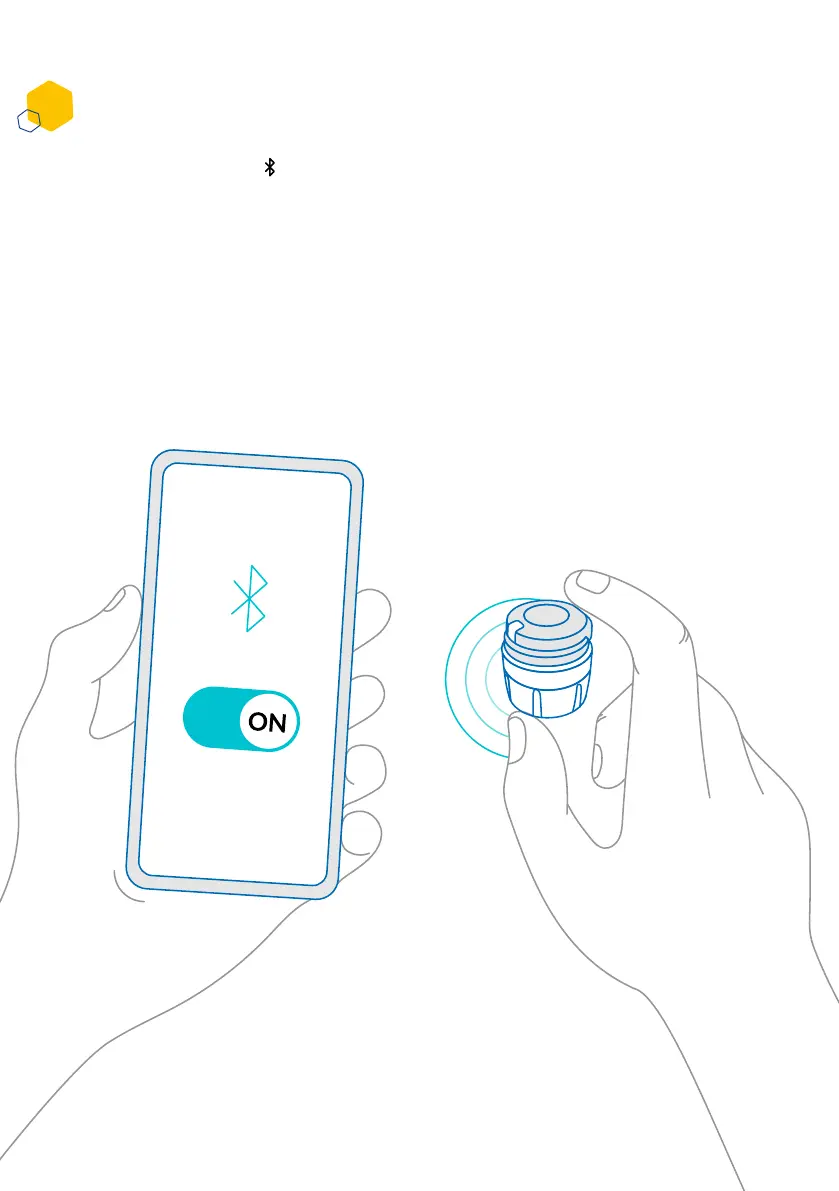
1. Activate Bluetooth on your smartphone.
2. Place the smartdot™ transmitter near your smartphone. You can do this
while the transmitter is charging.
3. Open the growlink™ app and follow the onscreen instructions to pair it
with your smartdot™.
4. After successful pairing, smartdot™ will display a white light. Your
growlink™ app will also conrm that the pairing was successful.
Part 5: Preparing
C
9



 To Next Page