Introduction
The Atomlab 500 Dose Calibrator and its respective components are carefully packed in two
cartons inside a larger carton. One carton contains the Tablet, Interface Module, cables, and
manual; the other carton contains the
detector unit. If ordered, the optional Atomlab Wipe
Test Counter will be in its own carton.
This Installation Guide contains the instructions for setting up the following products:
• Atomlab 500
• Atomlab 500Plus
• Wipe Test Counter
Unpacking the Atomlab
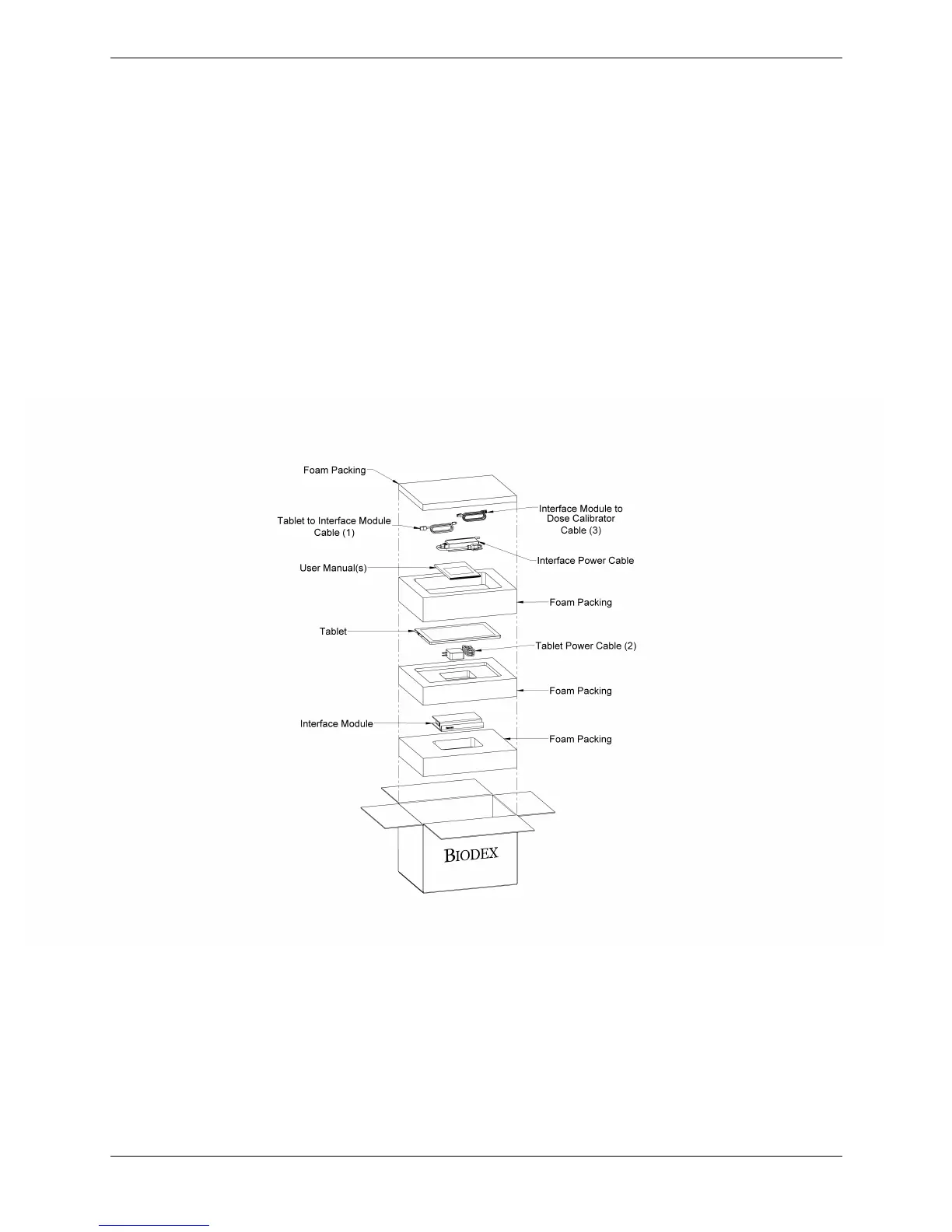
• Open the lighter carton containing the Tablet, Interface Module, Cables, and manual. The
components are packaged as illustrated in Figure 1.
Figure 1. Atomlab Shipping Carton Containing the Tablet, Interface Module, Cables, and
manual.
• Remove all of the components and place on a table.
• Layout all of the cables in connection order per the labeling on the individual plastic bags,
which are labeled to match the callout numbers on the assembly diagrams.
Note: Do not apply power to the Atomlab until all of the connections have been
completed.



 To Next Page