GAIT TRAINER 3 (v3.X SOFTWARE) 61
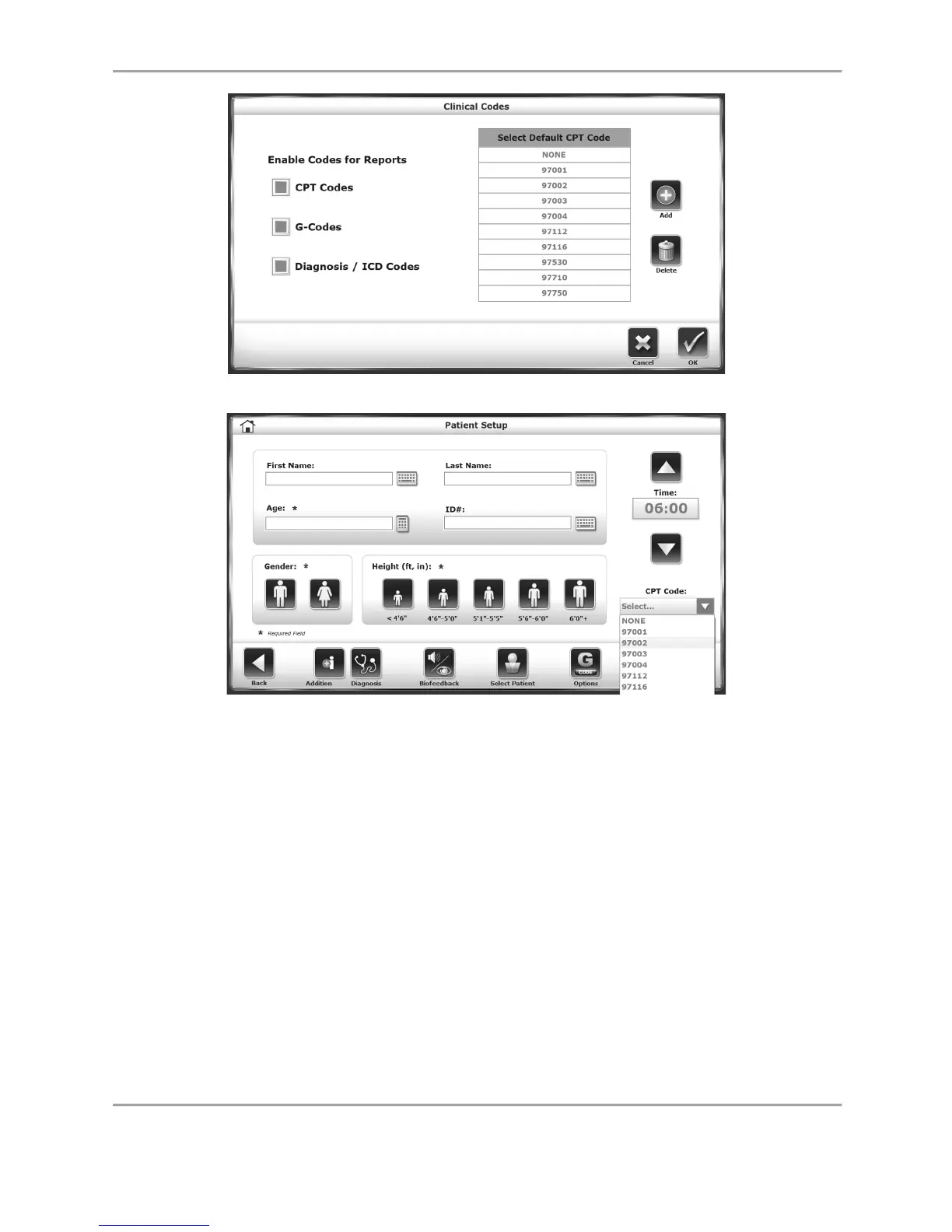
Figure 8.9. Clinical Codes Screen.
Figure 8.10. Patient Setup screen with Clinical Codes (CPT) option activated.
Normative Data Configuration: Normative data can be specified to each facility’s needs. Select
a particular row of demographic information and touch the pencil icon beside the row to edit
the norms for performance in the settings at the bottom of the screen. Selecting the <Restore
Defaults> icon returns the normative data back to the factory setting.



 To Next Page